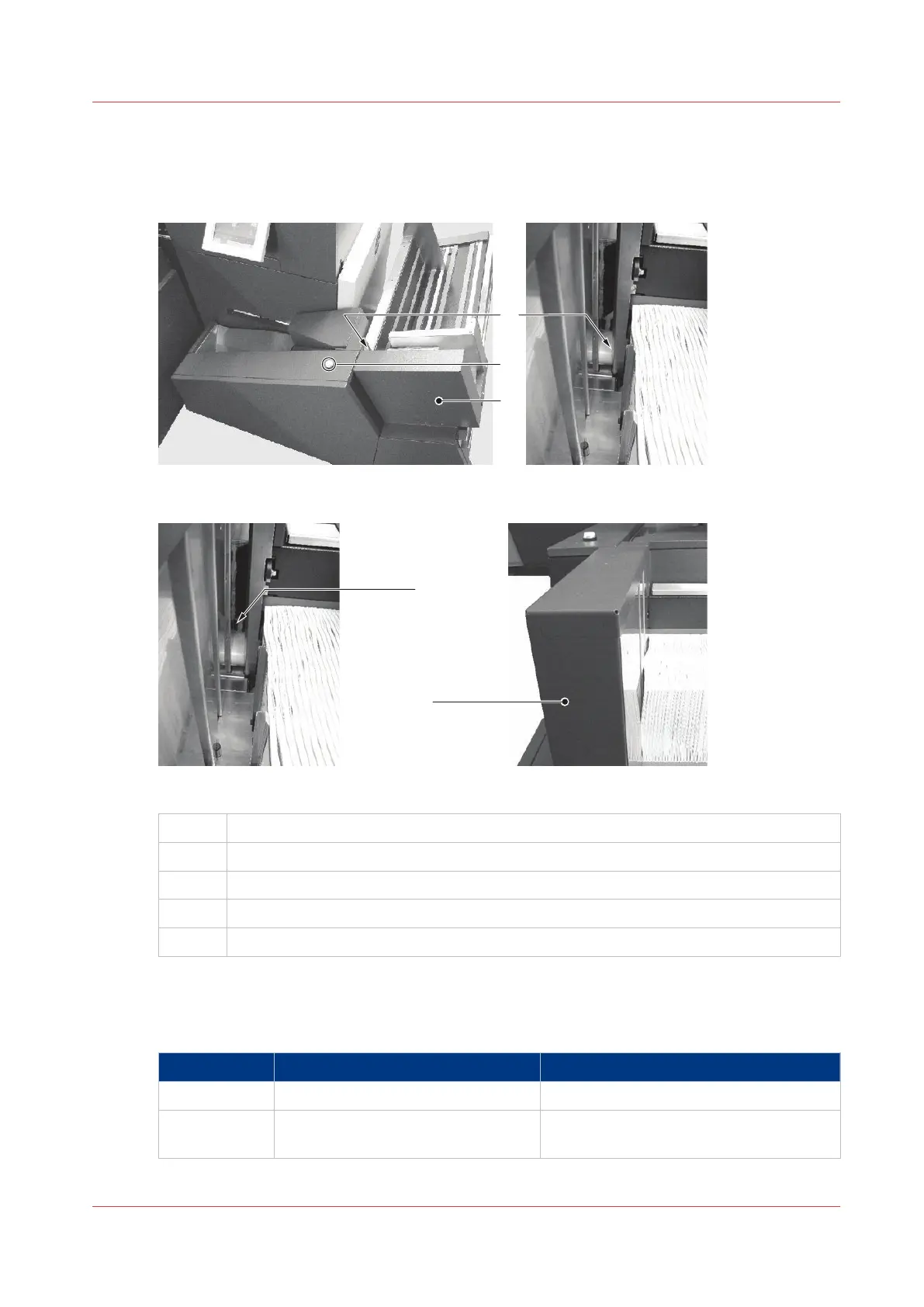
Jam at Book Stacker outfeed
Illustration
[42] Book Stacker outfeed - 1
[43] Book Stacker outfeed - 2
A
Book Stacker outfeed
B Book Stacker reset button
C Pusher
D Book Stacker outfeed is visible.
E The pusher is in forward position. The Book Stacker outfeed is not visible.
The error message JAM AT STACKER OUTFEED is displayed. This means a book or some paper
trimmings cover the sensor at the Book Stacker outfeed.
If the Book Stacker outfeed is visible:
Step
Action Information
1 Remove the book, if present.
2 Check for paper trimmings and re-
move them, if present.
4
Jam at Book Stacker outfeed
Chapter 6 - Error Conditions, Problems and Solutions
105



 To Next Page