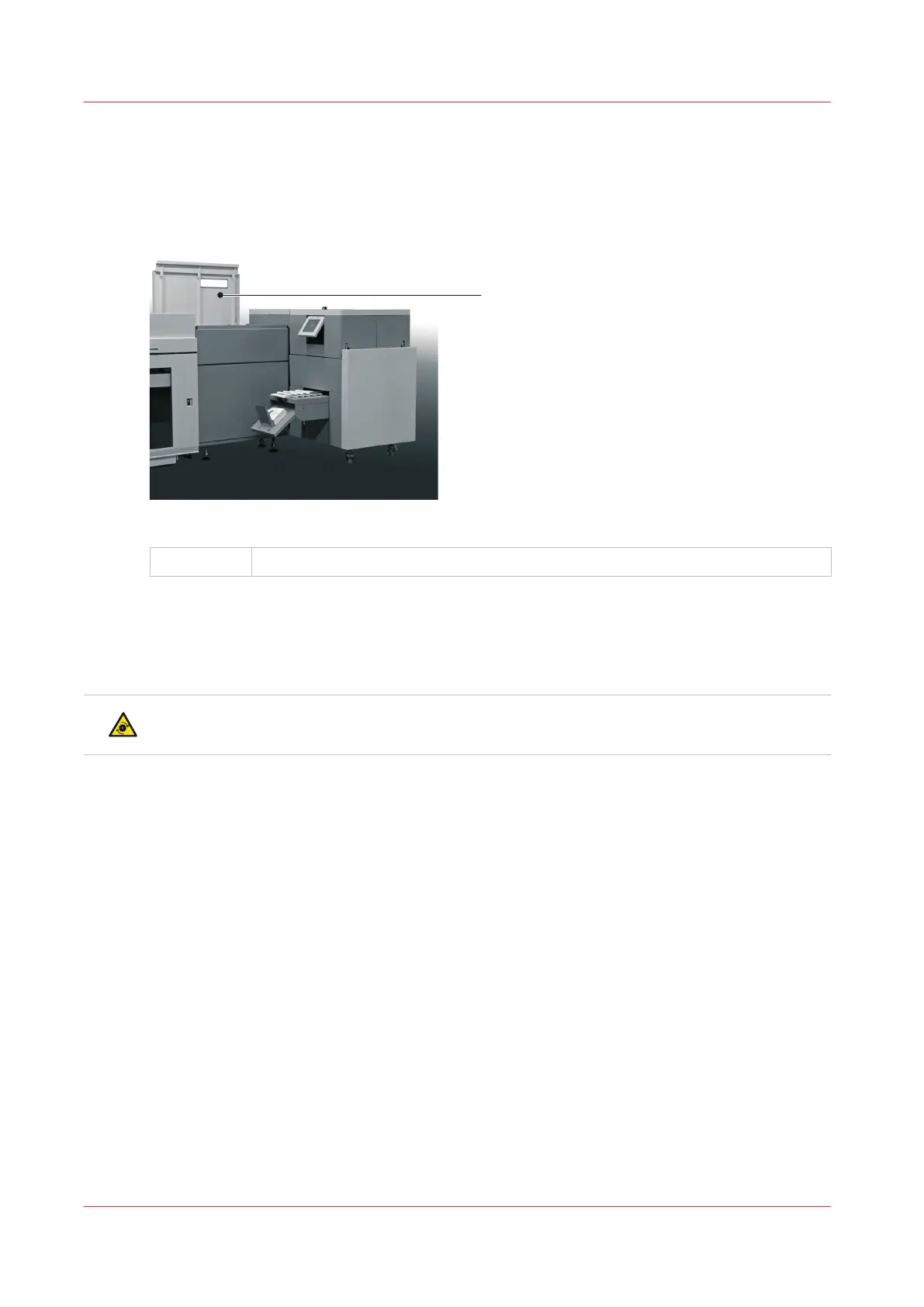
Open the Connecting Bridge Cover
Introduction
The Booklet maker will not stop if you open the connecting bridge cover.
[10] Connecting Bridge Cover in the open position.
A
Connecting Bridge Cover
When to do
If a machine error occurs, or for maintenance.
• To clear a paper jam
CAUTION
Keep your hands, clothing and hair away from the belts.
Procedure
1.
Lift the connecting bridge cover.
Open the Connecting Bridge Cover
44
Chapter 5 - Standard Tasks



 To Next Page