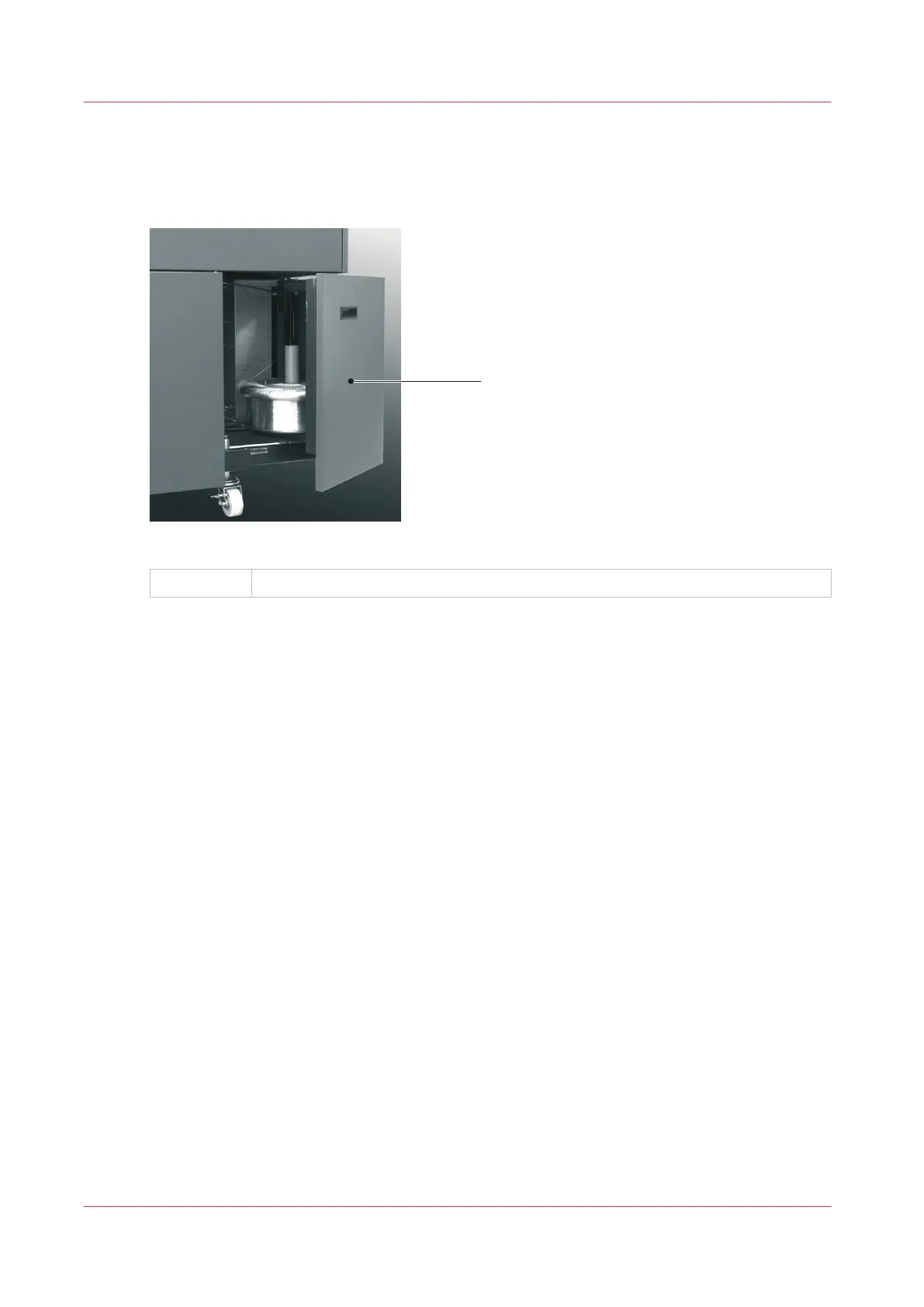
Open the Stitch Wire Cabinet
Introduction
[17] Stitch Wire Cabinet.
A
Stitch wire cabinet open
When to do
• To see if the stitch wire is jammed or finished. An error message is displayed on the touch
screen when the stitch wire is jammed or finished.
• To install a new stitch wire spool.
Install New Stitch Wire
on page 123.
Procedure
1.
Open the stitch wire cabinet cover. The cover is held closed by a magnetic catch.
Open the Stitch Wire Cabinet
52
Chapter 5 - Standard Tasks



 To Next Page