Empty the Trim Bin
Introduction
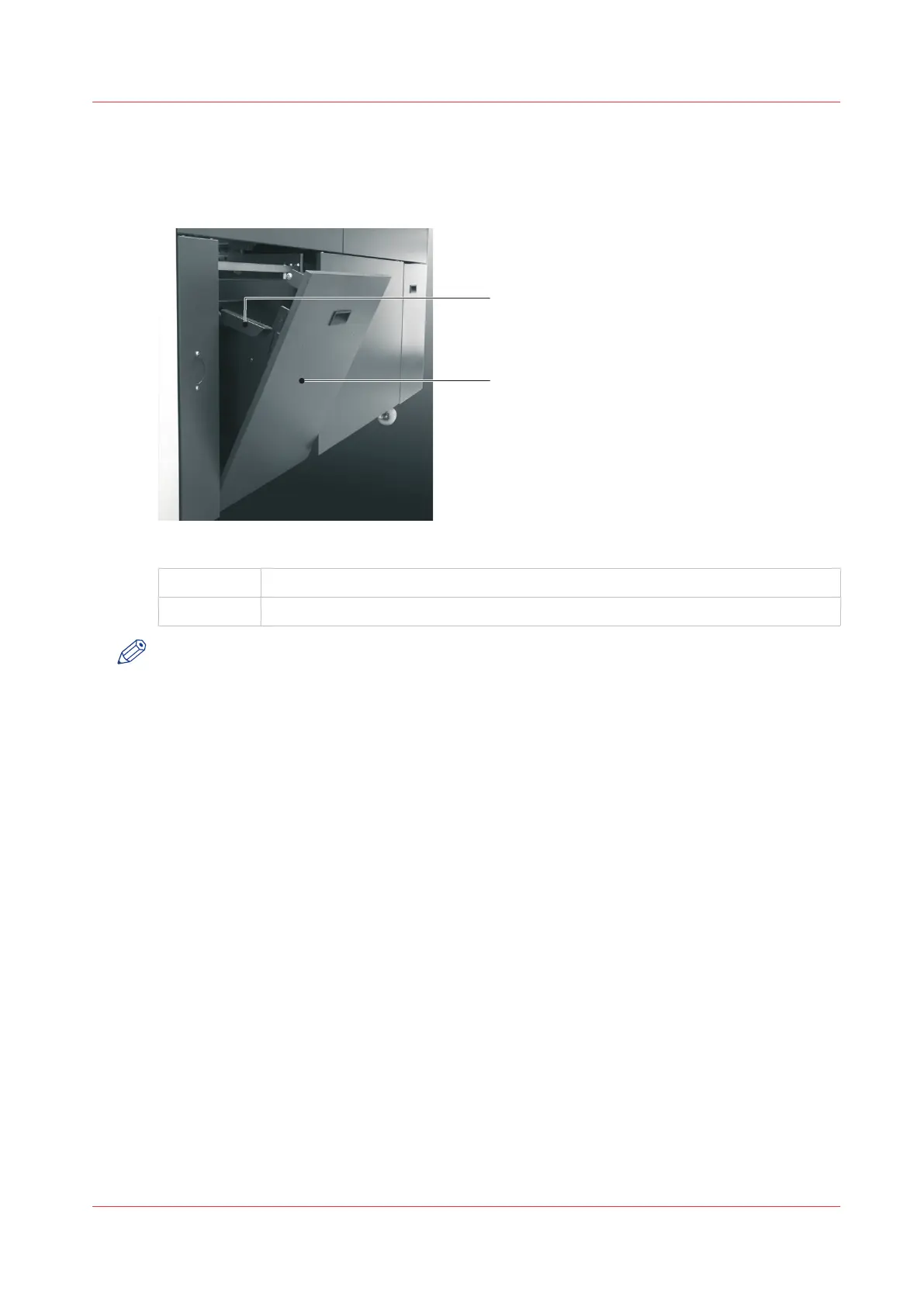
[16] Trim Bin Open.
A
Trim Bin Side Handle
B Trim Bin open
NOTE
The Booklet maker operates with the trim bin removed for a short period of time. The printer
waits while the trim bin is removed, then continues when the trim bin is replaced. To prevent
lost production, you must remove, empty, and return the trim bin to the Booklet maker as
quickly as possible.
When to do
• An error message is displayed on the touch screen when the trim bin is full.
• You can empty the trim bin when you choose. For example, before you start a print job.
Procedure
1.
Use the handle to open the trim bin.
2.
Use the side handles to lift and remove the trim bin.
3.
Empty the trim bin
4.
Fit the bottom of the trim bin over the mounting rail.
5.
Push the trim bin closed at the top.
Empty the Trim Bin
Chapter 5 - Standard Tasks
51



 To Next Page