Unload the Book Stacker
Introduction
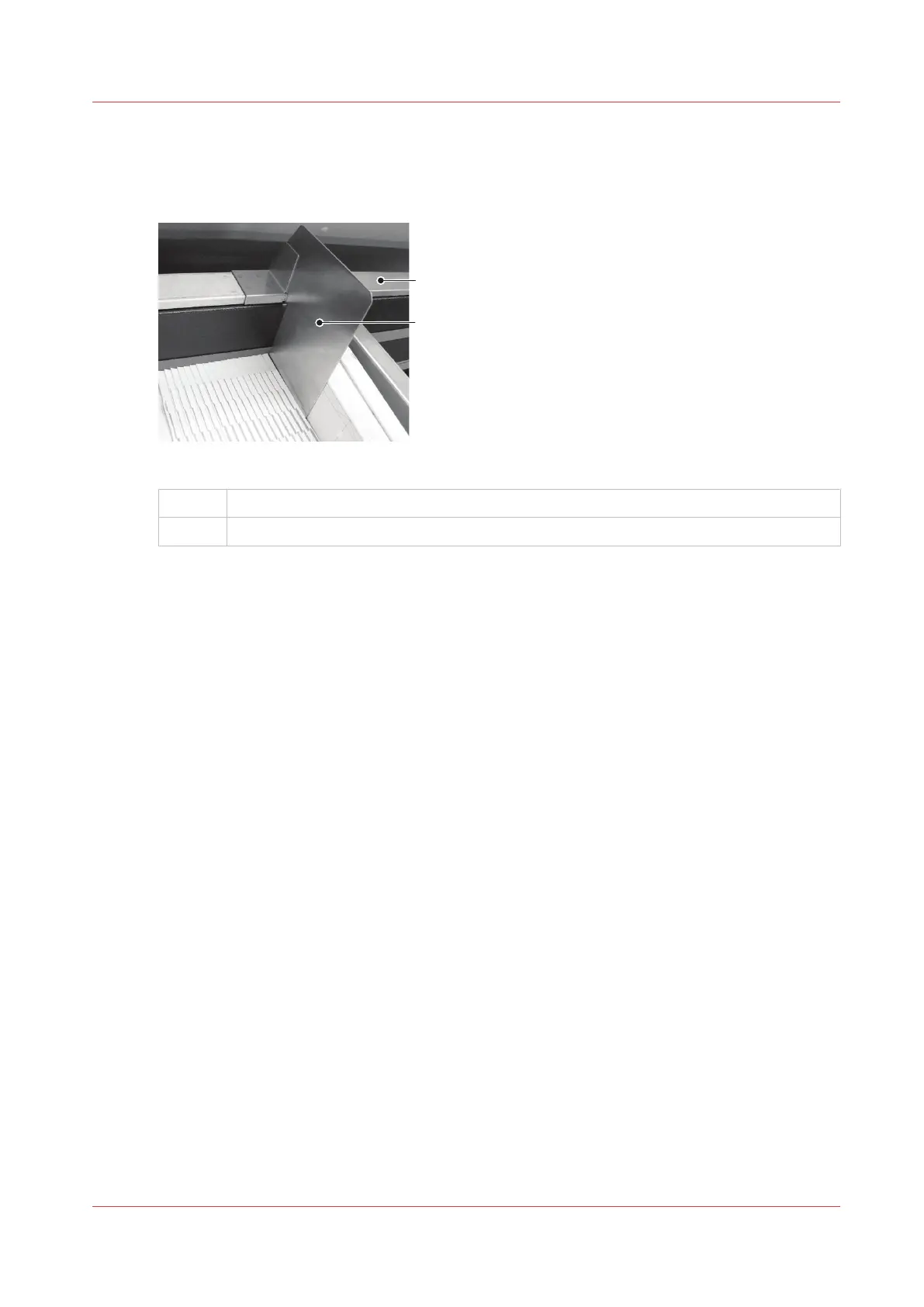
[22] The book divider
A
Guide rail
B Book divider
Procedure
1.
If required, insert the book divider so that the stack does not slip while you unload the books.
2.
Remove the books.
3.
Push the book support completely to the left (see
Adjust the Book Stacker
on page 56).
4.
Remove the book divider until it is needed. Store the book divider on the right-hand end of the
guide rail of the stacker.
Unload the Book Stacker
Chapter 5 - Standard Tasks
57



 To Next Page