Clean the Former Roller
Introduction
Clean the former roller:
• Every month, as part of the operator maintenance plan.
• If the spines of the books are dirty. Ink and toner can collect on the former roller.
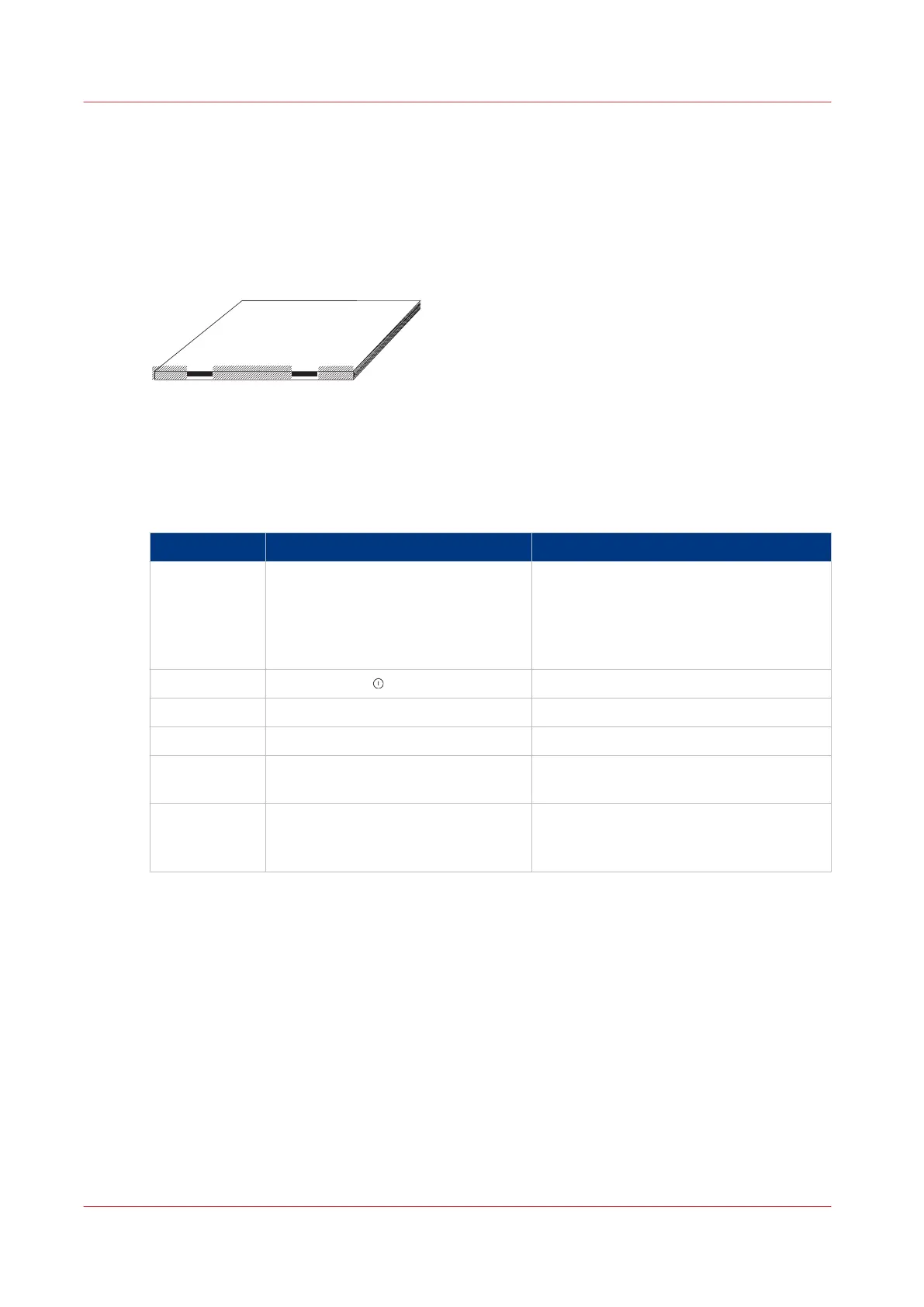
[44] Dirty marks on the spine
Required tools
Clean, plain paper that is not printed. A3 size (USA: 11 x 17”) is recommended. 4mm thickness is
needed for each cycle. More than one cycle can be needed
Step Action Information
1 Enter the correct settings on the
touch screen.
•
Set the touch screen to the correct PA‐
PER SIZE
•
Set the SET THICKNESS to 4.0
•
Set the number of STITCHES to 0.
•
Set the number of FORMS to 4.
2 Touch START
3 Open the connecting bridge cover.
4 Lift the gathering area cover.
5 Put 4mm of clean paper in the gath-
ering area.
6 Press the two orange buttons and
hold for 9 seconds, or until you hear
the folder operate.
Result
The book is delivered to the stacker. Check the book. Repeat the procedure until the book spine is
clean.
Clean the Former Roller
112
Chapter 7 - Maintenance



 To Next Page