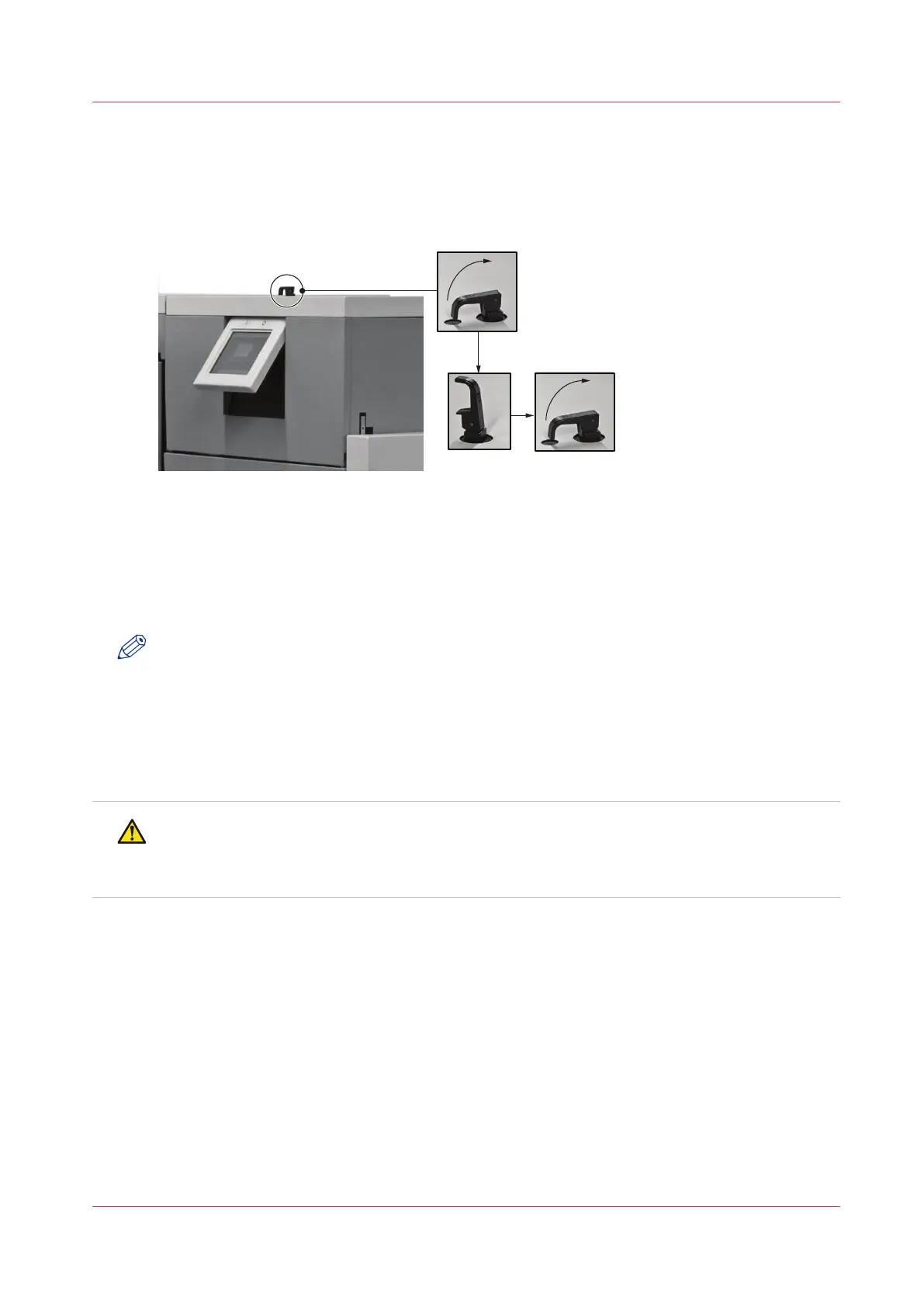
Open and Close the Folder Cover
Introduction
[11] Unlock and lock the Folder Cover.
Open the Folder Cover
If a machine error occurs, or for maintenance.
• To access the stitch area
• To access the folder area
NOTE
The folder cover has an interlock switch. The Booklet maker stops if you open the folder cover.
1. Lift the black locking handle against the spring pressure.
2. Turn the handle through 90° to unlock.
3. Lift the folder cover carefully to the vertical position.
Close the Folder Cover
CAUTION
Check that the folder cover will not hit the clincher frame locking handle when you close the
folder cover. If necessary, lift and rotate the clincher frame locking-handle to a new position
Lift
and Lower the Clincher Frame
on page 46.
1. Lower the folder cover.
2. Turn the handle through 90° to lock.
3. Close the locking handle to lock the folder cover.
Open and Close the Folder Cover
Chapter 5 - Standard Tasks
45



 To Next Page