Clean the Polyurethane Strips in the Form Clamp
Introduction
Clean the polyurethane strips in the form clamp:
• Every month, as part of the operator maintenance plan.
• If there are dirty marks near the spine on the front and back cover of the book. Ink and toner
can collect on these parts, especially when you make thin books.
[45] Dirty marks beside the spine
Required tools
Alcohol wipe or
A lint free cloth and alcohol (isopropanol)
IMPORTANT
Only use alcohol to clean this part of the machine. Other chemicals can damage the machine.
CAUTION
Wear protective gloves when you use the alcohol wipe.
NOTE
If you push the eject rollers, the rollers can move together against your hand. This movement
can alarm you, but is not dangerous.
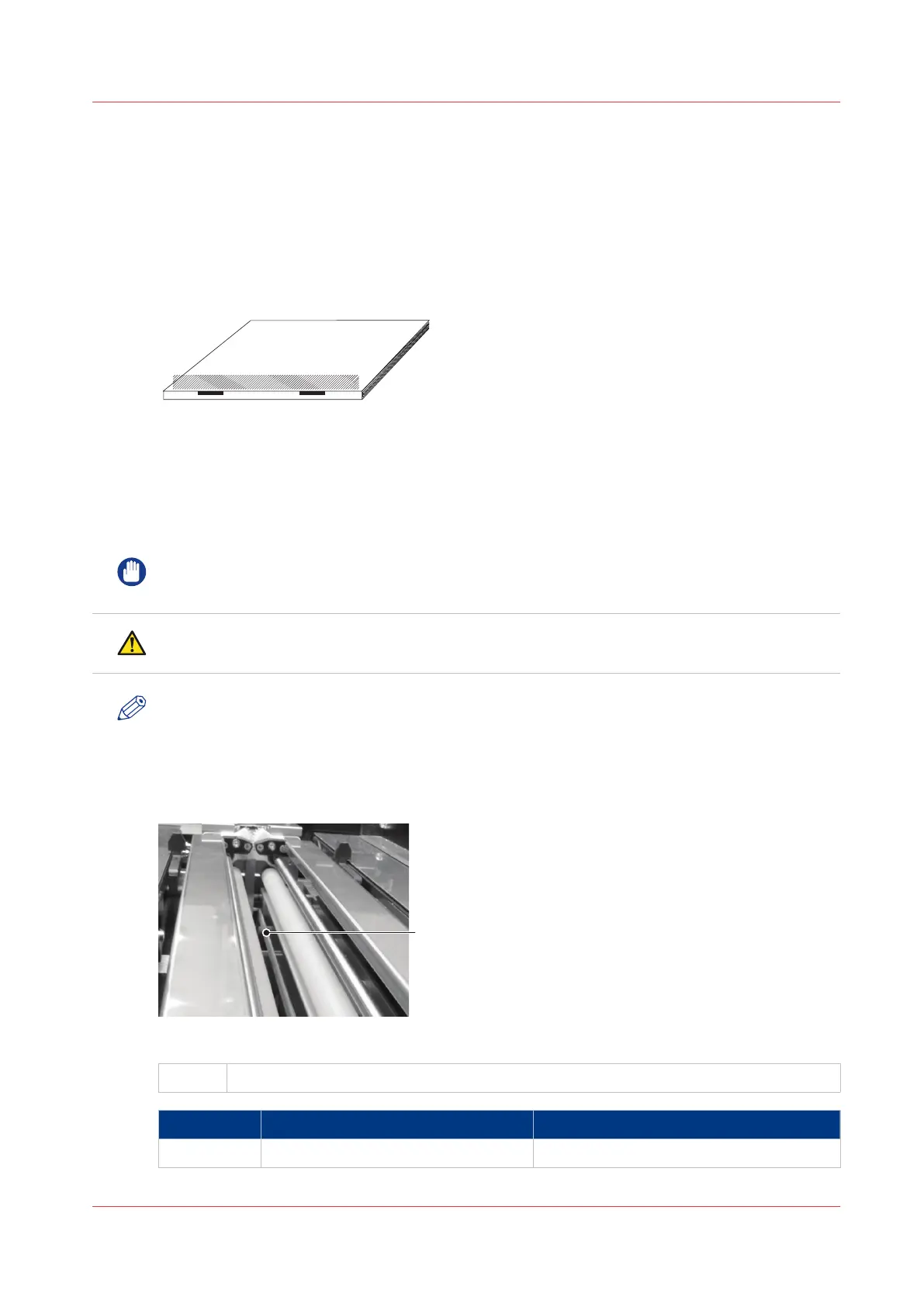
Illustration
[46] Polyurethane strips
A
Polyurethane strip
Step Action Information
1 Open the folder cover
4
Clean the Polyurethane Strips in the Form Clamp
Chapter 7 - Maintenance
113



 To Next Page