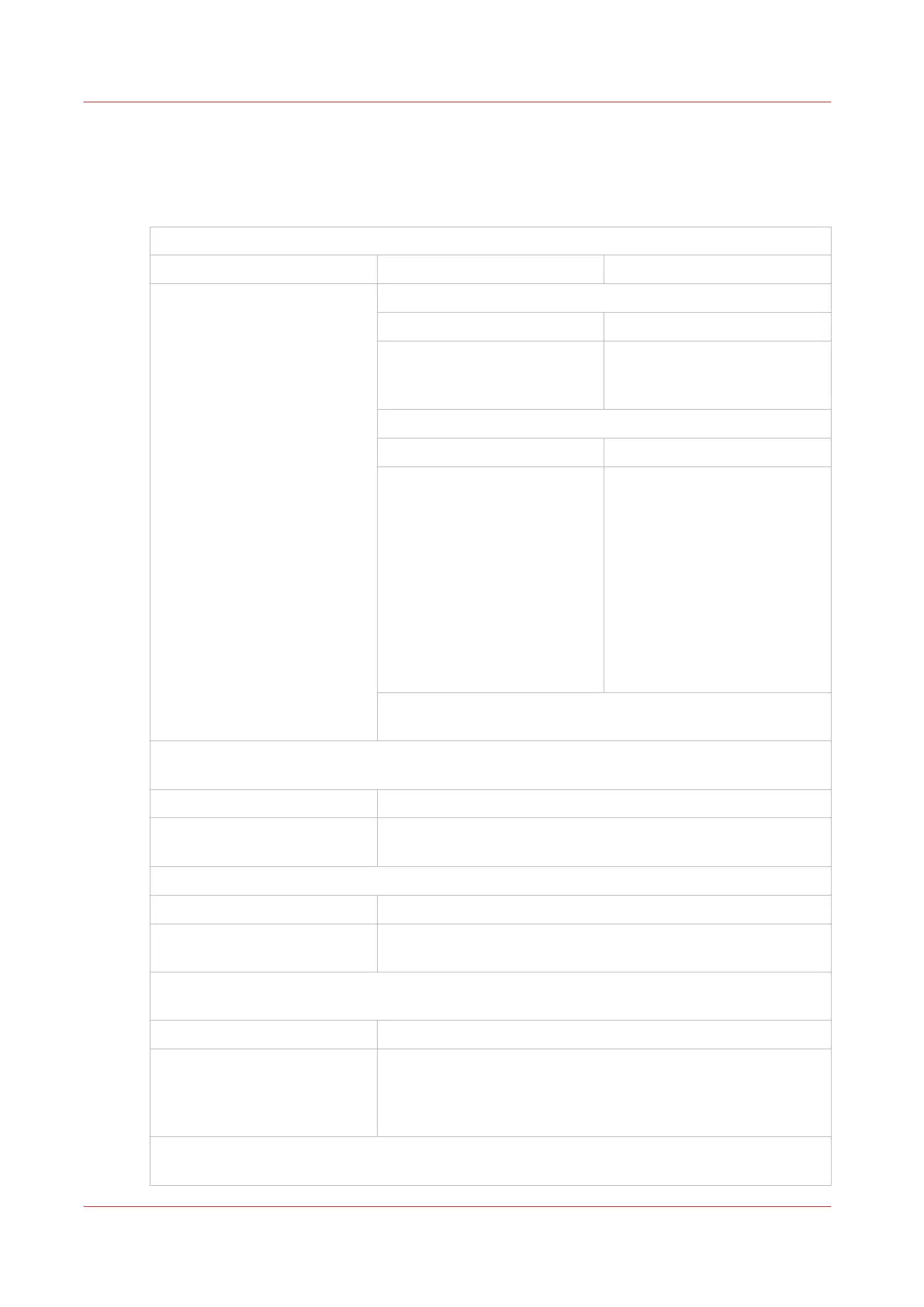
General Problems
The Booklet maker does not start
Is the touchscreen illuminated?
No Yes
¦
¦
¦
¦
¦
¦
¦
¦
¦
¦
¦
¦
¦
¦
¦
¦
¦
¦
¦
¦
¦
V
Are error messages displayed on the touchscreen?
No Yes
¦
¦
V
See
Error Messages
on
page 76
Is there an error message on the printer?
No Yes
¦
¦
¦
¦
¦
¦
¦
¦
¦
¦
V
Correct the printer error. If the
printer error message is
‘Check Third Party Finishing
Device’ or ‘check custom’,
then check for an error mes-
sage on the Booklet maker
touchscreen. If the problem
continues, then call your serv-
ice engineer.
Turn OFF and turn ON the PSQ.
If the problem continues, then call your service engineer.
Is the touchscreen in power-save mode (see
The Touch Screen
on page 28)?
Touch the screen to restore the normal brightness.
No Yes
¦
V
Go back to the start of this fault-finding table.
Is the mains power ON/OFF switch illuminated?
No Yes
¦
V
Call your service engineer.
Is the Booklet maker turned ON and connected to the mains power supply of the correct type
and voltage?
No Yes
¦
¦
¦
V
Replace the fuse at the mains input (see
Change the Fuses
on
page 101). If the problem continues, then call your service en-
gineer.
Connect the Booklet maker to the mains supply of the correct type and voltage and then turn
the machine ON.
General Problems
62
Chapter 6 - Error Conditions, Problems and Solutions



 To Next Page