Jam in the Stitch Area
Step Action Information
1 Open the folder cover. See
Open the Folder Cover
on page 45
2 Lift the clincher frame. See
Lift and Lower the Clincher Frame
on page 46.
3 Remove the jammed paper.
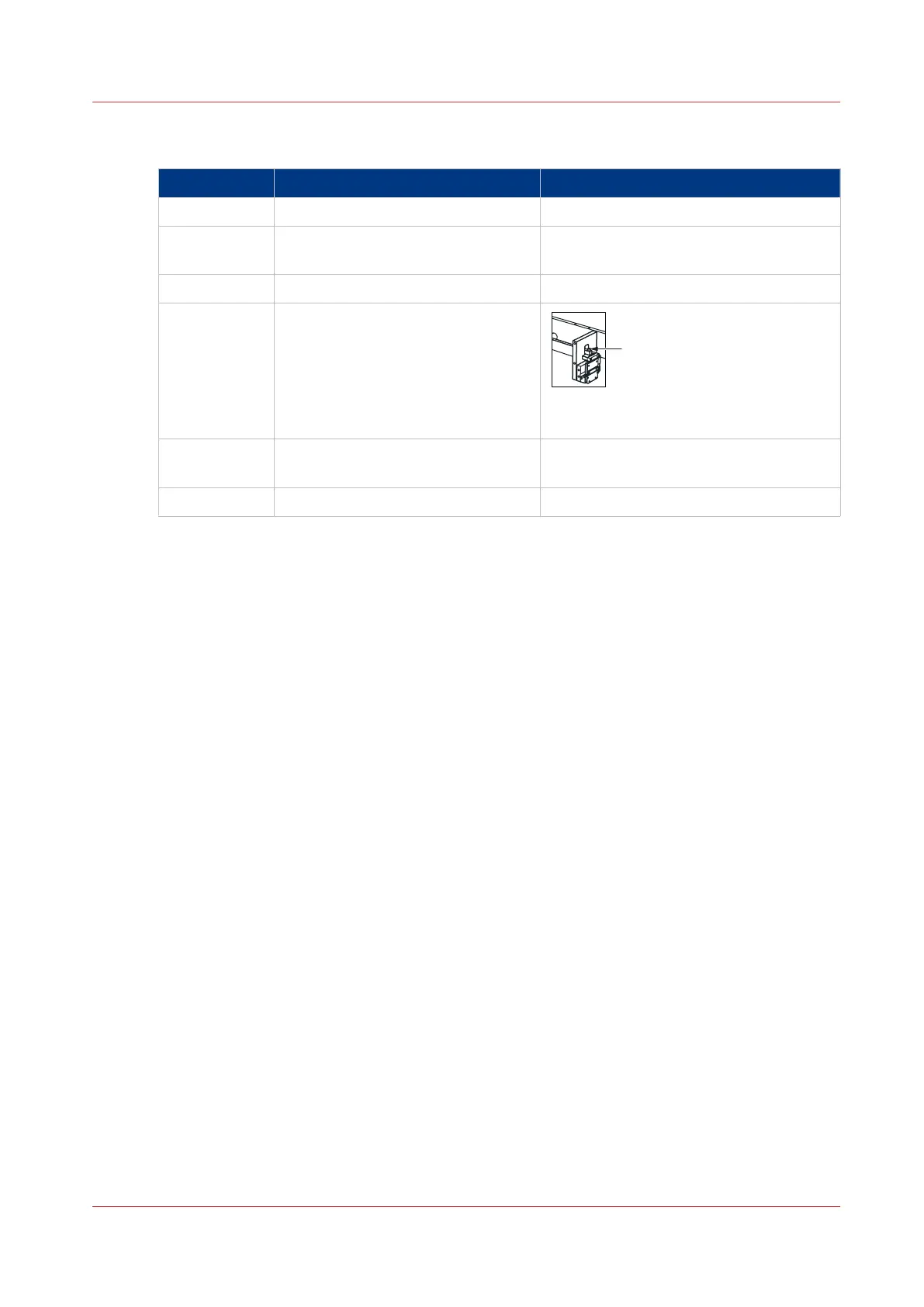
4 Check for broken or damaged stitch-
es in the clincher area. Manually op-
erate the clincher to clear any stitch-
es that are jammed.
A: Press to manually operate the clinch-
er.
5 Lower the clincher frame. See
Lift and Lower the Clincher Frame
on page 46
6 Close the folder cover.
Jam in the Stitch Area
Chapter 6 - Error Conditions, Problems and Solutions
89



 To Next Page