Install New Stitch Wire
Introduction
Only use stitch-wire that is approved by your supplier. Stitch-wire that is not approved by your
supplier can cause poor performance and voids the warranty.
Stitch-wire Description: Stitcher wire S33.
Before you begin
Lift the Booklet maker main deck.
See
Lift the Main Deck
on page 49
Remove the Stitch-wire from the Stitch Head
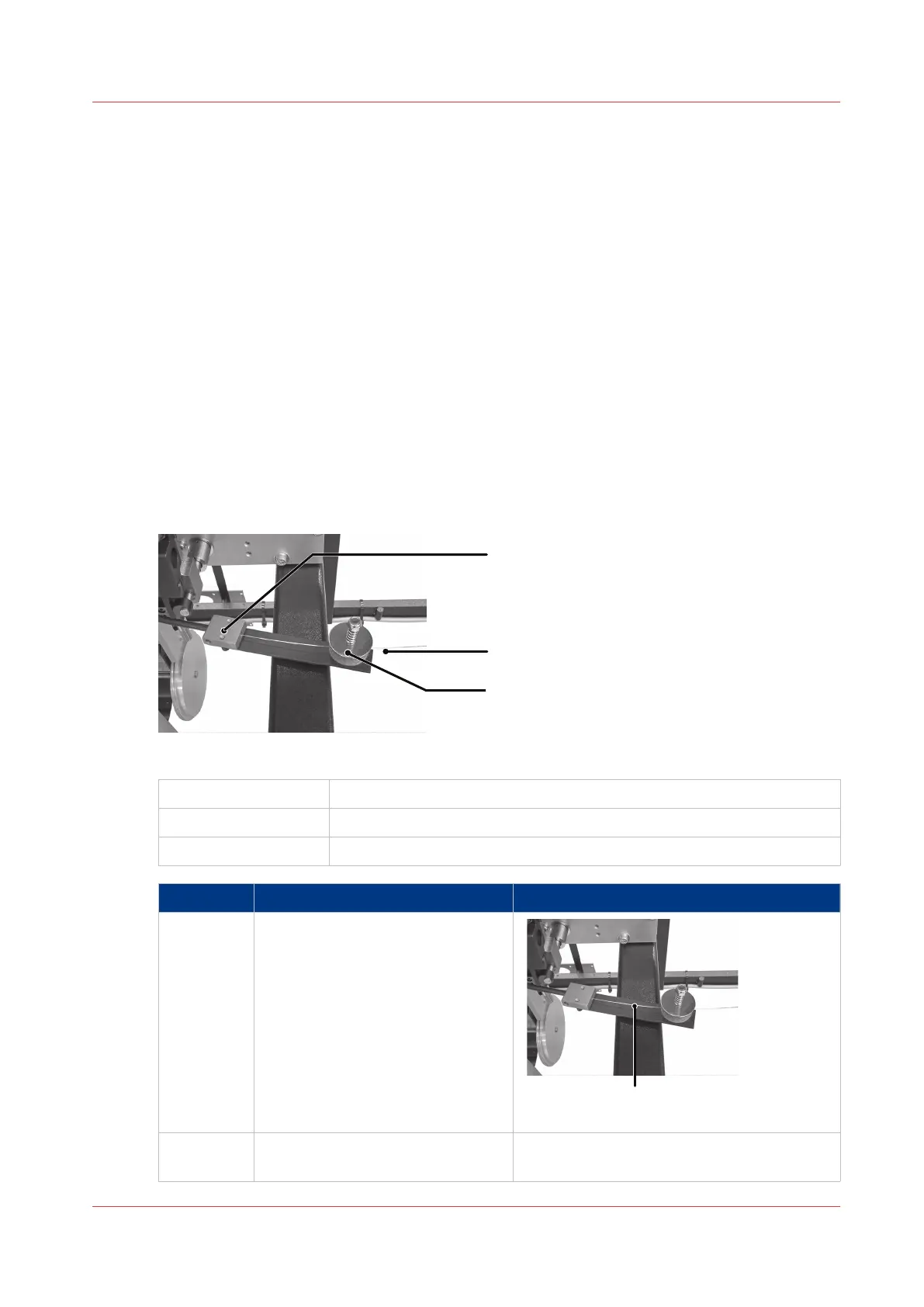
Illustration
[57] Stitch-wire Guide Block
A
Stitch-wire Guide Block
B Stitch-wire
C Felt wire-cleaning pads
Step Action Information
1 Cut the stitch-wire to the right of
the stitch-wire guide block.
Detail A: Cut here
2 Pull the stitch wire from the stitch
wire guide block.
4
Install New Stitch Wire
Chapter 7 - Maintenance
123



 To Next Page