Clean the Trimmings Removal Fingers
Introduction
Clean the trimming removal fingers:
• Every month, as part of the operator maintenance plan.
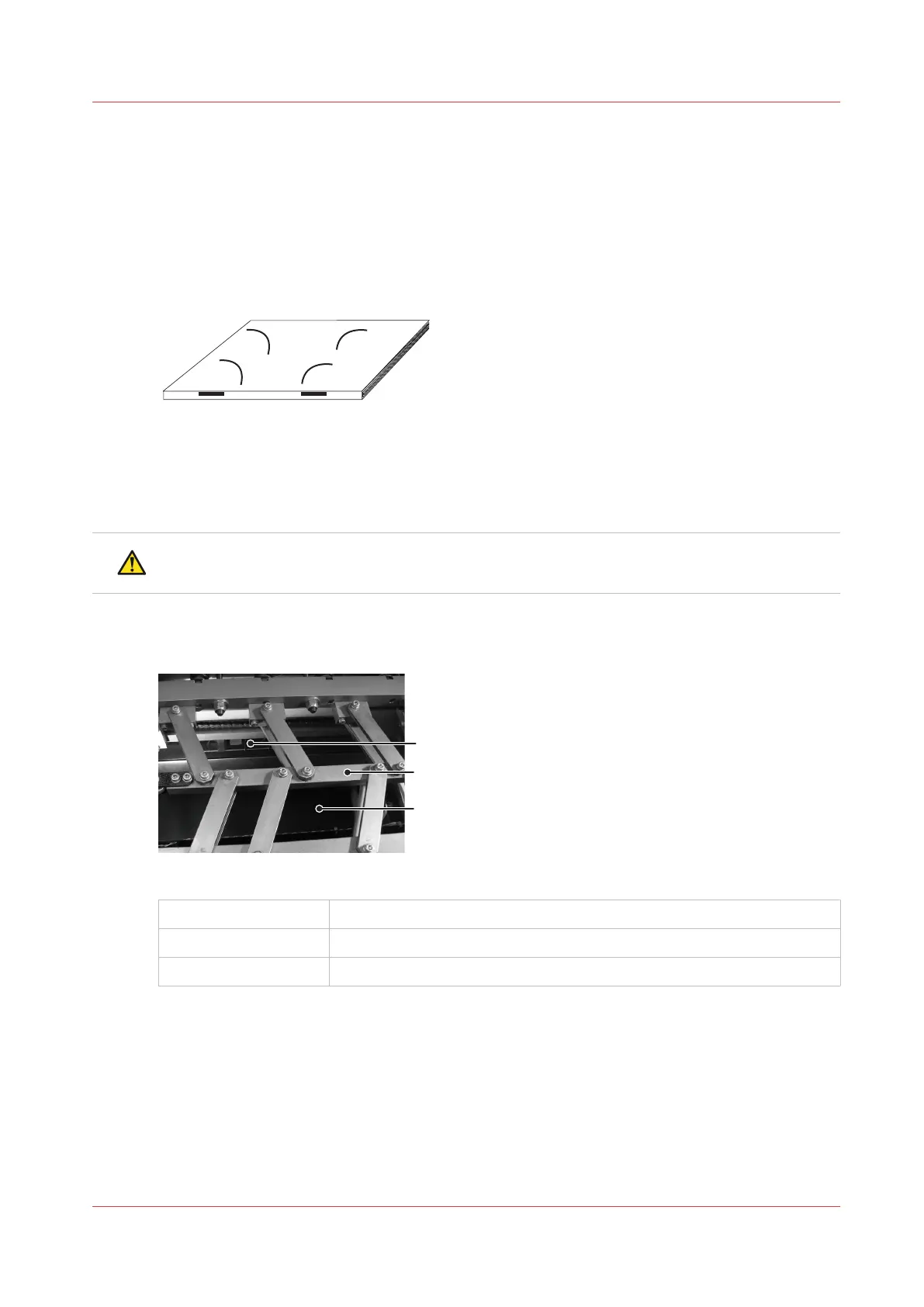
• If there are small, dirty marks on the book. Ink and toner can collect on the trimmings removal
fingers and cause marks on the book.
[47] Curved marks on the book
Required tools
Alcohol wipe
CAUTION
Wear protective gloves when you use the alcohol wipe.
Illustration
[48] Trimmer infeed conveyor viewed from above 1
A
Trimmer infeed conveyor
B Former clamp mechanism
C Reach in here to access the trim-infeed conveyor
Clean the Trimmings Removal Fingers
Chapter 7 - Maintenance
115



 To Next Page