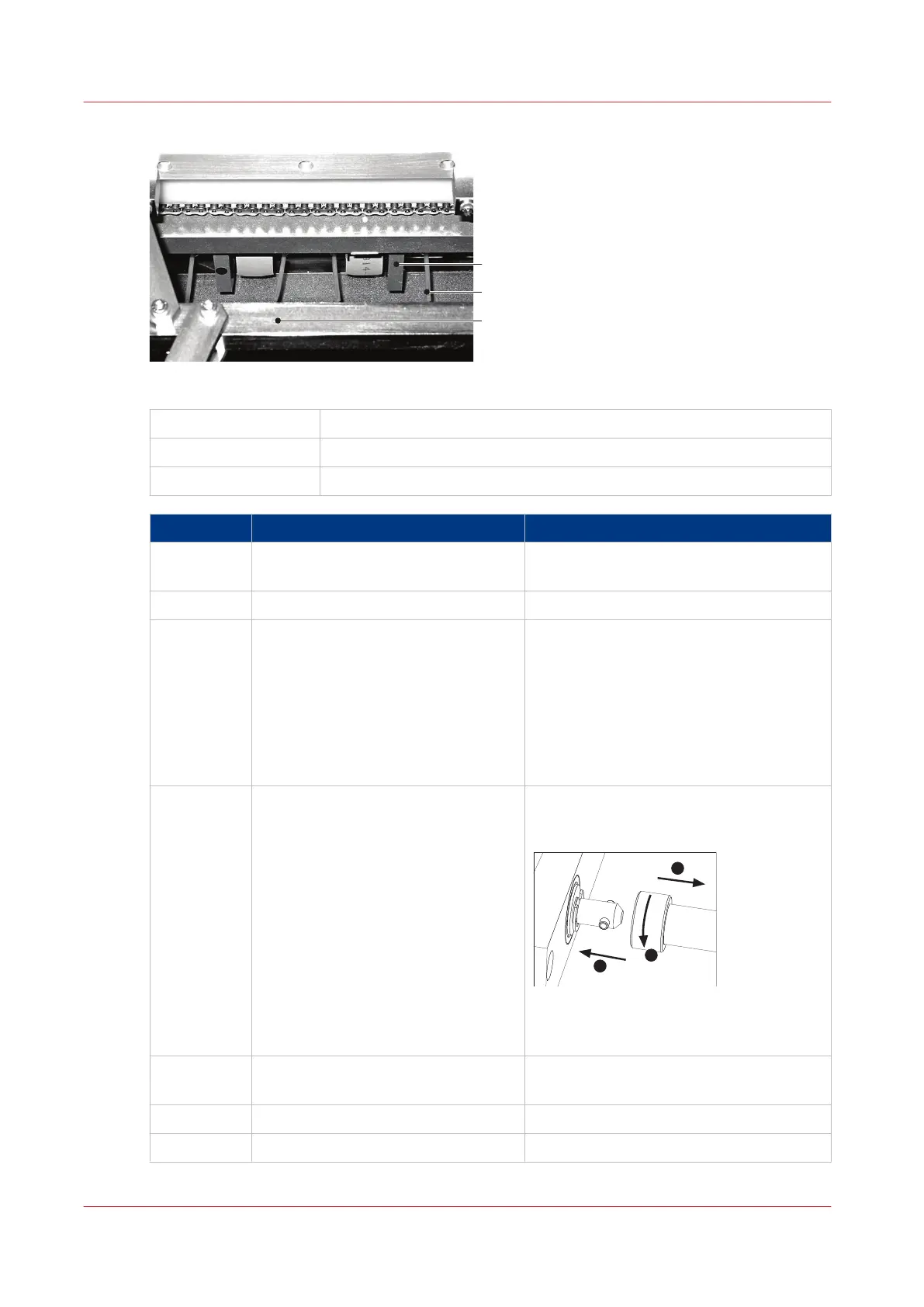
[49] Trimmer infeed conveyor viewed from above 2
A
Trimmer infeed conveyor
B Trimmings removal fingers
C Former clamp mechanism
Step Action Information
1 Lift the Booklet maker main deck. See
Lift the Booklet maker Main Deck
on
page 49.
2 Remove the trim bin.
3 Clean the four visible trimmings-re-
moval fingers with an alcohol wipe.
The procedure can be seen from the top
of the machine.
Access to the parts is through the former-
clamp mechanism (see illustration 'Trim-
mer infeed conveyor viewed from above
1').
Wear protective gloves when you use the
alcohol wipe.
4 Rotate the conveyor shaft by half a
turn.
1. Hold the shaft and push to the right,
against spring pressure to disengage the
shaft from the drive pin.
2. Rotate the shaft by half a turn.
3. Align the shaft with the drive pin and
release.
5
Clean the four visible trimmings-re-
moval fingers with an alcohol wipe.
Wear protective gloves when you use the
alcohol wipe.
6 Fit the trim bin.
7 Close the Booklet maker.
Clean the Trimmings Removal Fingers
116
Chapter 7 - Maintenance



 To Next Page