Clear a Stitch-wire Jam
Introduction
Before you begin:
Lift the Booklet maker main deck. See
Lift the Booklet maker Main Deck
on page 49
[36] Stitch Head.
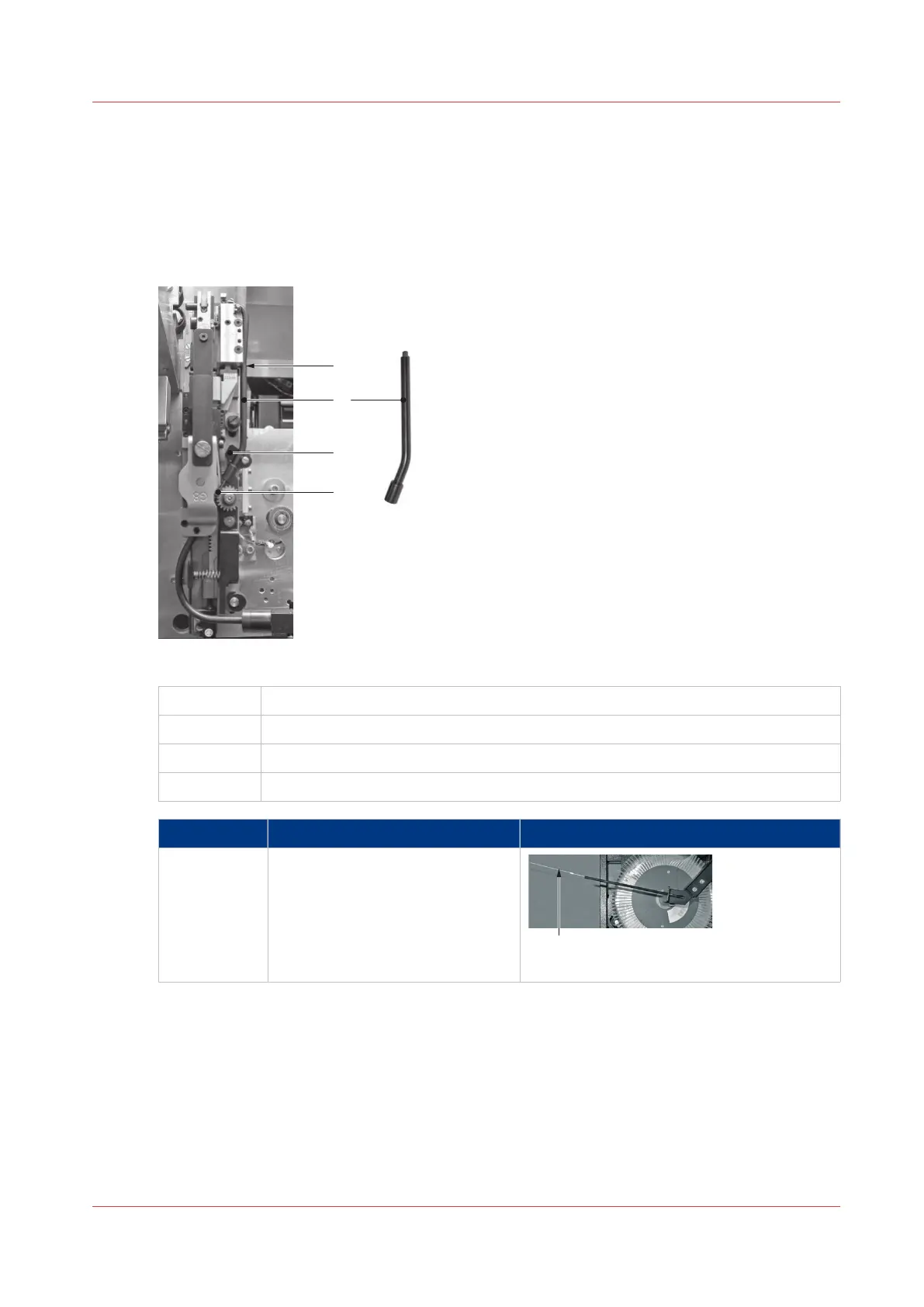
A
Top location of Middle Wire Tube
B Middle Wire Tube
C Metal Spring Clip
D Feed Gears
Step Action Information
1 Cut the stitch-wire at position 'A'
approximately 50 mm (2-inches)
from where the stitch-wire leaves
the stitch-wire guide.
Detail A: Cut stitch wire here.
4
Clear a Stitch-wire Jam
Chapter 6 - Error Conditions, Problems and Solutions
95



 To Next Page