Step Action Information
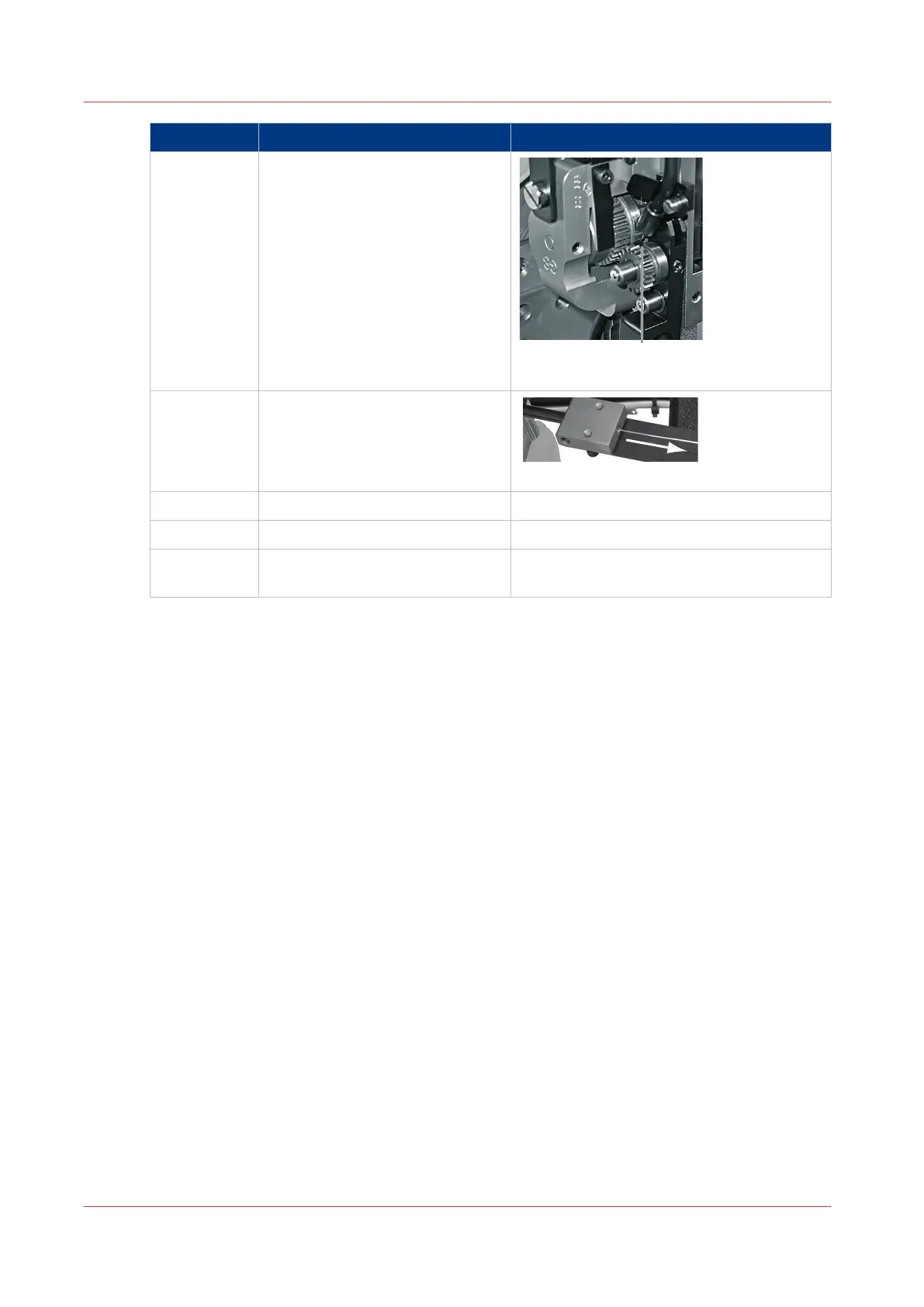
2 Cut the stitch wire at position 'B'
between the feed gears and the
middle wire tube.
Detail B: Cut stitch wire here.
3
Pull the stitch wire from the stitch
wire guide block.
Pull stitch wire in direction of arrow
4 Remove the middle wire tube.
5 Pull the wire from the stitch head.
6 Install the stitch wire into the
stitch head.
See
Install the Stitch Wire into the Stitch
Head
on page 126
Clear a Stitch-wire Jam
96
Chapter 6 - Error Conditions, Problems and Solutions



 To Next Page