Jam before the Trimmer
The error message JAM BEFORE TRIMMER is displayed. This error can be
1. a book jammed before the trimmer.
2. a piece of paper trimming covered the jam sensor.
Illustration
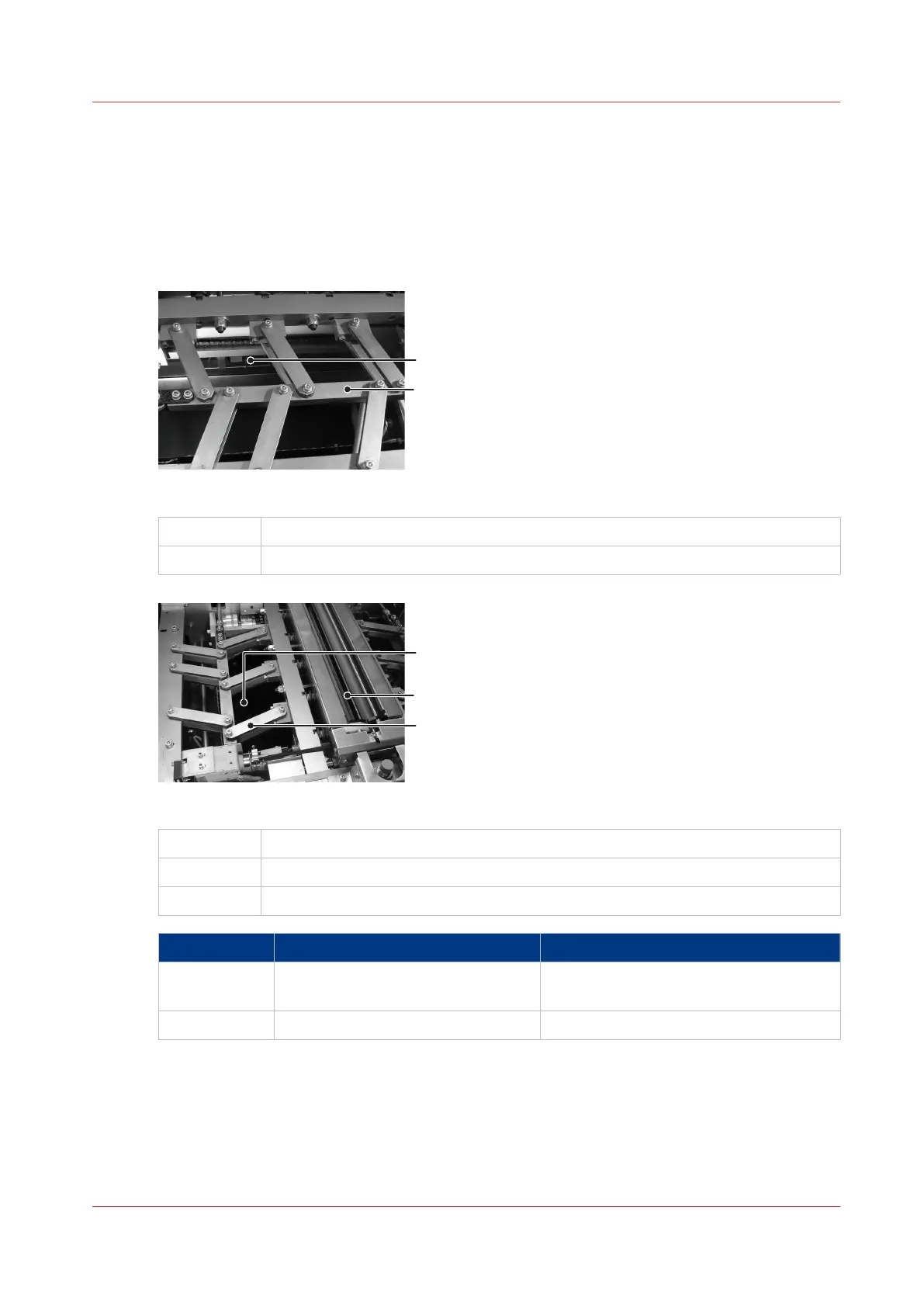
[32] Trimmer Infeed Conveyor viewed from above.
A
Trimmer Infeed Conveyor
B Former clamp mechanism
[33] Access to the Trimmer Infeed Conveyor
A
Reach in here to access the trim-infeed conveyor
B Former clamp - look in here for paper trimmings
C Former clamp mechanism.
Step Action Information
1 Open the Booklet maker main deck See
Lift the Booklet maker Main Deck
on
page 49
2 Remove the trim bin.
4
Jam before the Trimmer
Chapter 6 - Error Conditions, Problems and Solutions
91



 To Next Page