Clear a Stitch Head Jam
Introduction
The error message JAM IN STITCH HEAD is displayed.
This may be caused by
•
the SET THICKNESS setting is incorrect
• the stitch head is jammed by broken wire
• the stitch head needs lubrication
Do Procedure 1. If the error message continues, do Procedure 2.
Procedure 1
Step Action Information
1 Open the folder cover. See
Open and Close the Folder Cover
on
page 45
2 Lift the clincher frame. See
Lift and Lower the Clincher Frame
on page 46.
3 Remove the jammed paper.
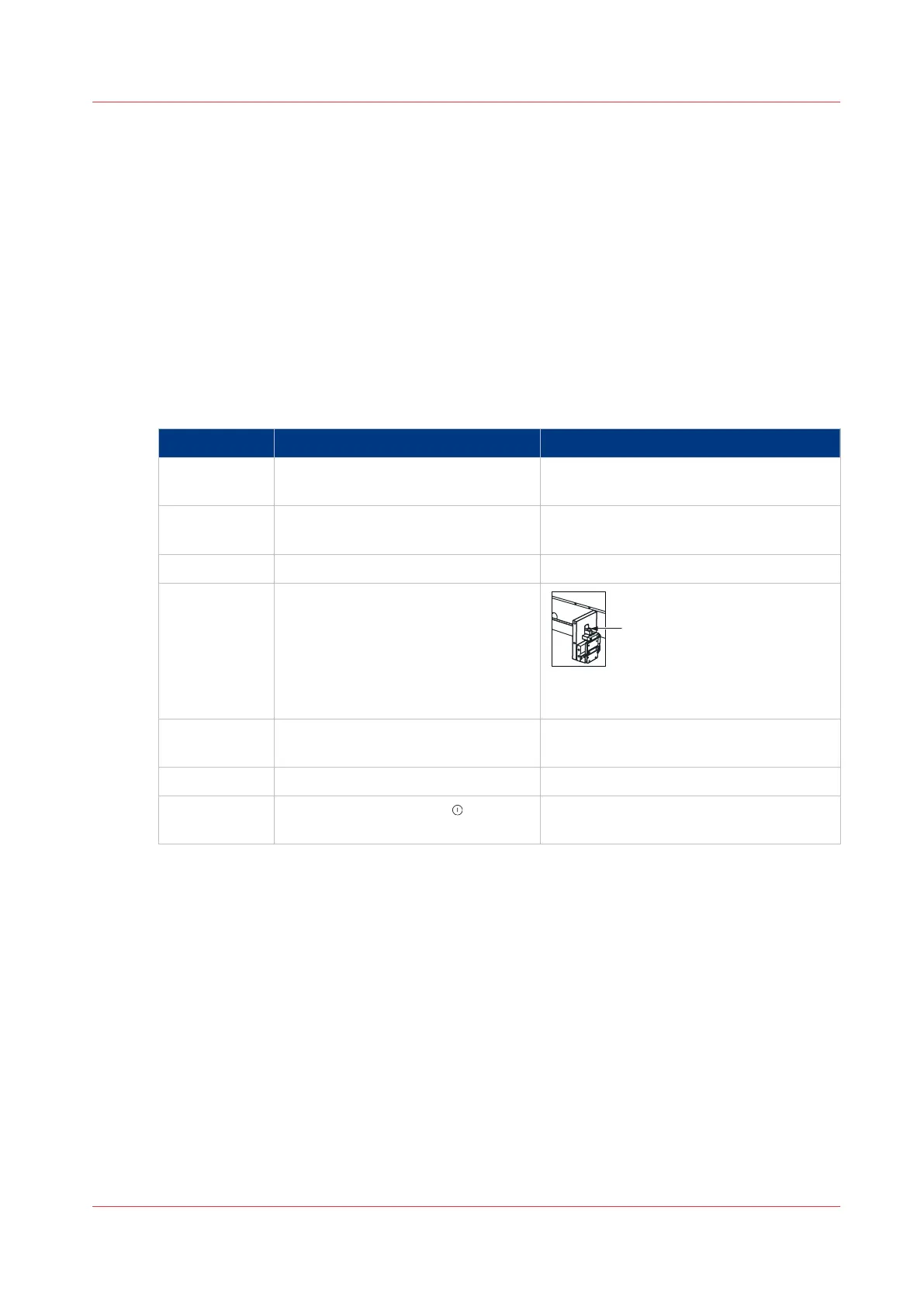
4 Check for broken or damaged stitch-
es in the clincher area. Manually op-
erate the clincher to clear any stitch-
es that are jammed.
A: Press to manually operate the clinch-
er.
5 Lower the clincher frame. See
Lift and Lower the Clincher Frame
on page 46
6 Close the folder cover.
7 Press the START button . Follow
the on-screen instructions.
Clear a Stitch Head Jam
Chapter 6 - Error Conditions, Problems and Solutions
97



 To Next Page