Step Action Information
5 Lift the Booklet maker main deck See
Lift the Booklet maker Main Deck
on page 49
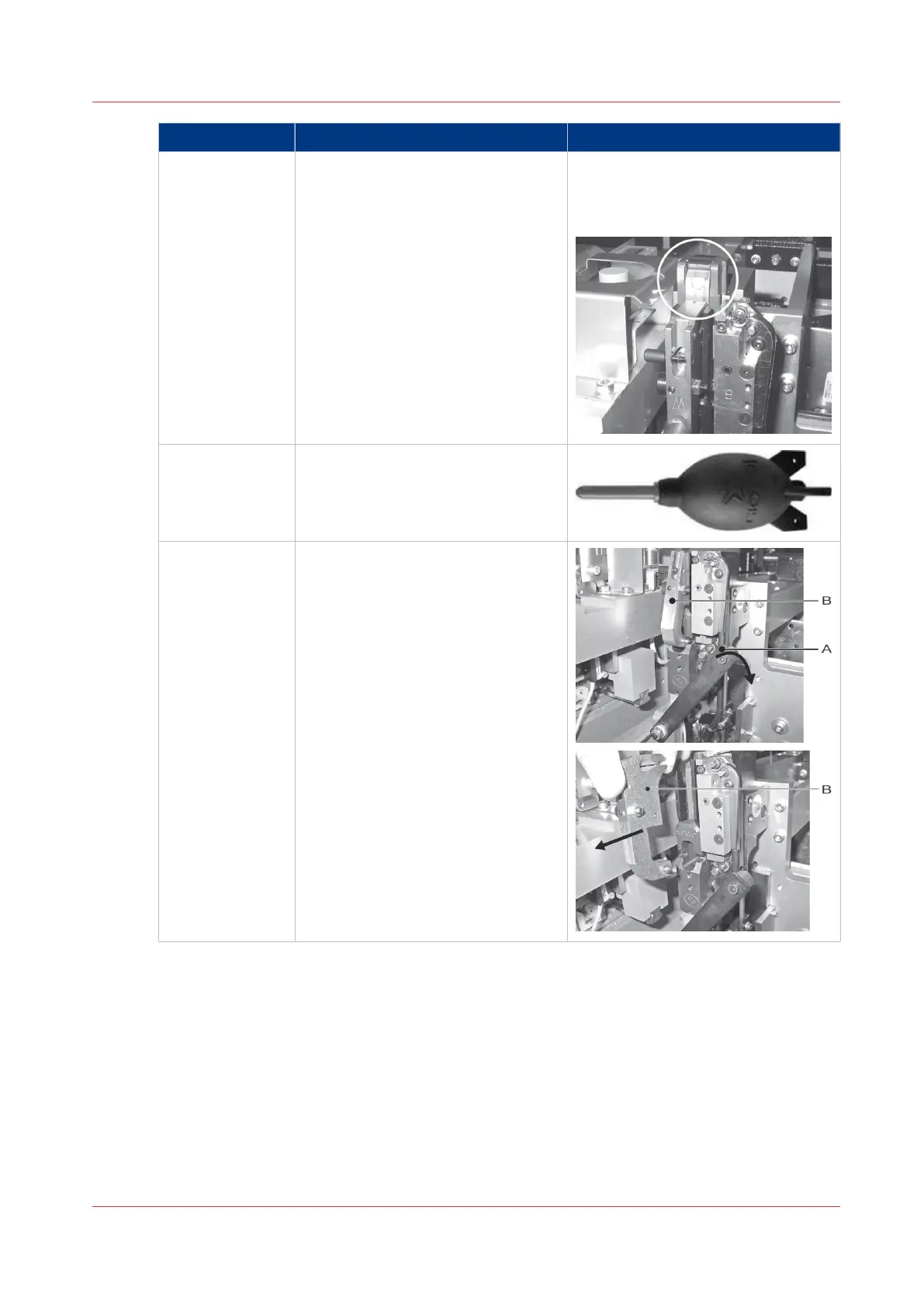
You will see that the stitch head is in
the 'STITCHER UP' position.
6 Use the supplied air duster to re-
move dust from the stitch head.
7 Remove the wire holder from the
stitch head:
• Move the wire holder retaining
spring 'A' to the right.
• Remove the wire holder 'B'.
Lubricate the Stitch Head
Chapter 7 - Maintenance
119



 To Next Page