• Flat blade screwdriver.
Step Action Information
1 Lift the Booklet maker main deck. See
Lift the Booklet maker Main Deck
on
page 49
2 Remove the wire-holder from the
stitch head.
• Move the wire-holder retaining spring to
the right.
• Remove the wire-holder
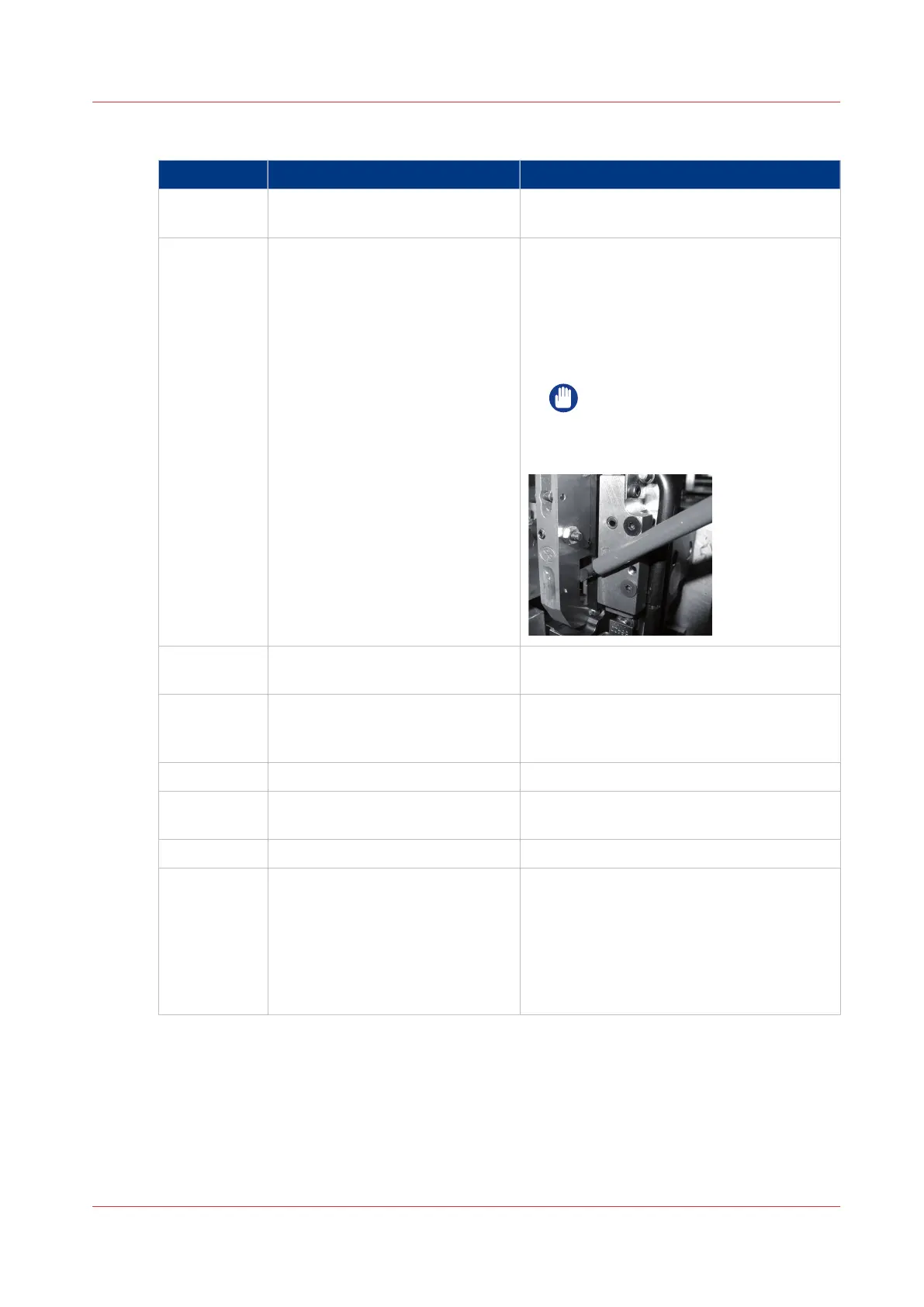
If the wire-holder is held in position, use a
screwdriver to help remove the wire-holder
from the stitch head.
IMPORTANT
Attention: Do not apply force to
the wire guide bars or the pivot
block.
3 Inspect the area behind the wire-
holder for stitch-wire.
4 Remove any stitches or pieces of
stitch-wire and clean the area with
the air duster.
Use wire cutters to remove any jammed
stitches or pieces of stitch-wire.
5 Lubricate the stitch-head.
Lubricate the Stitch Head
on page 118
6 Fit the wire-holder. Remember to put the wire-holder retaining
spring in position.
7 Close the Booklet maker.
8 Start the Booklet maker. If the head operates normally and returns to
the parked position, then further action is
not needed.
If the stitch-head remains jammed, then re-
peat the procedure again.
If the problem continues, contact your serv-
ice engineer.
Procedure 2
Chapter 6 - Error Conditions, Problems and Solutions
99



 To Next Page