Panoramic and 3D Modality User guide for CS 8100 3D Family (SM842) Ed07 37
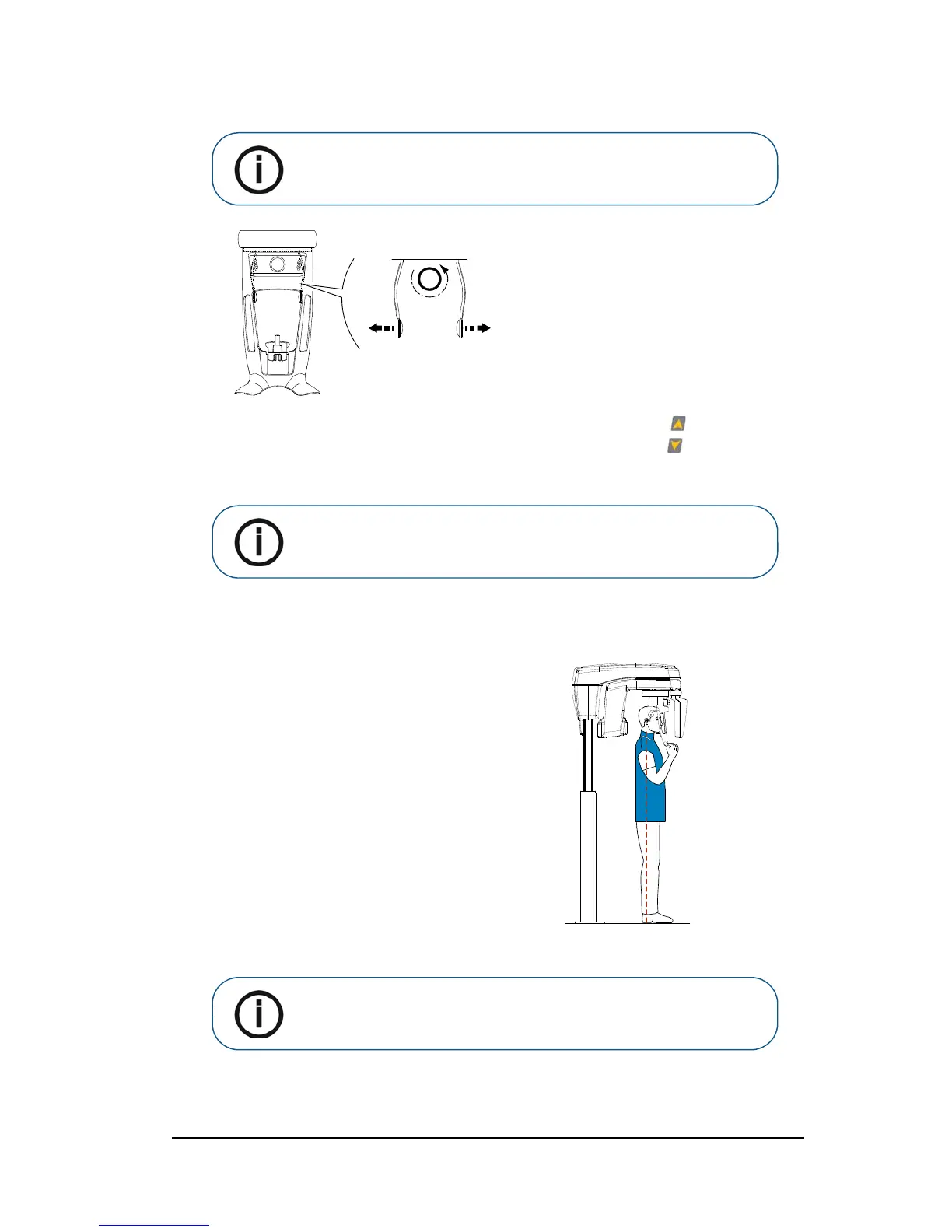
3. Turn the adjustment knob to open the temple supports laterally.
4. Ask the patient to enter the unit. On the Positioning panel, press and hold to raise the chin
rest to the height of the patient.
5. Ask the patient to:
6. Turn the adjustment knob to close the temple supports.
• Stand up straight (do not position the
feet slightly forward).
• Grip both the lower handles of the
head and chin rest.
• Relax and lower the shoulders for full
motion of the unit rotative arm.
Note: By correctly positioning the patient, you can reduce the spinal
column shadow that is transferred to the acquired image
.












 To Next Page