Panoramic and 3D Modality User guide for CS 8100 3D Family (SM842) Ed07 83
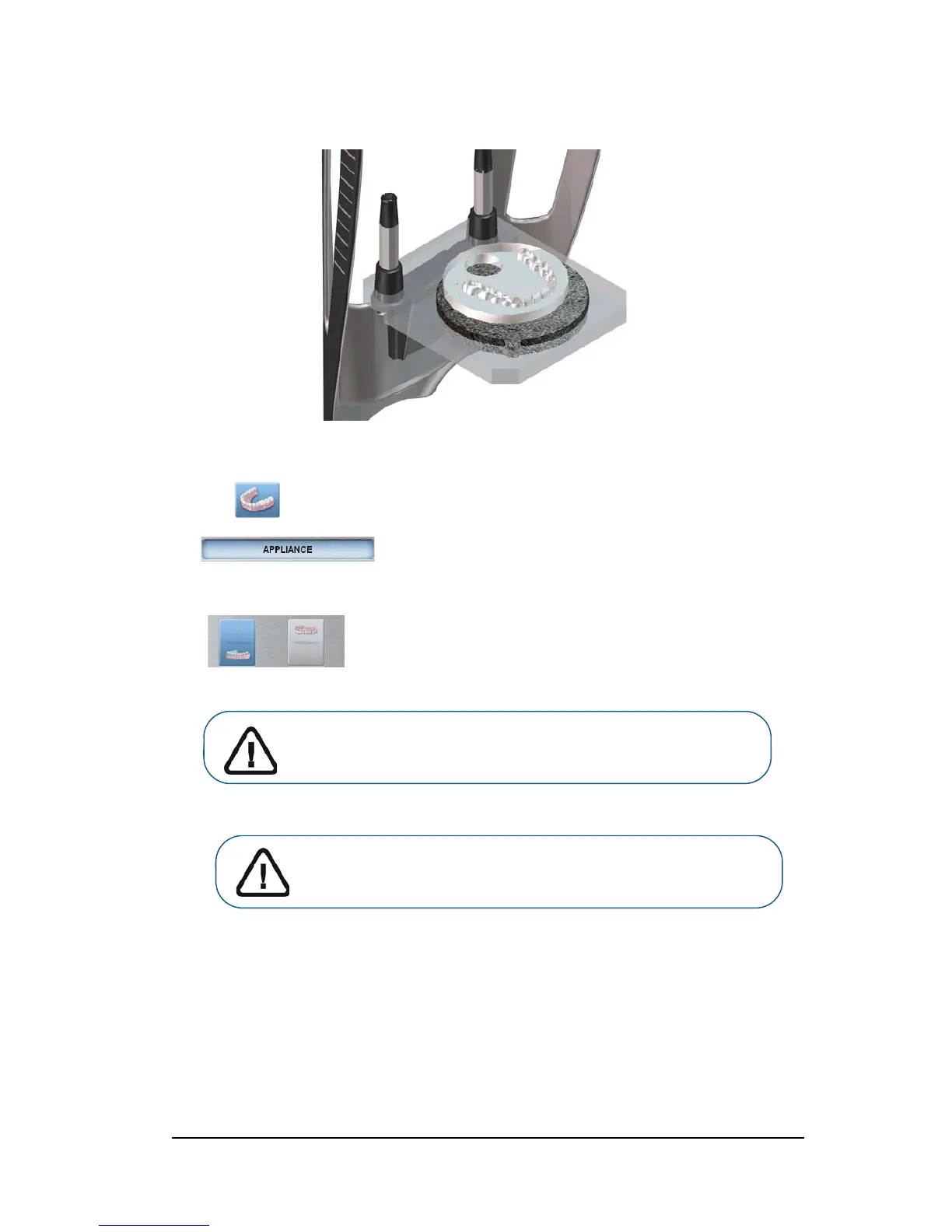
4. Place the NobelGuide™ or NobelClinician™ calibration phantom on the black foam.
5. Click the Program button to access the Program pane.
6. Click to access the Radiological Guide acquisition mode interface.
appears in the Acquisition Export Mode field.
7. Select either one of the appliance acquisition options.
Important: The animated display screen will guide you on how to
position the acquisition mode that you have selected.












 To Next Page