6. Survey with LandStar 6 software
i80 GNSS Receiver User Guide Page 64
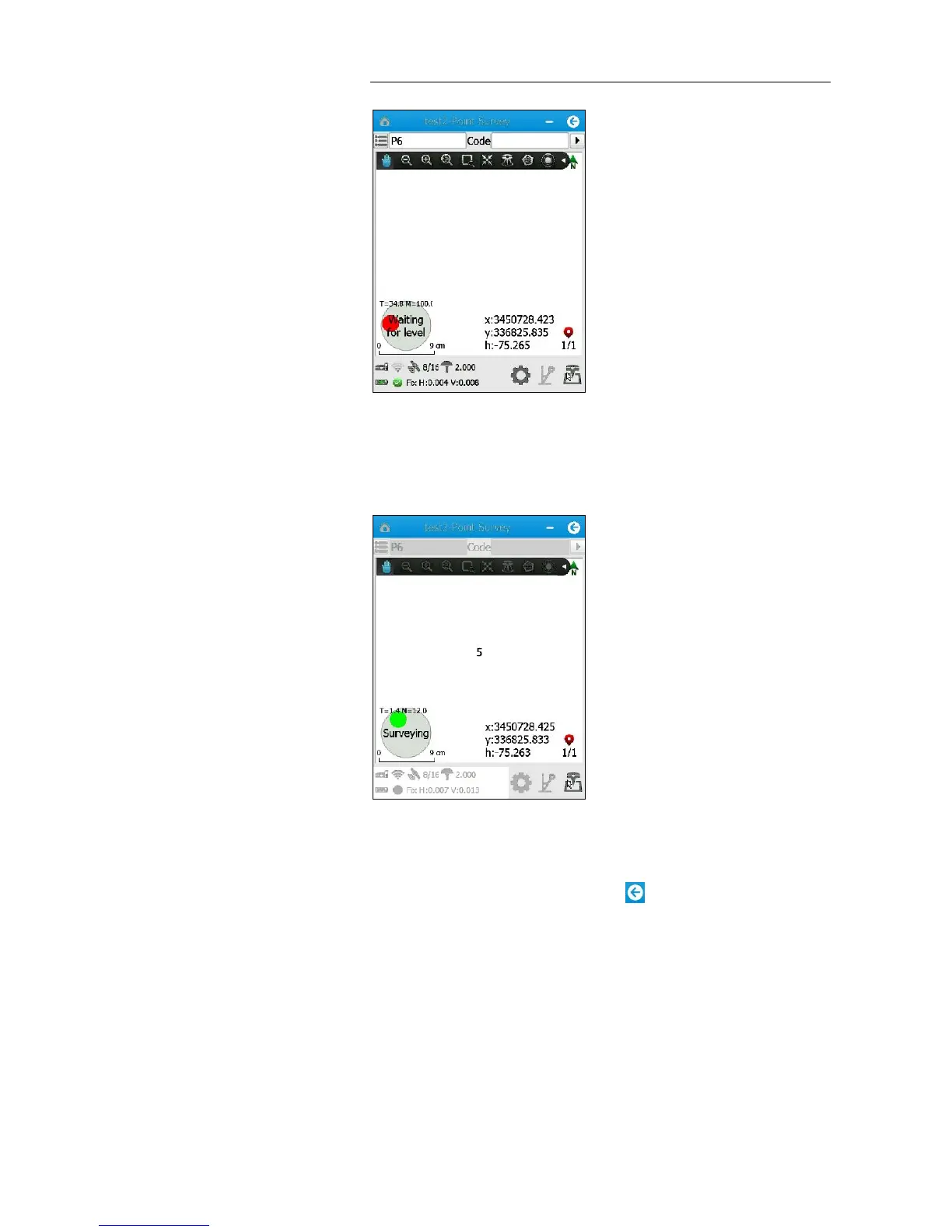
16. When the range pole is within 30 degrees, a “Waiting for stable”
message appears → hold the range pole for more than 2 seconds and
the point will automatically begin measuring.
17. When the countdown timer disappears, tilt the range pole by more
than 30 degrees, and then move to next point to continue.
18. To exit the Auto Measure mode, tap button.
6.4. POINT ADJUST (SITE CALIBRATION)
Point adjust, also known as “site calibration”, is used to transform WGS-84
coordinates into local grid coordinates.
Notes
General speaking, if a three- or seven-parameter datum
transformation has been configured for project, users can skip the



 To Next Page