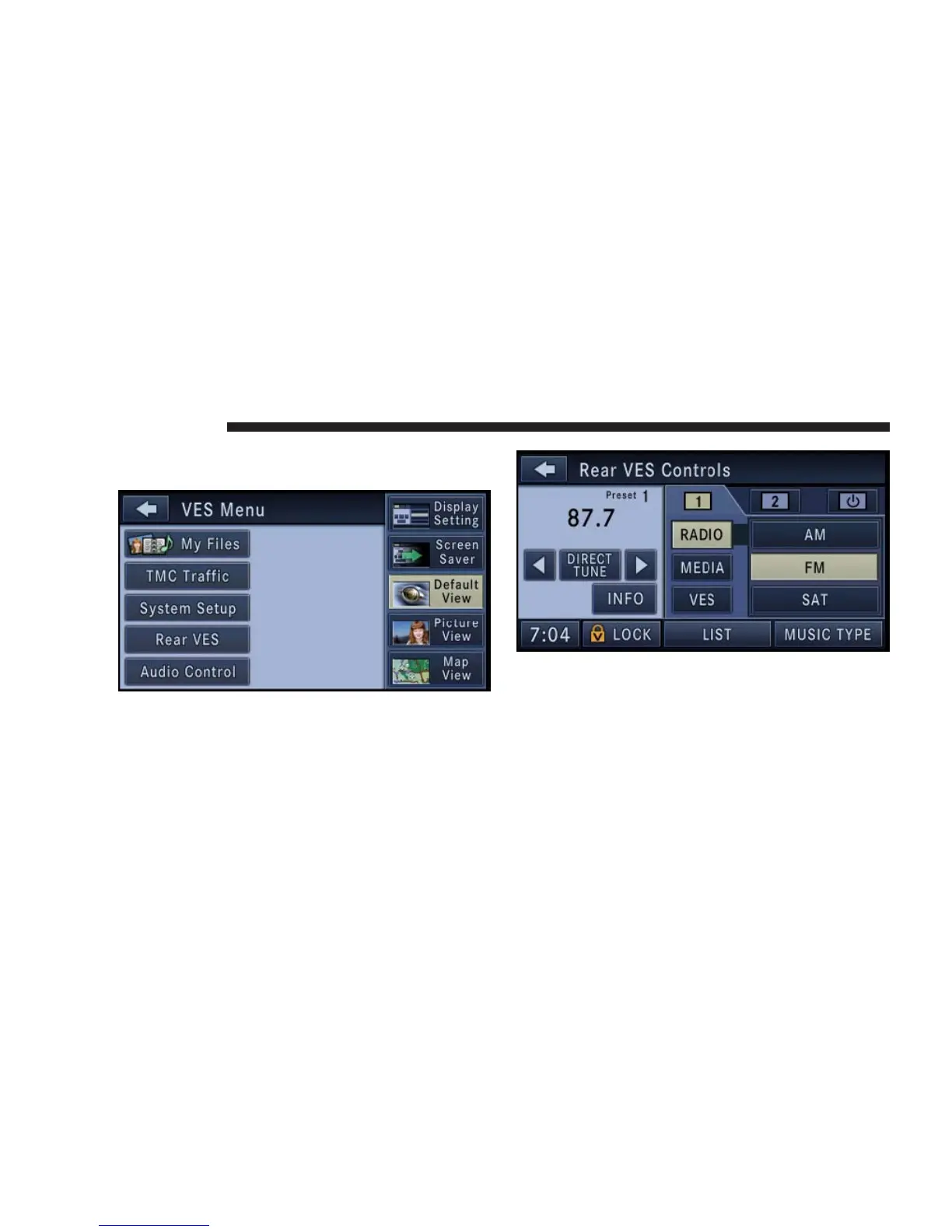
To access the rear VES press the MENU hard-key on the
right side of the radio.
Touch the Rear VES soft-key to display the Rear VES
Controls.
The Rear VES Controls are displayed in the right half of
the screen.
NOTE: Press the HIDE LIST soft-key, and/or the
CLOSE INFO soft-key, if you cannot see the Rear VES
Controls.
78 NAVIGATION



 To Next Page