The upper row of tabs controls the headset audio chan-
nels 1, or 2. The third tab controls the VES on/off button.
A VES headset can listen to either audio channel 1 or
audio channel 2.
Touch the soft-key-tab 1 to select channel 1. In
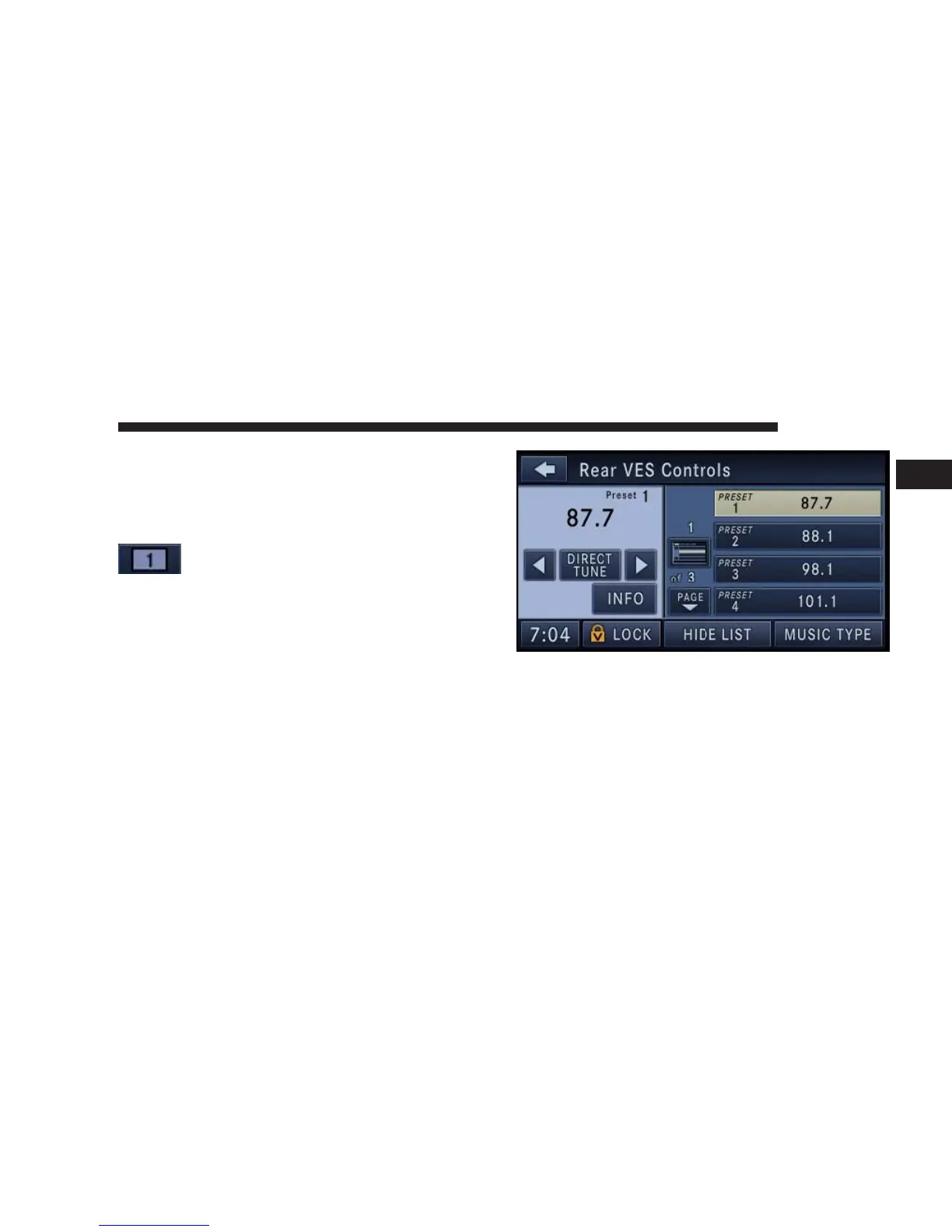
this example channel one plays the FM RA-
DIO tuner audio.
The left half of the screen displays the audio source
information, which is in this case the radio frequency 87.7
MHz of Preset 1.
Touch the LIST soft-key to display the selected source
details.
In this case the FM preset list within the selected tuner is
displayed.
You may touch a preset soft-key to change the station, or
touch the DIRECT TUNE soft-key to enter a frequency, or
press the SEEK up or SEEK down hard-keys to change
the radio station.
NAVIGATION 79
1



 To Next Page