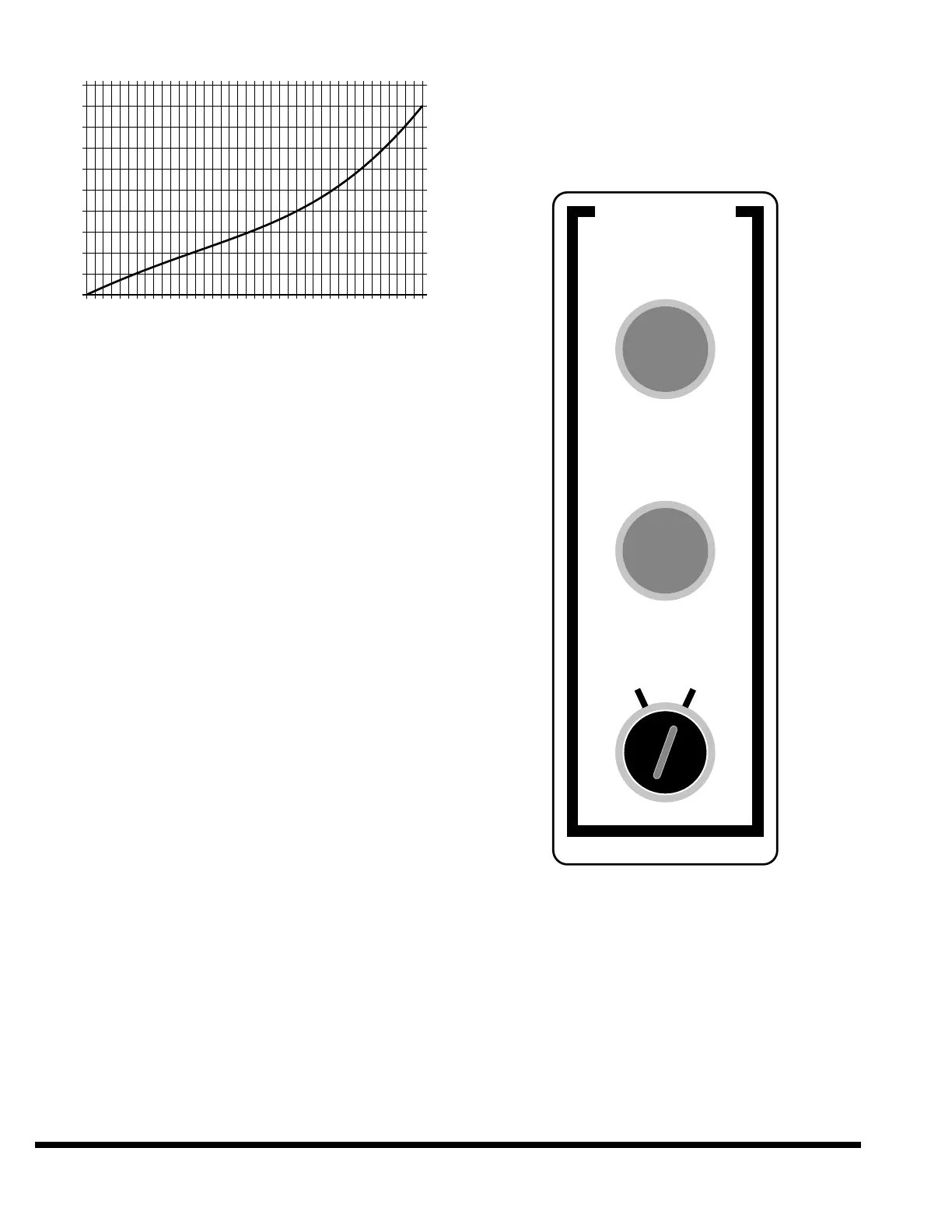
Tonnage Capacity
TANDEM OPERATION
To operate the machines in Tandem Mode, turn
the TANDEM MODE selector to the “DUAL” posi-
tion. See Figure 8-8. Load or create the desired
bending program on the master machine. Press
the MAIN DRIVE START button on each machine,
turn the OPERATOR keyswitch on each machine
to “ON”, then press any ram up button to bring
both machines to the maximum up position. The
machine is now ready to operate in Tandem
Mode. Use the footswitches or palmbutton sta-
tions connected to the master machine to initiate
strokes. The pair of machines can be operated as
if it were one, either in SINGLE STROKE mode or
SETUP mode.
The gages on the slave machine will duplicate the
actions of the gages on the master with one excep-
tion. The slave’s gages will not move when the
master machine’s gages are moved using the jog
feature.
ERROR MESSAGES
“TANDEM slave machine not ready”
This message will be displayed on the master if
the slave is not ready for tandem operation. The
slave must have the main drive ON, the OPERA-
TOR control switch ON and it must not have any
error messages displayed. Check the screen on
the slave machine for any error conditions.
“TANDEM communications error”
There is a serial data link between the master
and the slave machine. The message packets are
checked for the proper number of parameters
and the correct checksum. If errors are detected,
then this message will be displayed.
FIGURE 8-8 – Control Station for Tandem Mode
❦



 To Next Page