Connecting the Camera
Camera Hardware Installation
Cisco PVC2300 and WVC2300 Internet Video Cameras with Audio Administration Guide 20
4
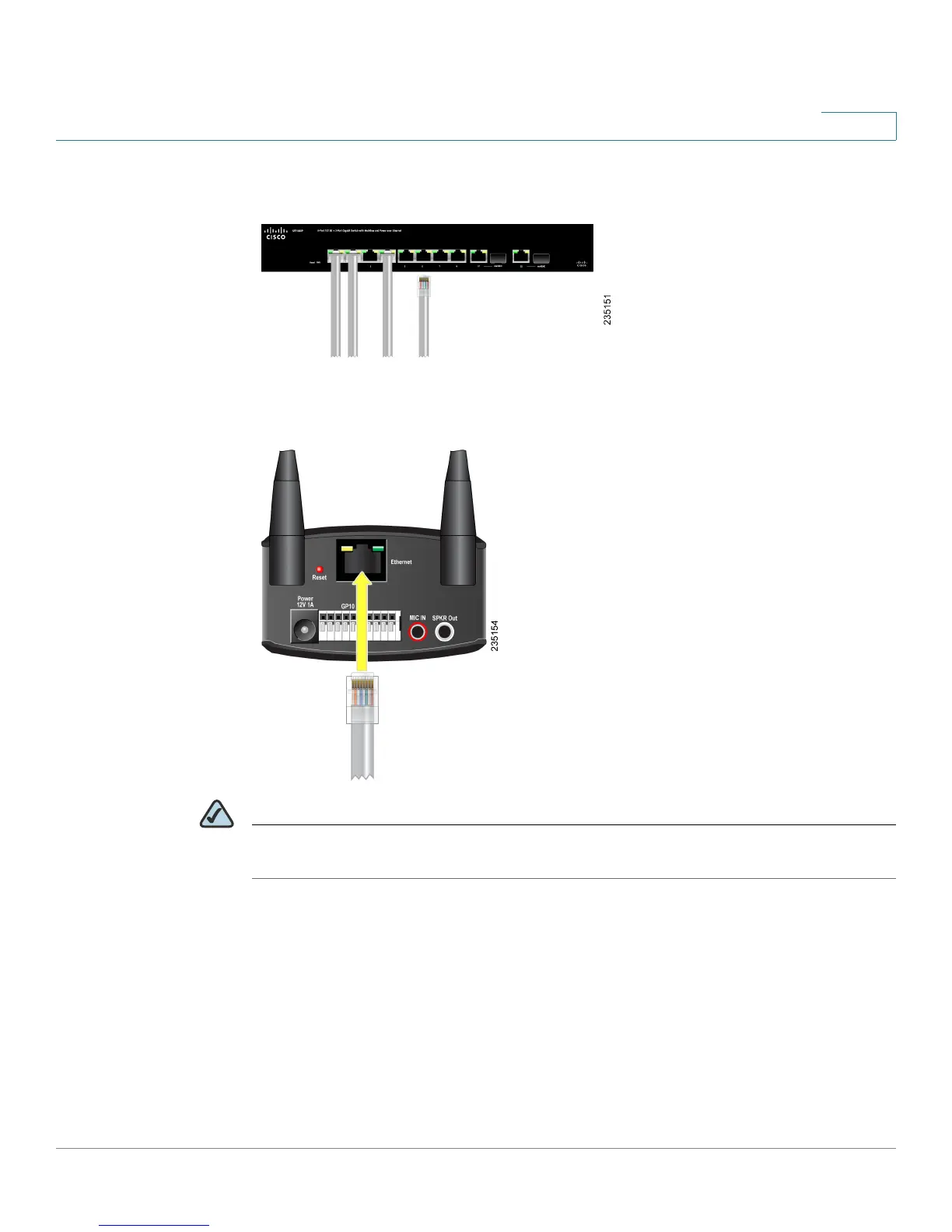
STEP 5 Connect the included Ethernet network cable to your network router or switch.
STEP 6 Connect the other end of the cable to the camera Ethernet port.
NOTE If your network switch provides Power over Ethernet (PoE), proceed to step 8. If you
are not sure if the switch provides PoE, refer to the switch documentation.



 To Next Page