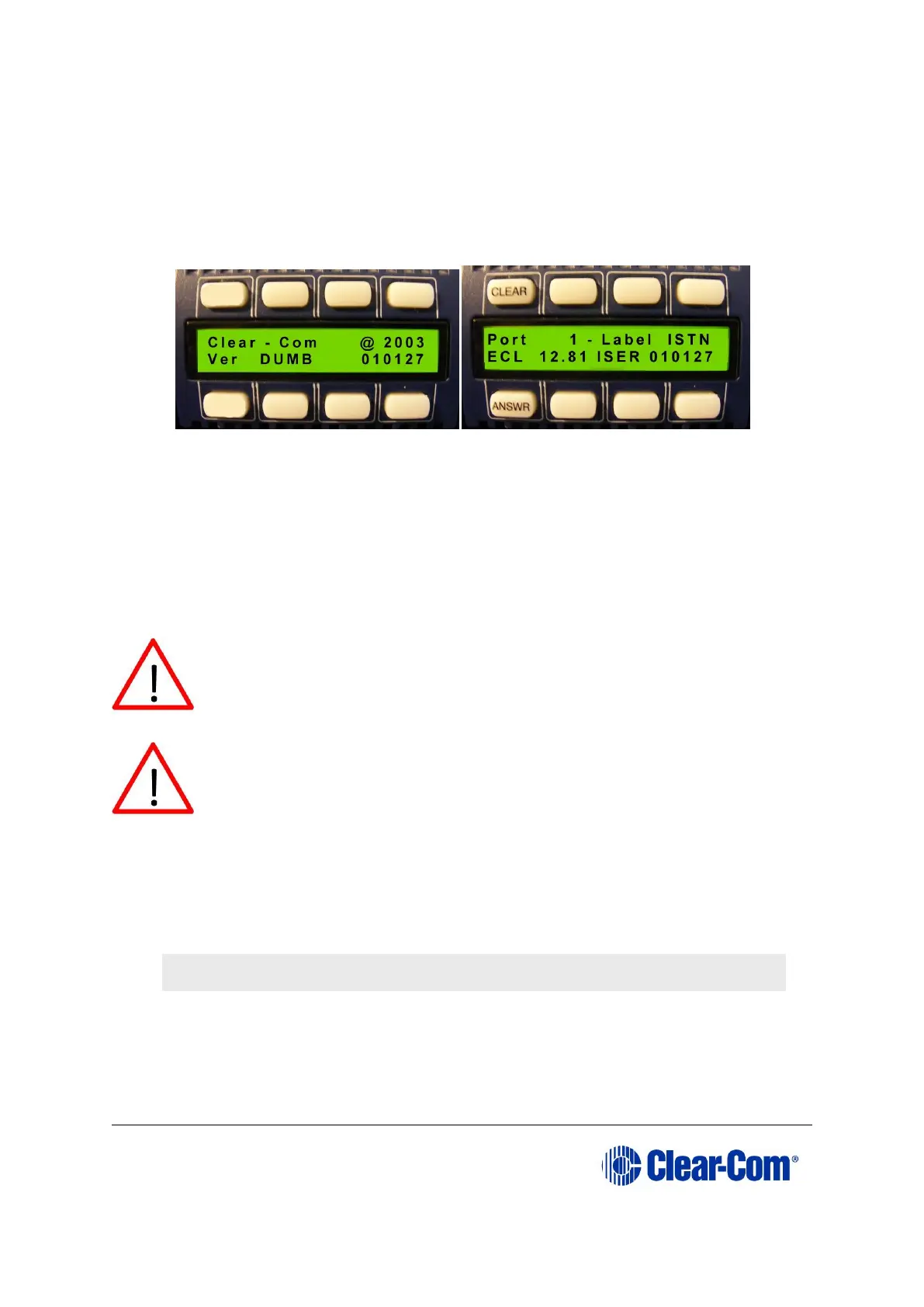
with a valid configuration press keypad button 9 to access the updated
firmware/rack code version.
Figure 14-10: Example version display
Note:
If the manual upgrade fails repeat the above procedure. It can be necessary to attempt
the manual process up to 3-5 times before the application is installed.
14.2.2 Upgrading the i-Station panel firmware using EHX
Caution: Central upgrade from EHX is not support on all I-
Stations, when upgrading I-Stations with the serial number
45PC0001 or above you must contact your Clear-Com sales
representative first.
Caution: When a firmware upgrade to an i-Station has started,
wait for it to complete on all panels before doing any other changes
to the matrix.
1) Download the i-Station firmware upgrade to the Eclipse / Eclipse HX matrix from
ECS / EHX.
2) Provided that the Panel Prompt option is set, the i-Station panel displays the
following message:
UPGRD TO VER nnnnn YES NO
Each word corresponds to a key on the panel, and nnnnn represents the firmware
upgrade number.
Note: The i-Station panel keys flash, indicating that an upgrade is
available.



 To Next Page