Type testmode into the Tera Term window and press Enter (return). The
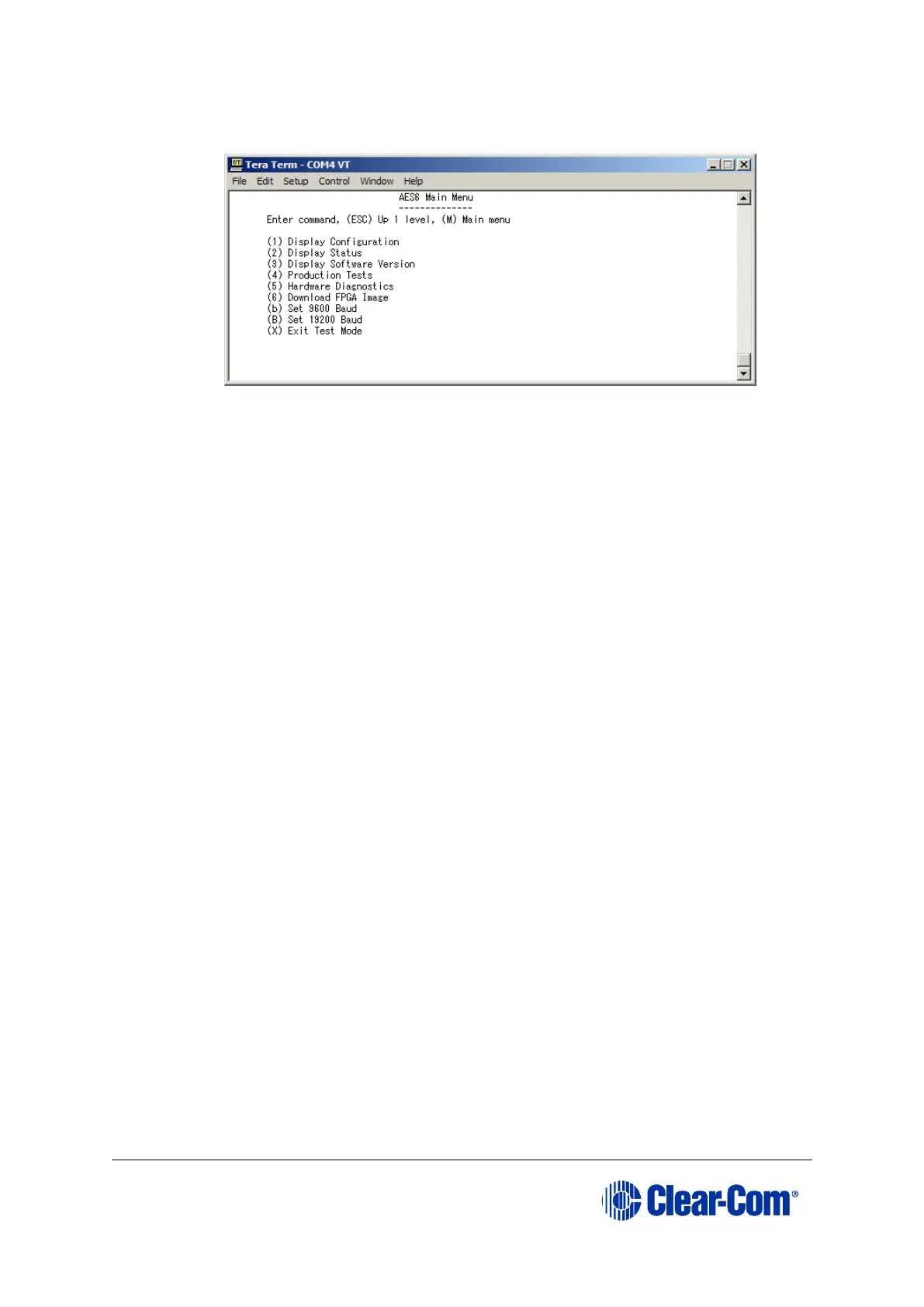
card enters test mode and displays the following menu:
Figure 16-2: AES-6 main menu
b. Select option 6, Download FPGA Image.
c. You are prompted to delete the old FPGA image. Press Y.
Note:
Key entry is case sensitive, so Y must be a capital.
The card deletes the old image and then prompts you for a new FPGA
image:
d. In Tera Term, select Send File and select the FPGA image, which is
located on the Drivers USB:
• Drivers USB > ECLIPSE DRIVERS > Other_Software > xxxxxx - AES-6
FPGA
(where xxxxxx represents the product number).
Note:
During the download the six yellow LEDs illuminate in a circulating anti-
clockwise direction.
e. When the download is complete, the six yellow LEDs should be off and the
following text should be displayed in TeraTerm:



 To Next Page