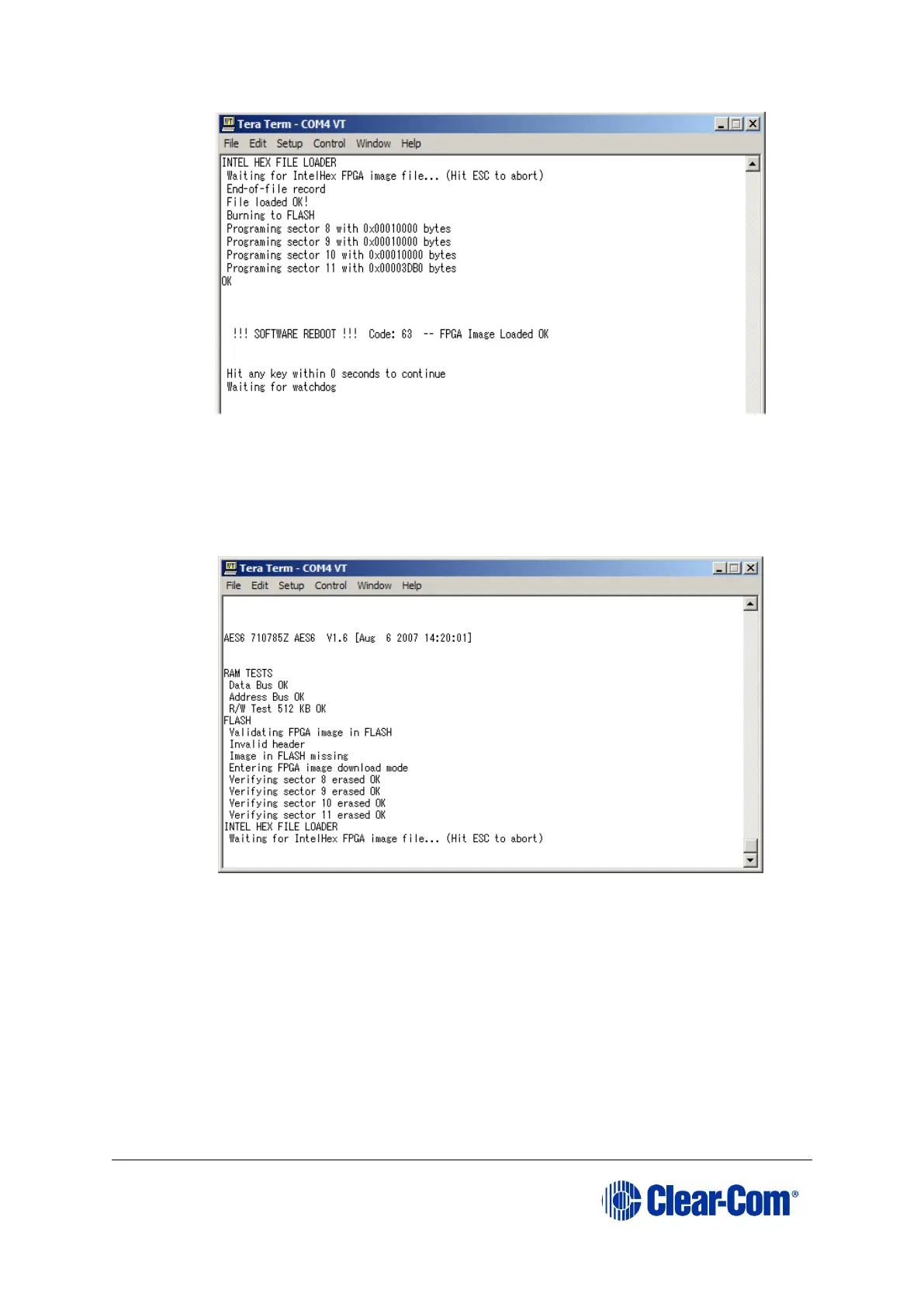
Figure 16-3: FPGA HEX file load
f. Reset the card to complete the upgrade.
If the FPGA image is not present:
a. After the reset, the following output will be shown in the TeraTerm
window:
Figure 16-4: AES-6 FPGA HEX file load
The card is ready to load the FPGA image. In Tera Term, select Send File
and select the FPGA image, which is located on the Drivers USB:
• Drivers USB > ECLIPSE DRIVERS > Other_Software > xxxxxx - AES-6
FPGA
(where xxxxxx represents the product number).
b. During the download the six yellow LEDs illuminate in a circulating anti-
clockwise direction. When the download is complete, the following text
should be displayed in TeraTerm:



 To Next Page