Note:
It may be advisable to uncheck the Microsoft System Files checkbox as the
versions of system files in the installation may be older than those currently on
the system. If these files are required then the software can be uninstalled and
then reinstalled with the system files.
Click Next.
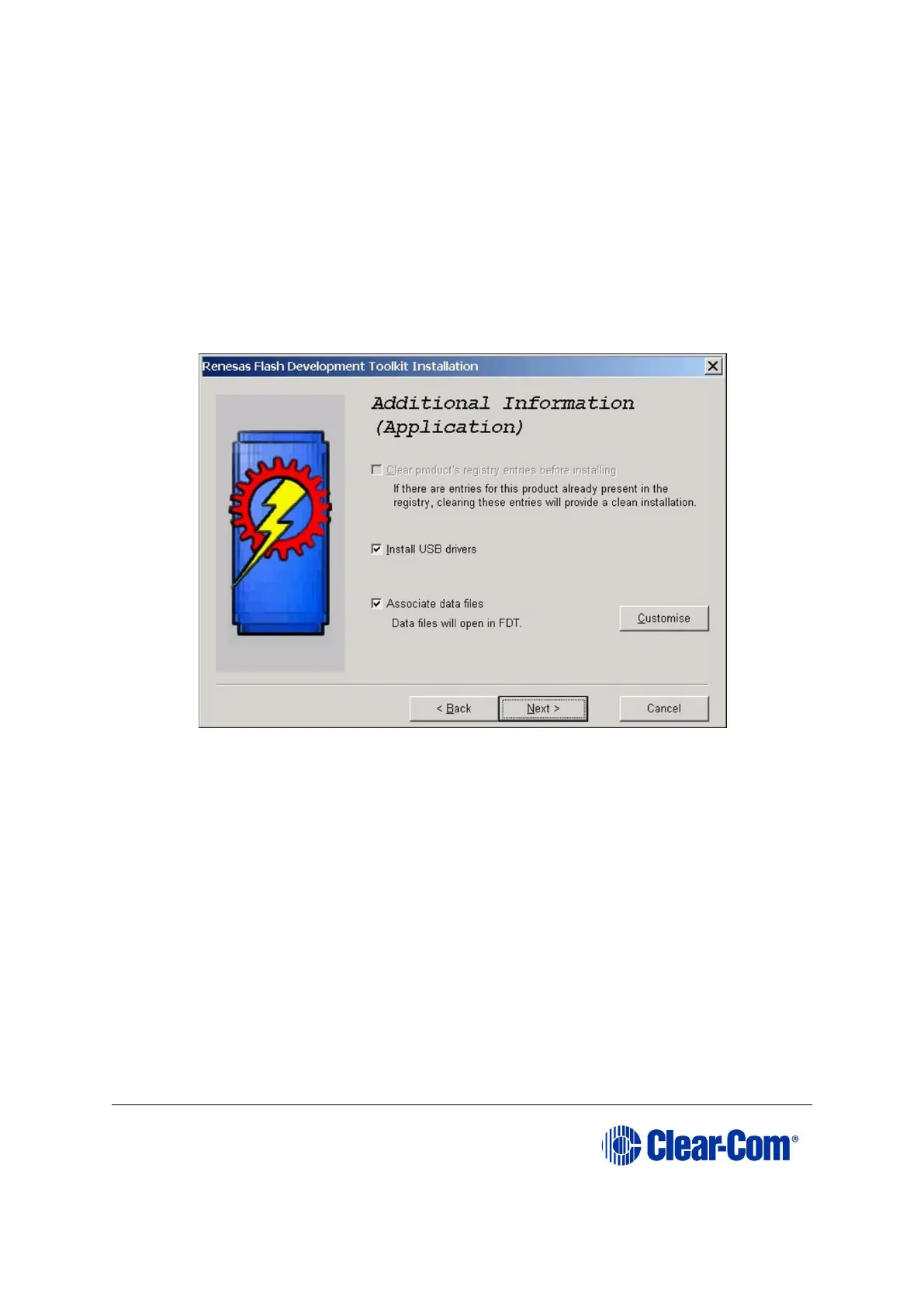
5. The Additional Information (Application) screen is displayed. Leave the default
options selected unless this causes an issue for other installed software.
Figure 17-8: Additional Information (Application)
Click Next.
6. The Kernels screen (Part 1) is displayed. Leave as is, unless you want to reduce
the amount of disk space used by reducing the number of kernels installed.



 To Next Page