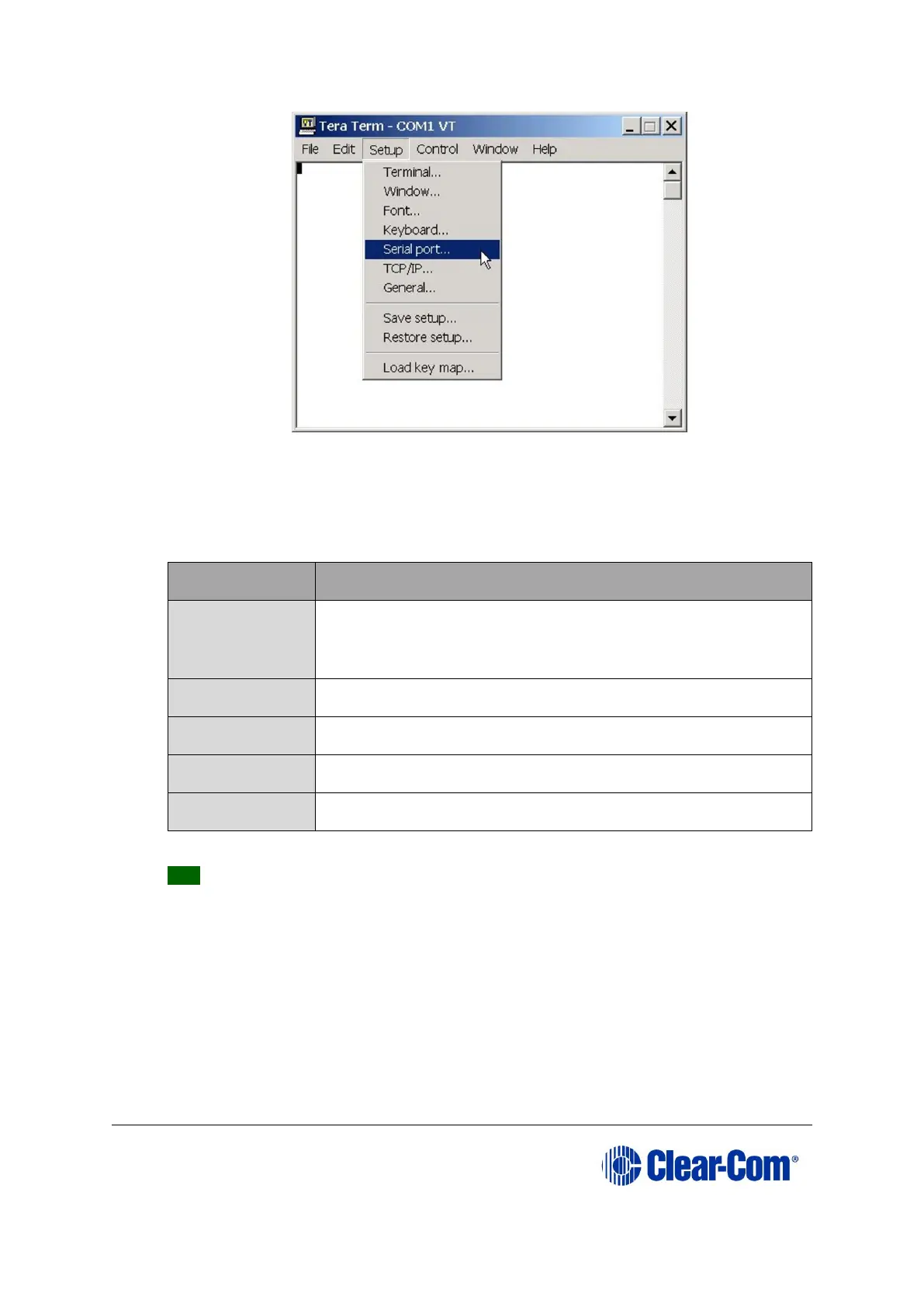
Figure 5-6: Tera Term: selecting Serial port
4) From the Setup menu, select the Serial port… entry.
5) The Serial port configuration dialog is displayed. Configure the serial port as
follows:
Table 5-4: Tera Term: Serial port configuration
Tip: You can use the Tera Term application for many of the Eclipse HX system
upgrade processes. To save and recall the relevant com port settings in Tera
Term, select the Setup / Save or Restore settings options.
6) Connect the PC serial port to the RS232 port on the rear of the Eclipse HX-
Median / Eclipse HX-Omega / Eclipse HX-Delta matrix, using the RS232 cable.
7) Remove both CPU cards from the matrix. Power on the Eclipse HX-Median /
Eclipse HX-Omega / Eclipse HX-Delta matrix.
8) Erase the old application code from the CPU cards.



 To Next Page