P2544PM | 2022-12 | REV H
5.5.1 Selecting the FastApps
1. To change between the FastApps, press or .
Only Linking groups that have already been parameterized can be selected.
2. Press the button to select the new FastApp.
If the FastApp is blocked (under: > ), then the selection options are not available. In this case,
a PIN must be entered to switch to another Linking group. A requirement is that a PIN has been defined in
the PIN menu ( > ).
5.5.2 Selecting the Application/Linking group
To be able to switch between the Applications/Linking groups in mPro mode, the External Application / LG
Selection must be activated on the controller.
1. Select Navigator > Advanced > Tool Group > I/O on the controller.
2. Activate the checkbox External Application / LG Selection.
3. In Mode select the Tool Menu (Cordless Tool).
4. To save the settings, press <Navigator>.
5. To change between the Applications/Linking groups on the tool, press or .
Only Applications/Linking groups that have already been parameterized can be selected.
A new display appears with the following selection options:
► Press the button to select a new Application/Linking group.
► must be pressed to cancel the process and return to the run screen.
The Application/Linking group can also be changed when the tool or control is offline. However, the run-
down cannot be done until the connection between tool and control has been re-established.
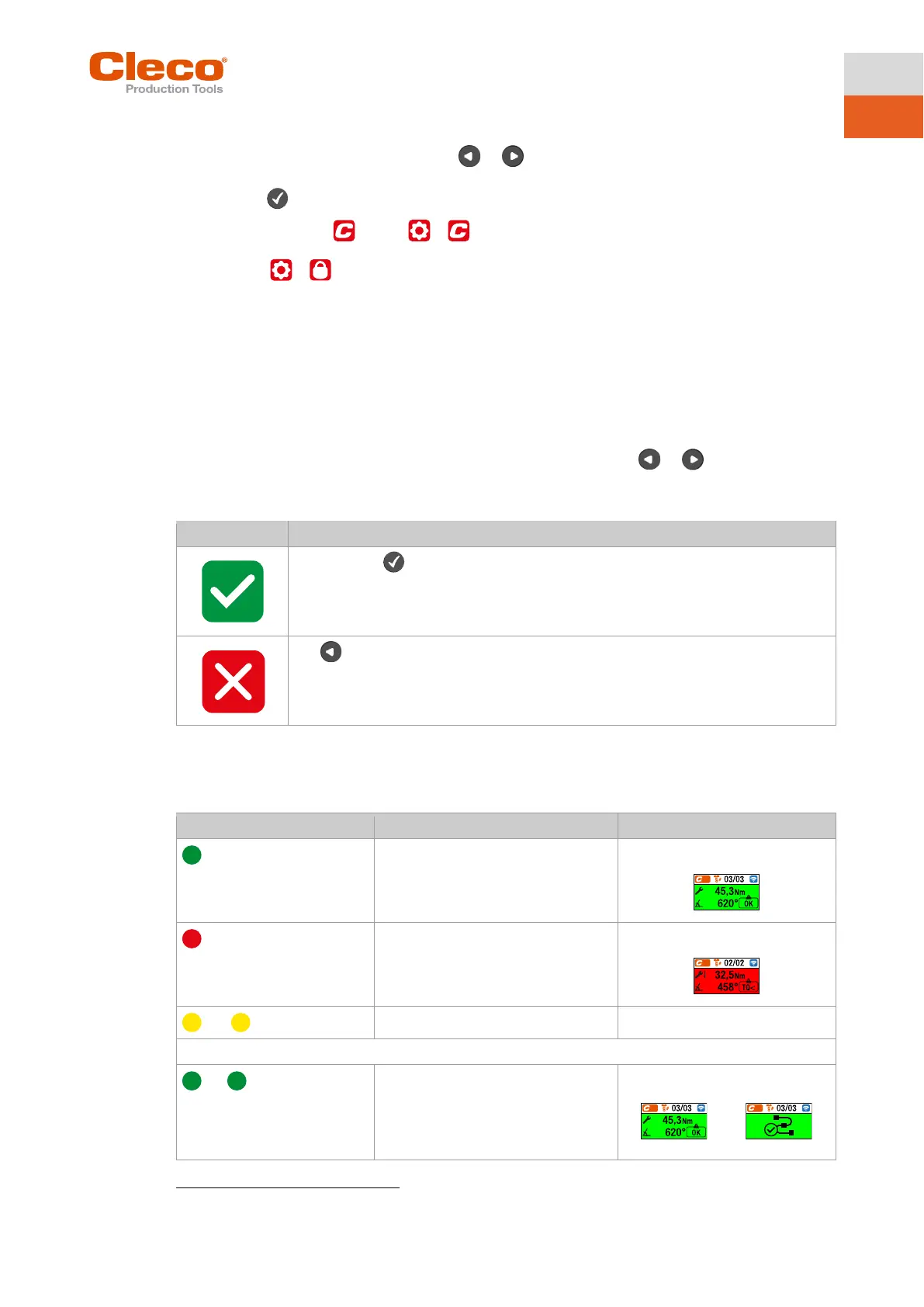
5.5.3 Status Indication
Result after fastening cycle
▬
If linking is selected on the controller:
▬
1
only in mode when the Blink Lights When Tool in Reverse check box is activated at the controller under
Navigator > Advanced > Tool Group > I/O.



 To Next Page