P2544PM | 2022-12 | REV H
• Press to move the selection box to the left.
• Press and hold to go to the run screen in the main menu.
• Press and hold to jump up one menu level.
• Press and hold to exit settings.
•
Press to decrease a value.
• Press to go directly to the run screen from all menu levels.
•
Press to start the rundown in the run screen.
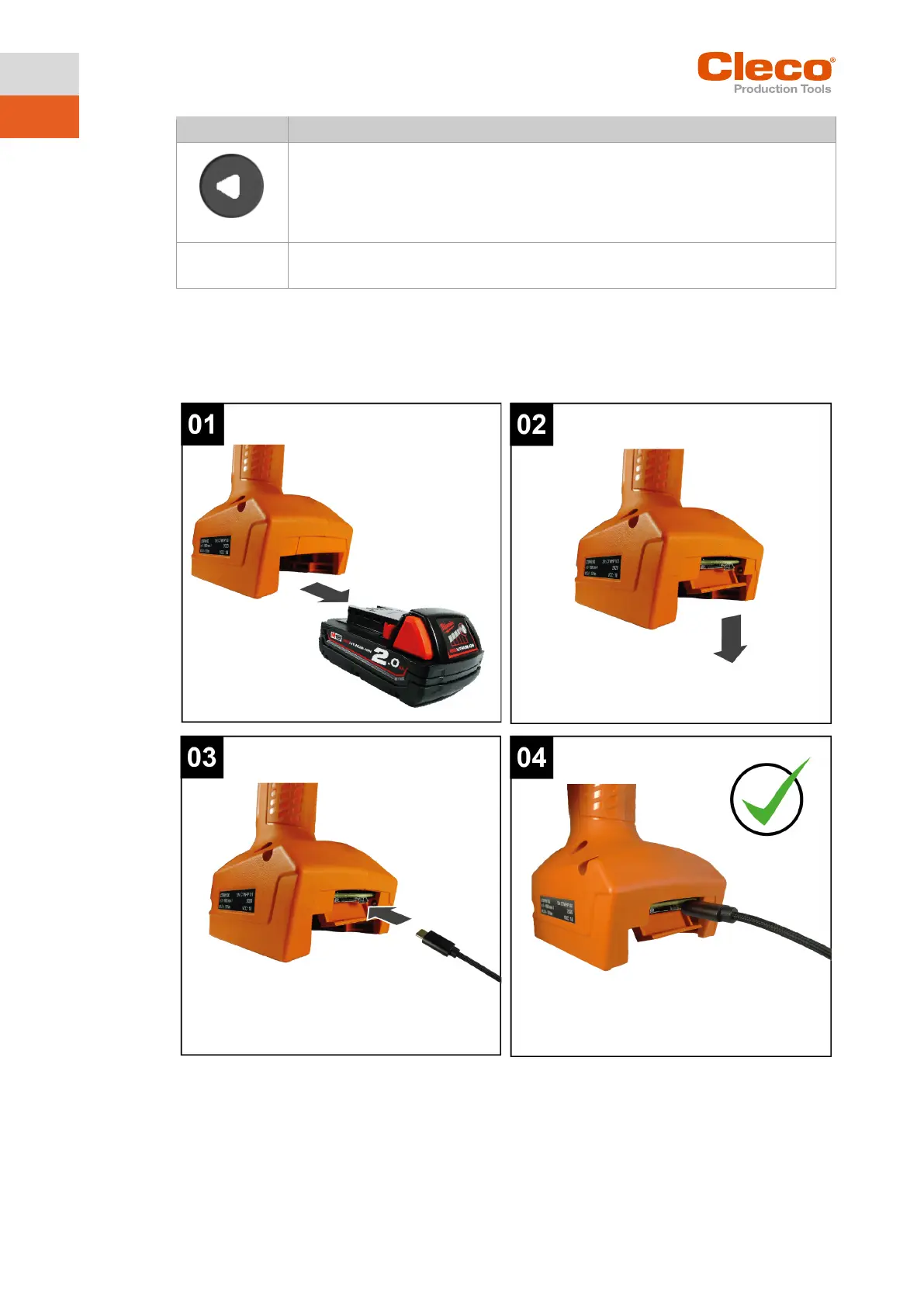
2.3 USB connection
Connection for a Micro B USB cable to connect the tool to an external device interface.
This is used for programming WLAN settings.
To connect the Micro B USB cable:



 To Next Page