P2544PM | 2022-12 | REV H
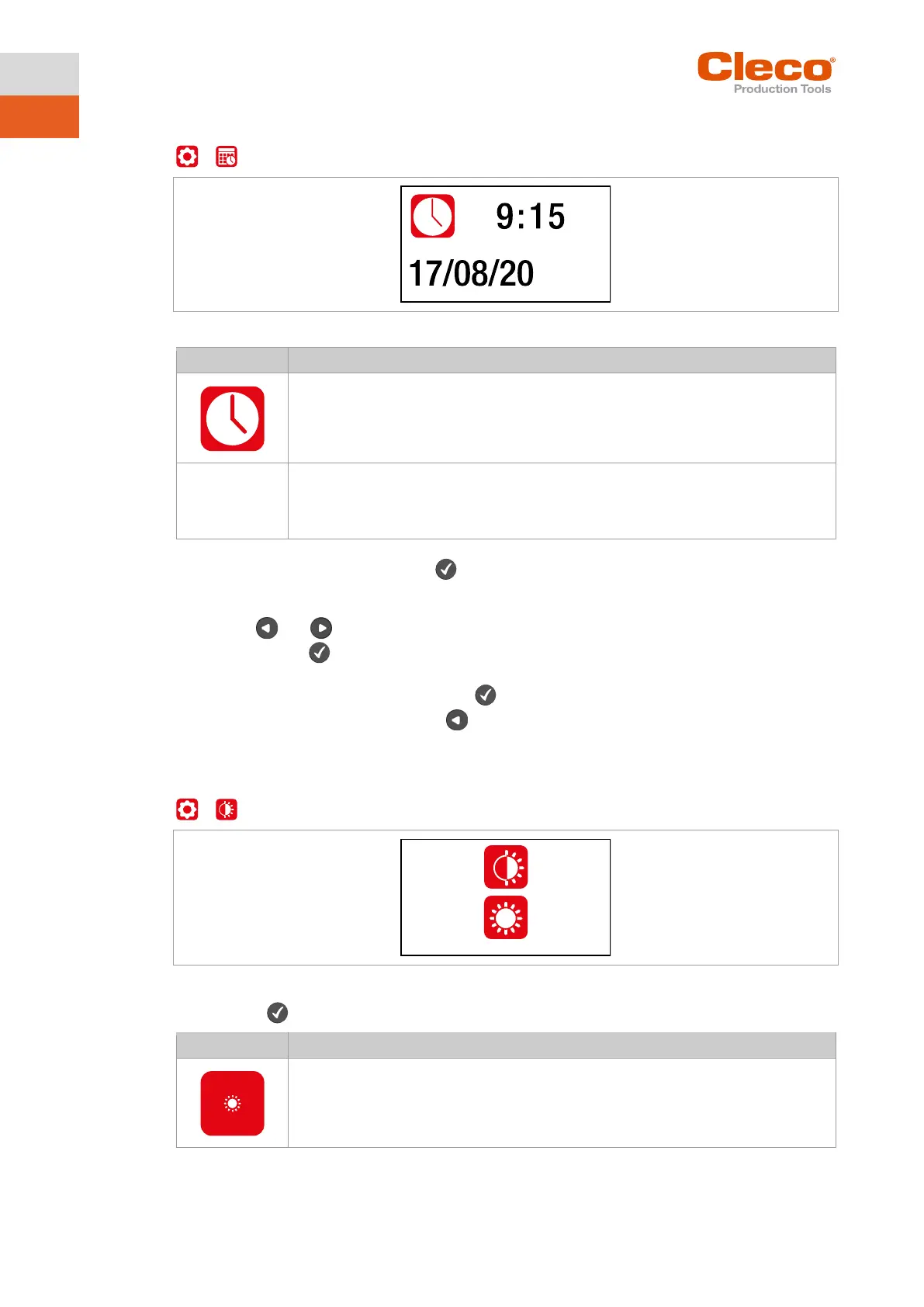
5.8.1 Setting the date and time
>
Fig. 5-12: Submenu – Setting the date and time
Presentation:
Hour : Minute
Presentation:
Change date or time
1. To activate the input fields, press the button. Each digit can be changed individually.
The value is highlighted in red and an arrow is displayed below the first digit. This digit can be
changed.
2. Use the and buttons to increase/decrease the numbers.
3. Confirm with the button and activate the next digit.
4. Repeat the procedure with each digit to change the time and date one by one.
5. After the last digit confirm the input with the button to save the input.
6. To leave the menu, press and hold the button.
The change is saved.
5.8.2 Adjusting the screen brightness
>
Fig. 5-13: Submenu – Screen brightness
► Press the button to switch between the following options. The visible option is active.
Brightness Level 1: The LCD is dark and dimly lit.



 To Next Page