P2544PM | 2022-12 | REV H
5.8.4 Setting the shut-off properties
This menu is only available in the FastApps mode. In the mPro mode, the values can only be changed via
the controller.
>
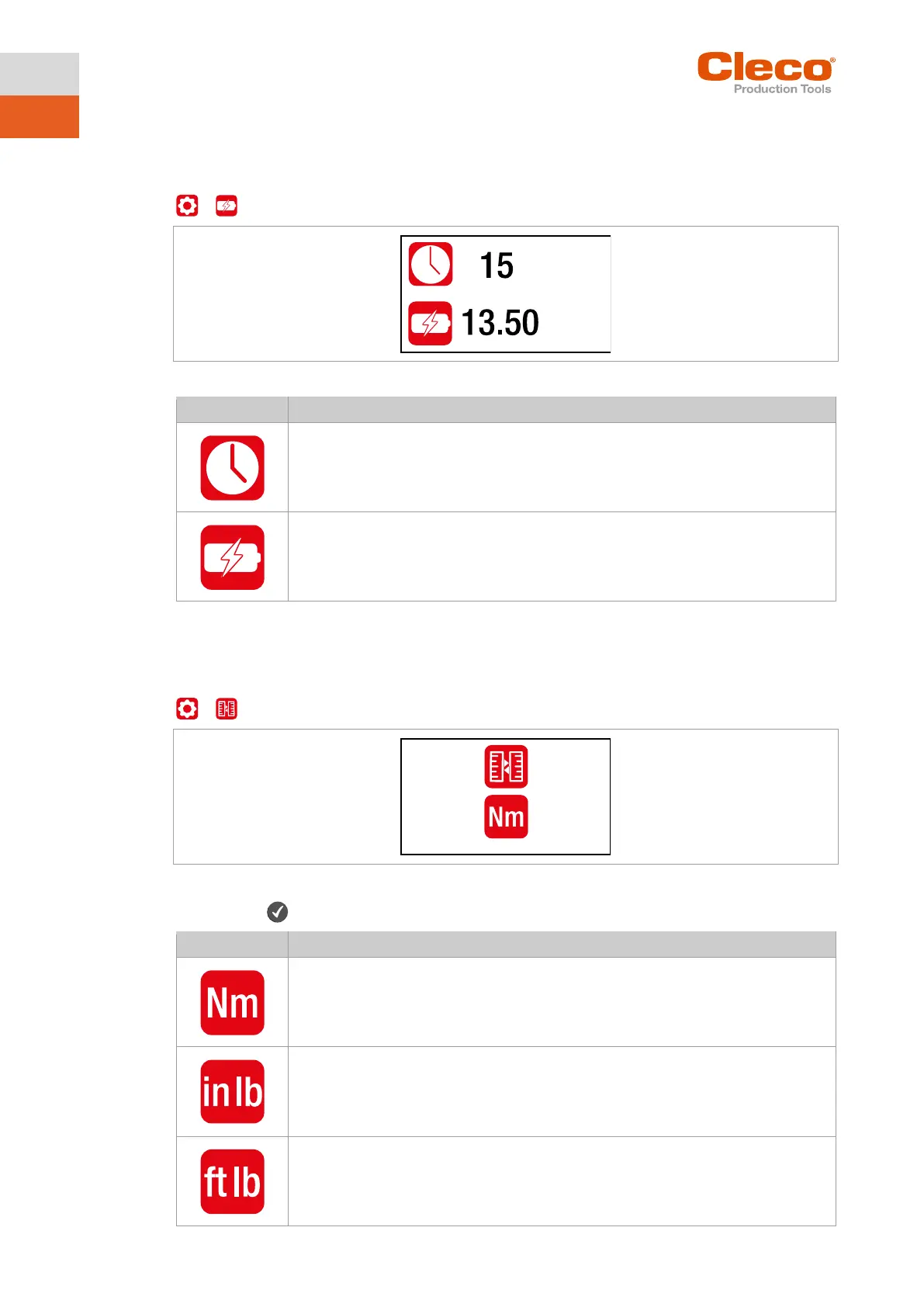
Fig. 5-15: Submenu – Setting the shut-off properties
Enter the time in minutes after which the tool switches off if no button or key has been
pressed.
The undervoltage limit indicates when a battery change is necessary. If the battery volt-
age falls below the defined value, a gray battery symbol flashes on the display and the
same symbol appears in the header.
5.8.5 Selecting the torque units
The torque values on the run screen are displayed in the selected units. The selection is also used for the
data export.
>
Fig. 5-16: Submenu – Selecting units
► Press the button to switch between the following options. The visible option is active.
Units foot-pounds



 To Next Page