P2544PM | 2022-12 | REV H
5.9.8 Torque calibration value
In Torque calibration value, the torque calibration value of the tool can be adjusted. This may be necessary
if the torque of the tool changes due to wear.
This menu is only available in the FastApps mode. In the mPro mode, the menu is hidden.
>
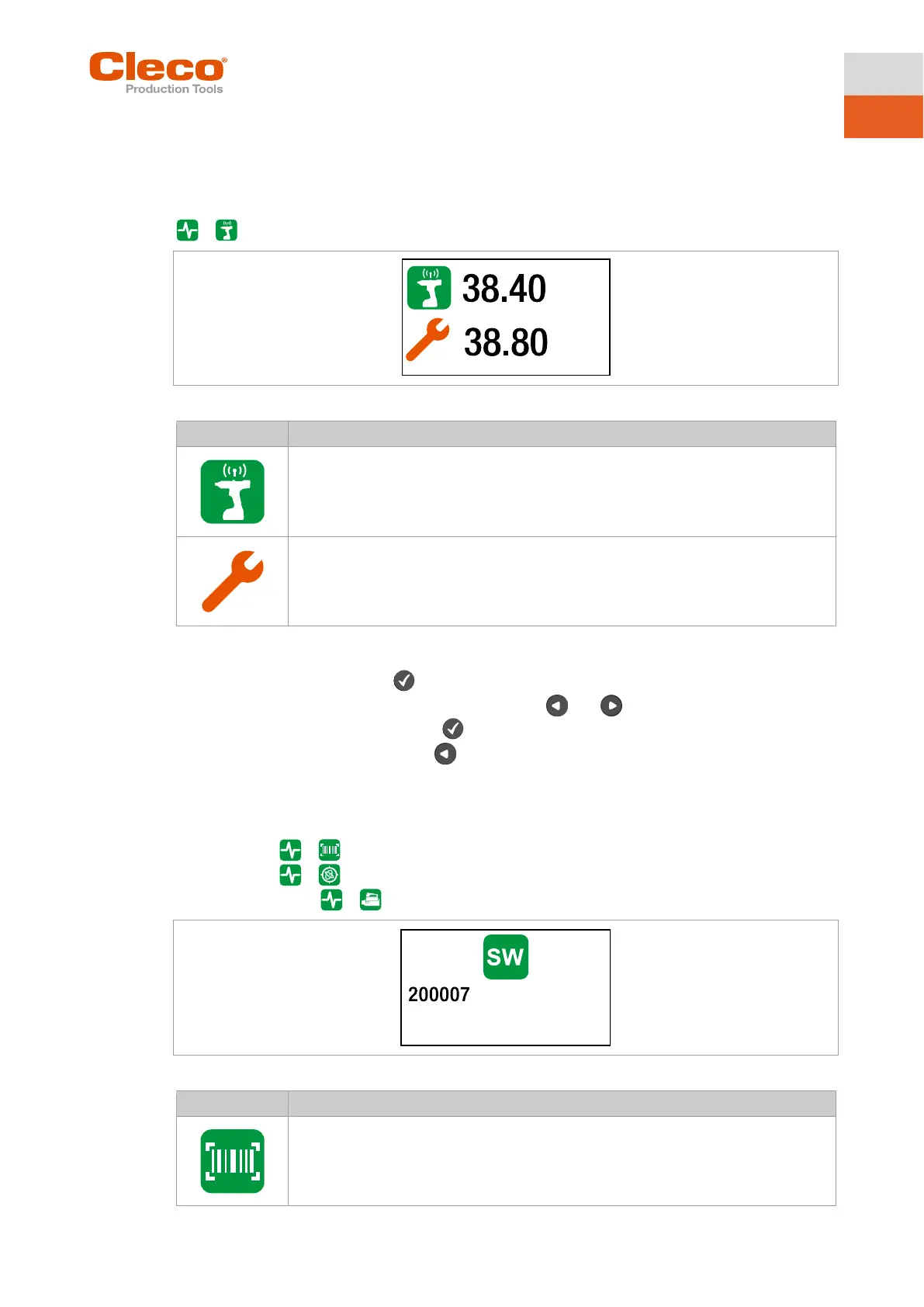
Fig. 5-30: Submenu – Torque calibration value
Display of the static torque constant.
This value cannot be changed.
Display of the dynamic torque constant.
This value can be changed by ± 20% to the static torque constant.
Change the torque calibration value
1. Activate the input box with the button.
2. Increase/decrease the torque calibration value with the and buttons. Enter each digit of the
value individually and confirm with the button. As soon as a digit is confirmed, it is stored.
3. To exit the menu, press and hold the button.
5.9.9 Accessory
If an accessory is used, one of the buttons is displayed depending on the type:
• 2D Reader: >
• Gyroscope: >
• Combi Accessory: >
Fig. 5-31: Submenu – Accessory
Display of the scanned barcode. The symbol is only displayed if a 2D reader is used.
- No function -



 To Next Page