P2544PM | 2022-12 | REV H
5.8.7 Locking a menu
>
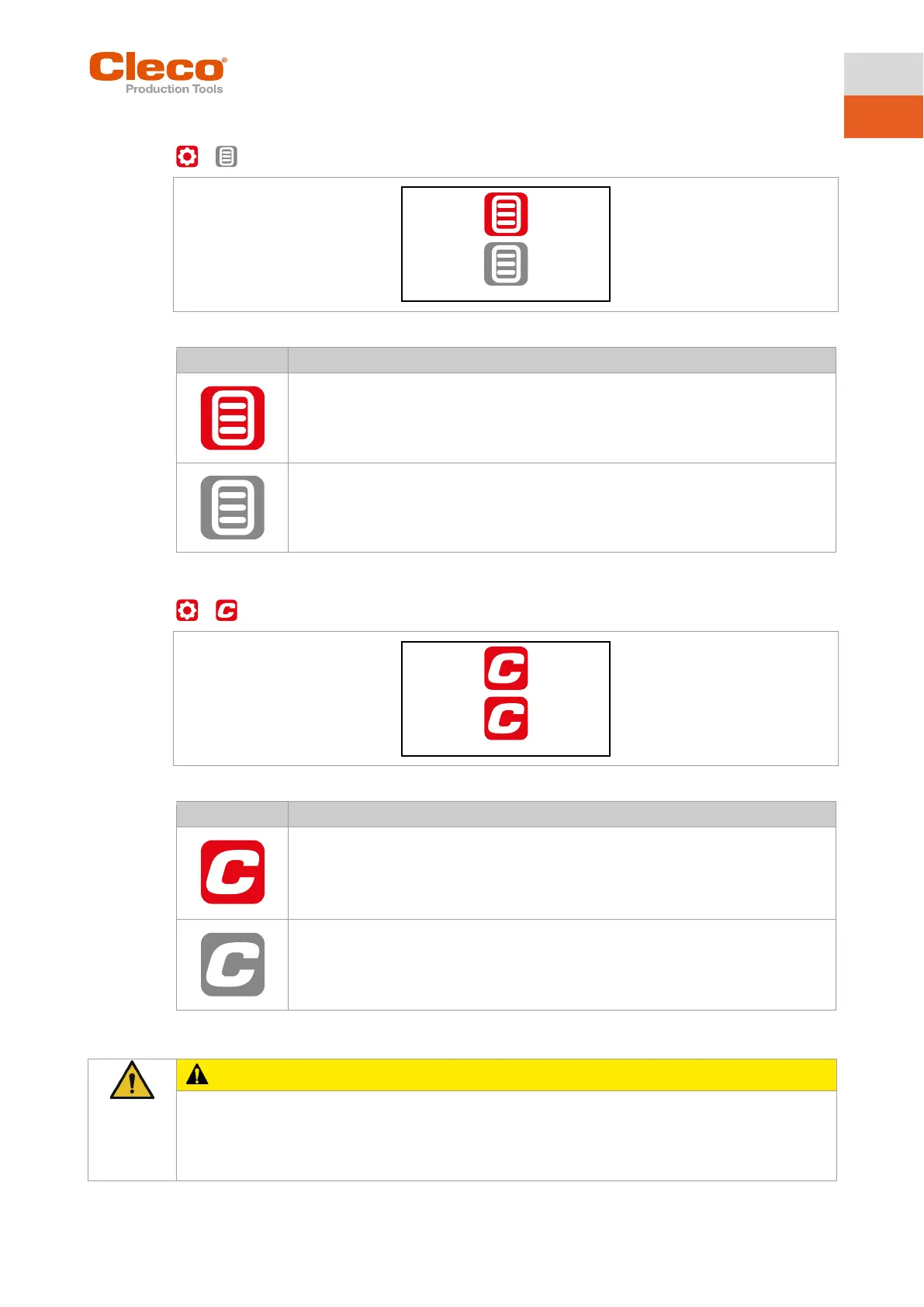
Fig. 5-20: Submenu – Locking a menu
To open the main menu from the run screen, a PIN must be entered. Unlocking is pos-
sible with each access level. The requirement is that a PIN has already been defined.
All menus can be opened without entering a PIN.
5.8.8 Allowing a Linking group/FastApp selection
>
Fig. 5-21: Submenu – Allowing a Linking group/FastApp selection
Requirement: A PIN must be activated.
To switch to another Linking group/FastApp from the run screen, a PIN must be en-
tered. The functionality of the Start switch is not restricted.
Switching between all the parameterized Linking groups/FastApps can be carried out in
the run screen. There is no need to enter a PIN.
5.9 Diagnostics
The rotation of the output can cause severe finger injuries.
► Never reach into the rotating parts of the tool.
► Make sure that the rotation of the tool does not pose any danger.
► Do not perform diagnostic tests on the workpiece. Perform the test with a freely rotating tool.



 To Next Page