P2544PM | 2022-12 | REV H
Enter a PIN (a PIN consists of four numbers)
1. Enter four numbers. The number on the lock indicates which PIN must be entered.
- Use the and buttons to increase/decrease the numbers between 0 and 9.
- Use the button to switch between four input fields.
2. Confirm the PIN with the button.
If the menu is opened, the pin is correct.
If the arrow jumps back to the first number, the pin is wrong.
After unlocking, the tool will lock again if no action is taken for two minutes or if a switch is made to the run
screen.
Changing a PIN
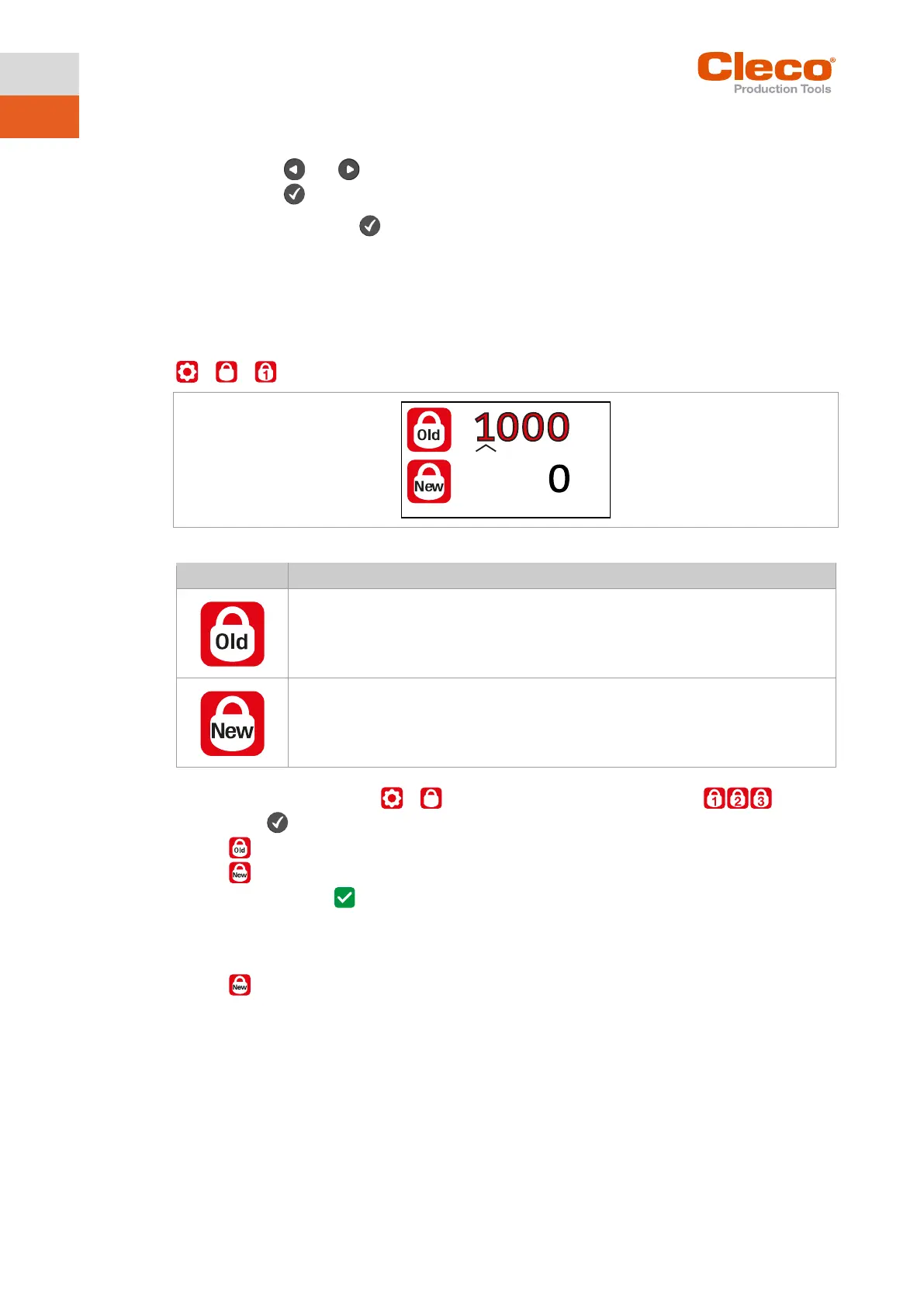
> >
Fig. 5-19: Submenu – Changing a PIN
Change a PIN
1. Navigate to Changing a PIN > and select one of the three access levels .
2. Press the button to activate the input box. The numbers are entered individually.
3. For , enter the old PIN. If no PIN was previously defined, enter 0000.
4. For , enter the new PIN. The PIN must not be 0000.
5. save the PIN, press .
The new PIN is activated and the menu is exited.
Deactivating a PIN
► For , enter 0000 to deactivate a PIN.



 To Next Page