P2544PM | 2022-12 | REV H
As soon as the EAP-TLS encryption is parameterized, the symbol is displayed. The date until the
EAP-TLS certificate file is valid, is displayed next to the symbol. The background color of the date indicates
its status:
The certificate is valid. A WLAN connection to the network is
possible.
The date of the certificate is invalid, e.g. 31.02.2020.
The expiration date has passed and the certificate is no longer
valid. A WLAN connection to the network is not possible.
802.1x EAP-TLS encryption has been configured via the
Cordless RF Configuration software, but no certificate
An EAP-TLS certificate file cannot be uninstalled or transferred to another tool. The EAP-TLS certificate
file can only be deleted if the tool is reset to the factory settings.
To use a newer certificate file, install it on the tool. The tool always uses the certificate file with the newest
date.
5.11 Bluetooth communication
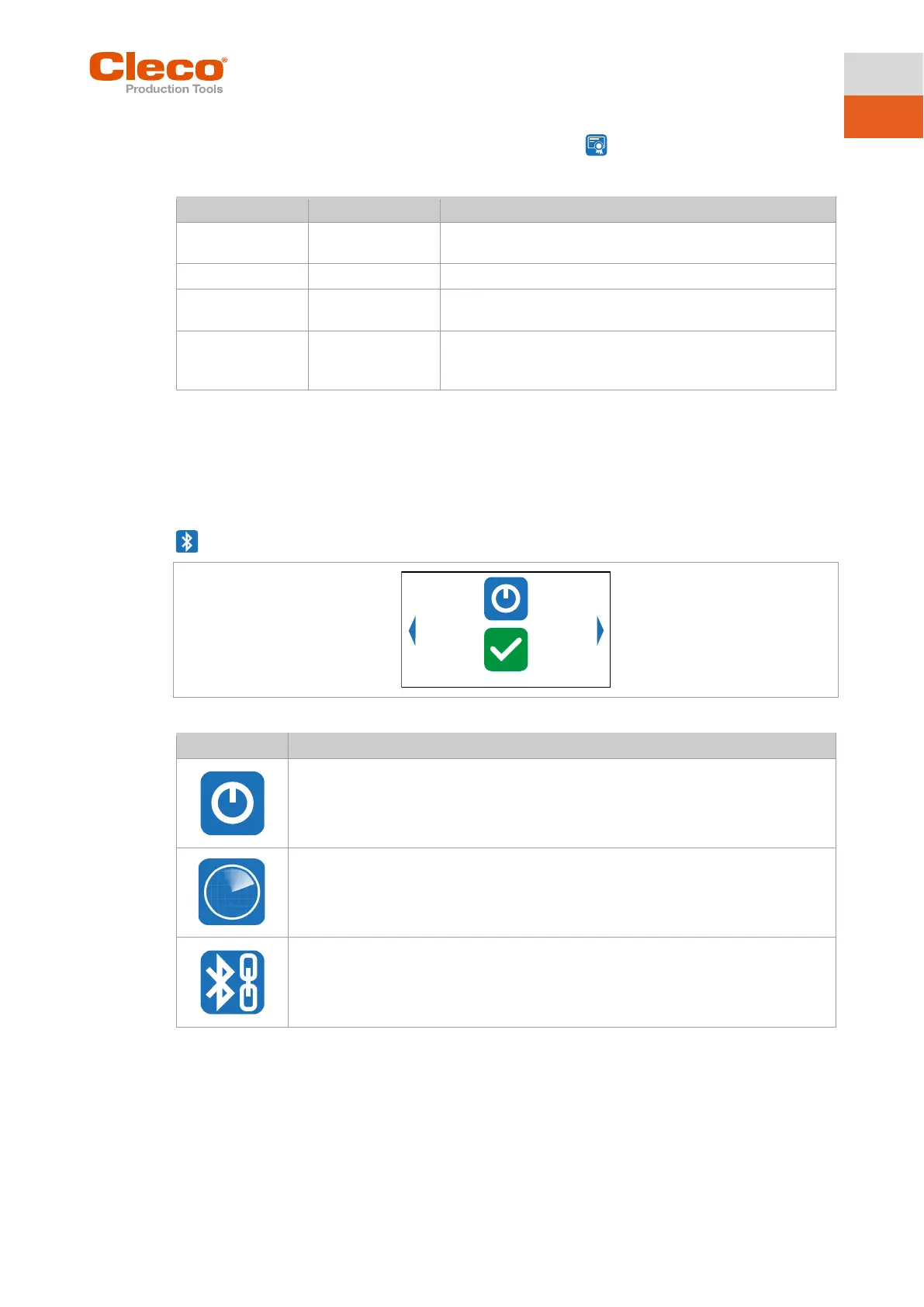
Fig. 5-34: Menu – Bluetooth communication
Activating/deactivating Bluetooth.
Scanning Bluetooth devices and establishing a Bluetooth connection.
Display active Bluetooth connection and disconnect Bluetooth connection.
The MAC address or the name of the controller is displayed with which the tool is
connected via Bluetooth.



 To Next Page