P2544PM | 2022-12 | REV H
► Press to disconnect the Bluetooth connection.
The Bluetooth connection to the device is interrupted.
The Disconnect Bluetooth connection menu is exited.
5.12 Utility
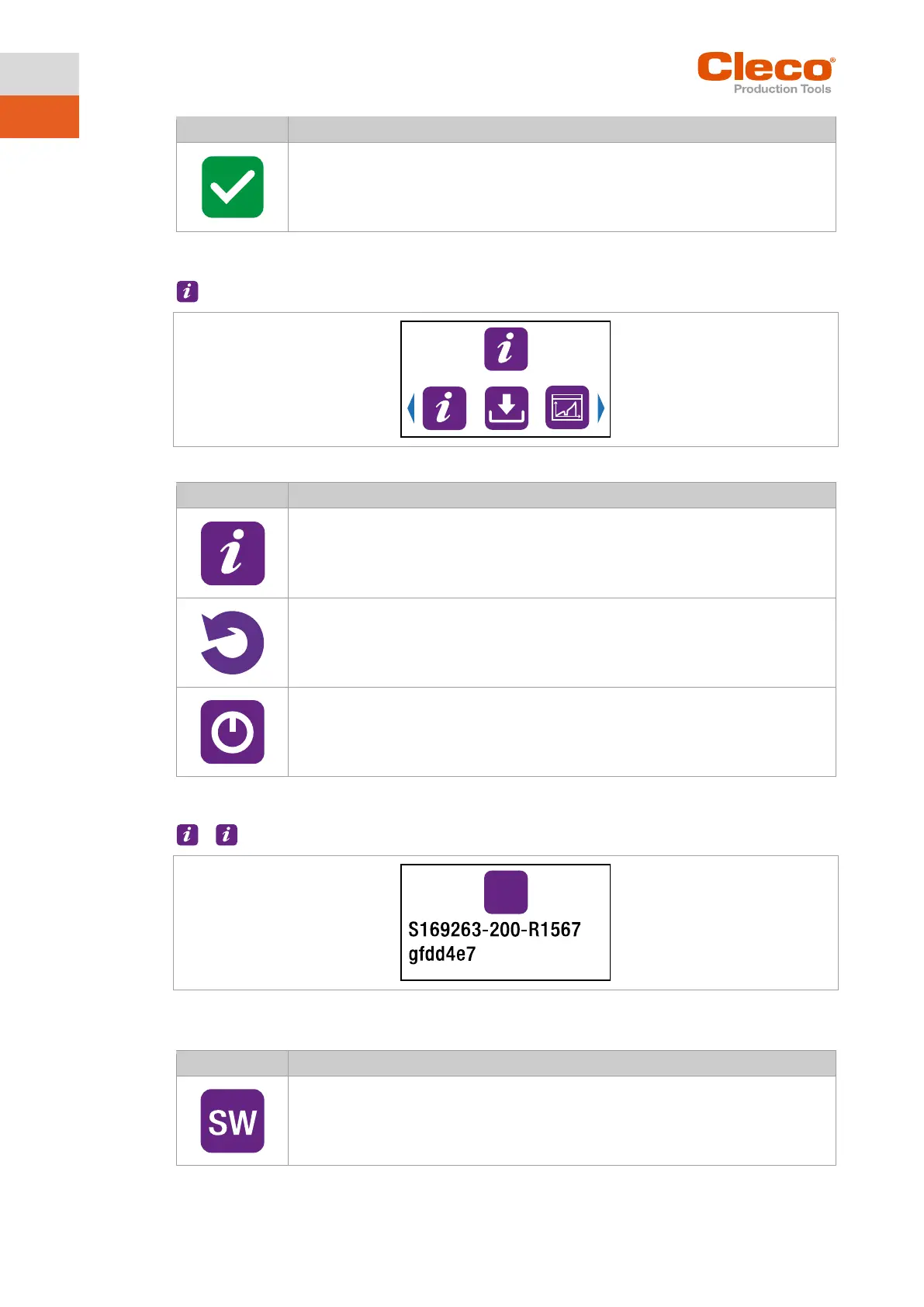
Fig. 5-38: Menu – Utility
Display of the software versions.
Reset to factory settings.
5.12.1 Displaying the software version
>
Fig. 5-39: Submenu – Displaying the software version
► U
se the arrow keys to switch between the menu items.
Display of the software version for the measuring board.



 To Next Page