P2544PM | 2022-12 | REV H
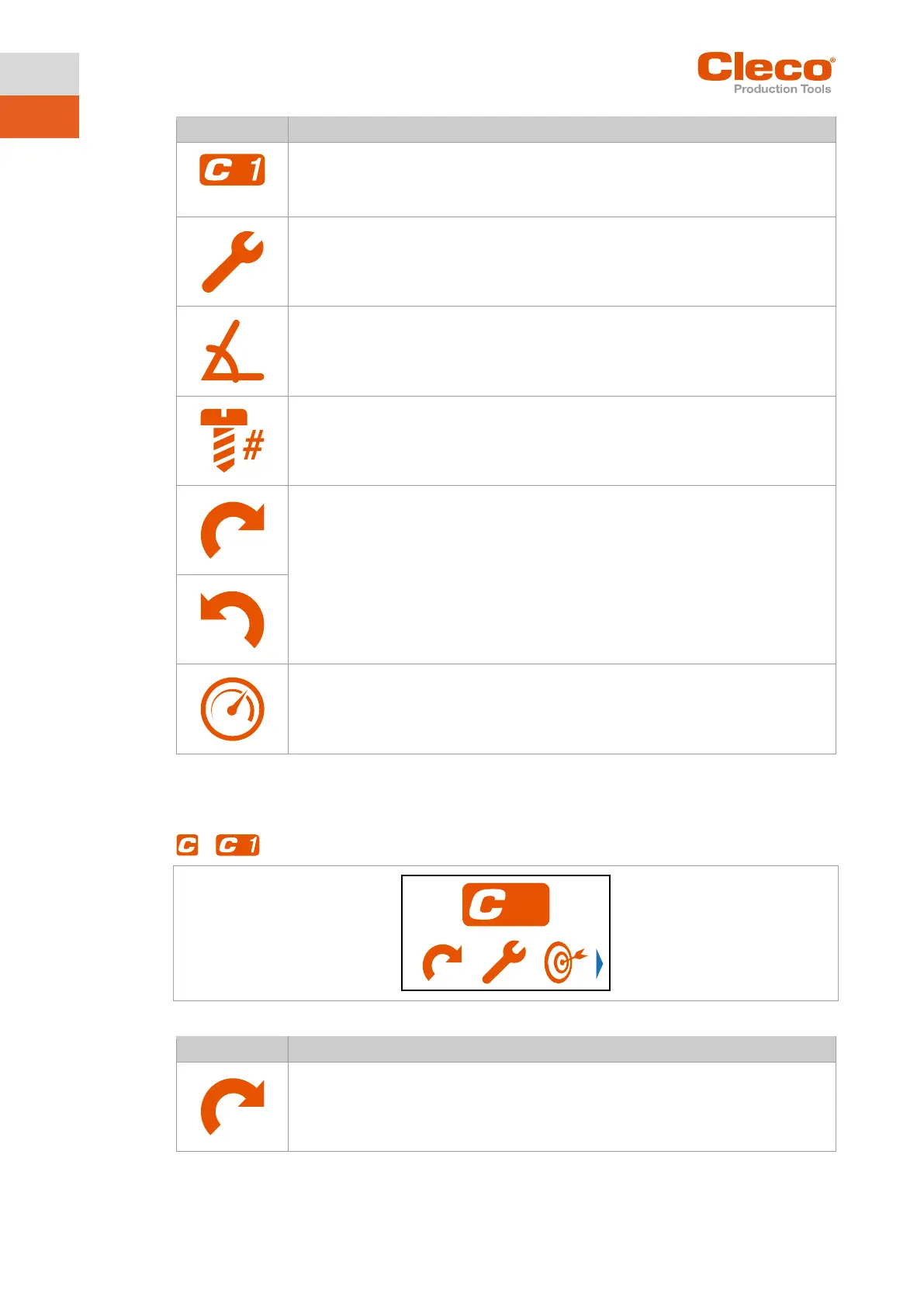
Display of the currently selected FastApp.
Up to ten FastApps can be programmed. The number on the button indicates which
FastApp with torque shut-off.
The number to the right of the symbol indicates the shut-off torque. The unit corre-
sponds to the selection, see chapter 5.8.5 Selecting the torque units, page 36.
FastApp with angle shutoff.
The number to the right of the symbol indicates the shut-off angle.
Display of the selected direction of rotation.
Depending on the selected direction of rotation, one of the two symbols is displayed.
Start speed display.
5.7.1 Configuring FastApps
Up to ten FastApps can be programmed. The maximum tightening time is ten seconds.
>
Fig. 5-6: Submenu – Configuring FastApps
Display of the selected direction of rotation.
Depending on the selected direction of rotation, one of the two symbols is displayed.



 To Next Page