P2544PM | 2022-12 | REV H
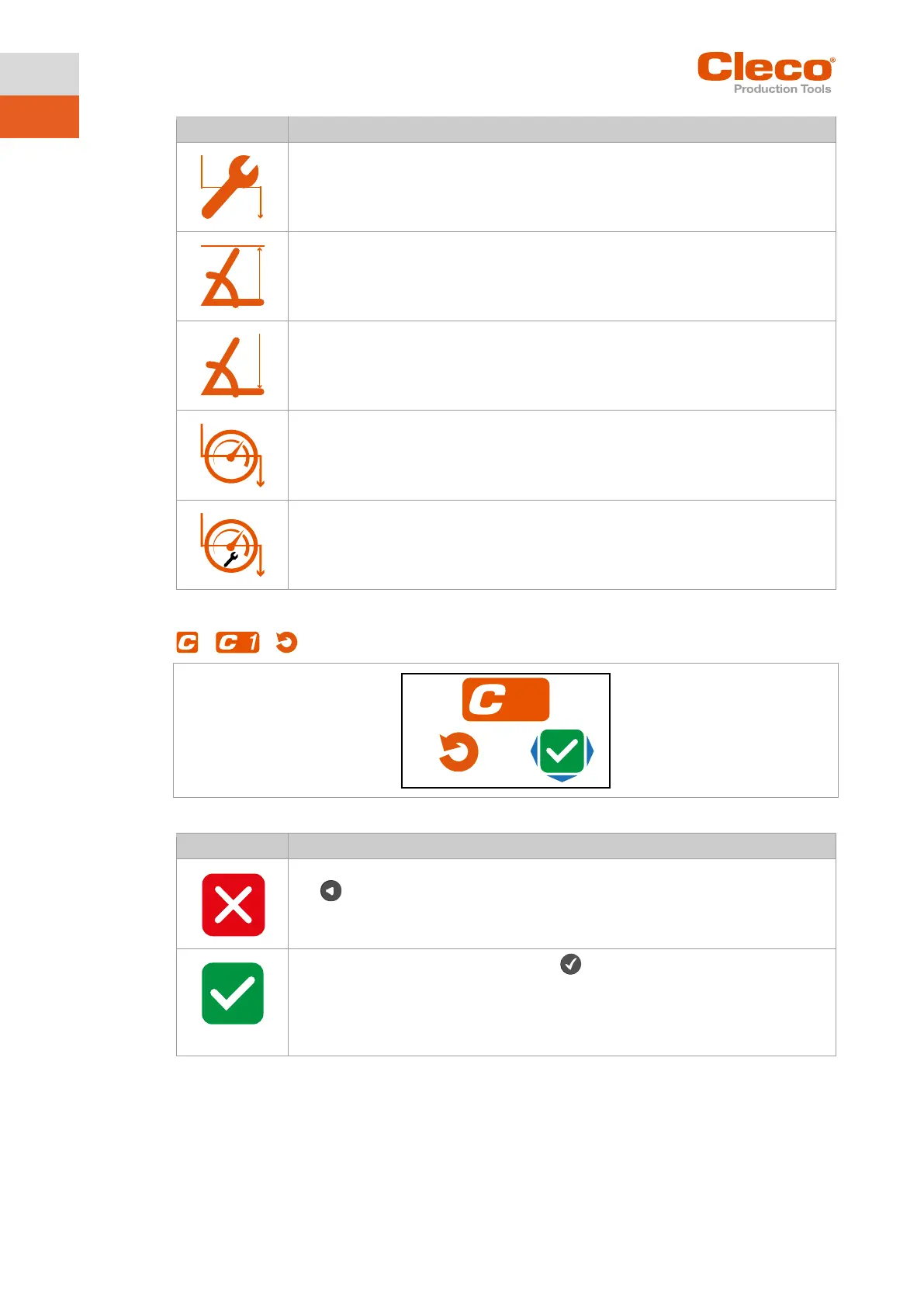
► Entering the Threshold Torque.
► Enter the Maximum Angle.
► Enter the Minimum Angle.
As soon as the Speed Threshold is reached, the speed immediately changes from the
start speed to the Final Speedup to the Maximum Torque.
5.7.5 Resetting FastApp
> >
Fig. 5-10: Submenu – Resetting FastApps
► Select this button to cancel the process. Leave the menu press and hold the
button.
► Select this button and confirm with the button to reset the settings of the
FastApp.
All settings for the selected FastApp are deleted.
The FastApp is no longer parameterized and no parameter settings are displayed
in the Configuring FastApps menu



 To Next Page