P2544PM | 2022-12 | REV H
Result after fastening cycle
▬
Legend
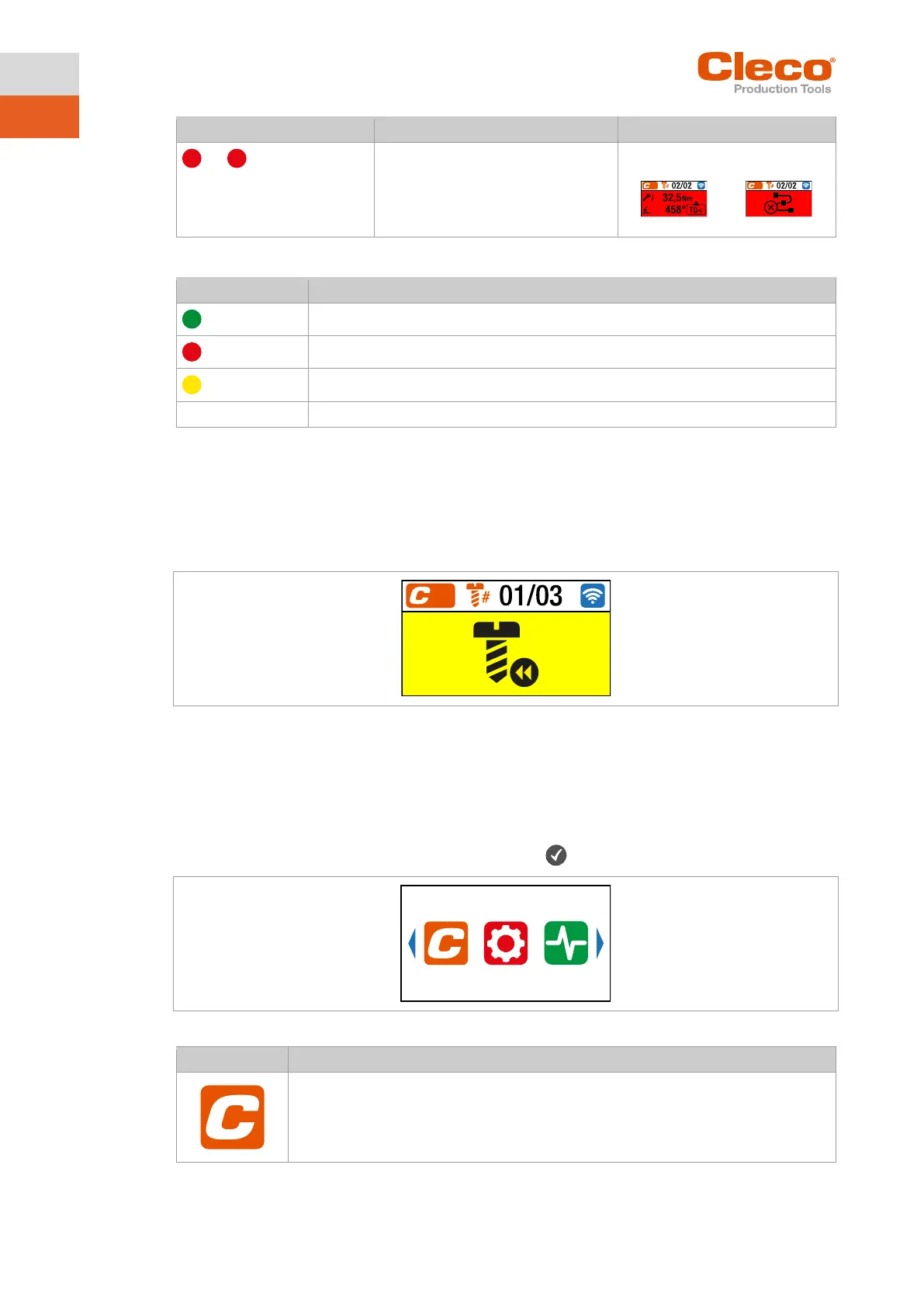
5.5.4 Counterclockwise rotation
In the Counterclockwise Rotation menu, the tool rotates in the opposite direction of rotation as pro-
grammed for the FastApp in the controller or in the FastApps menu. During tightening, the display flashes
yellow-gray.
The speed for the counterclockwise rotation starts at 20 rpm and increases to 300 rpm or the maximum
tool speed, if this is lower than 300 rpm.
Fig. 5-3: Display during counterclockwise rotation
1. To activate the counterclockwise rotation press one of the reverse switches.
2. Press the start button to loosen a rundown with counterclockwise rotation.
3. To return to the run screen, press one of the reverse switches again.
5.6 Main menu
► To go from the run screen to the main menu, press the button.
Fig. 5-4: Main menu



 To Next Page