P2544PM | 2022-12 | REV H
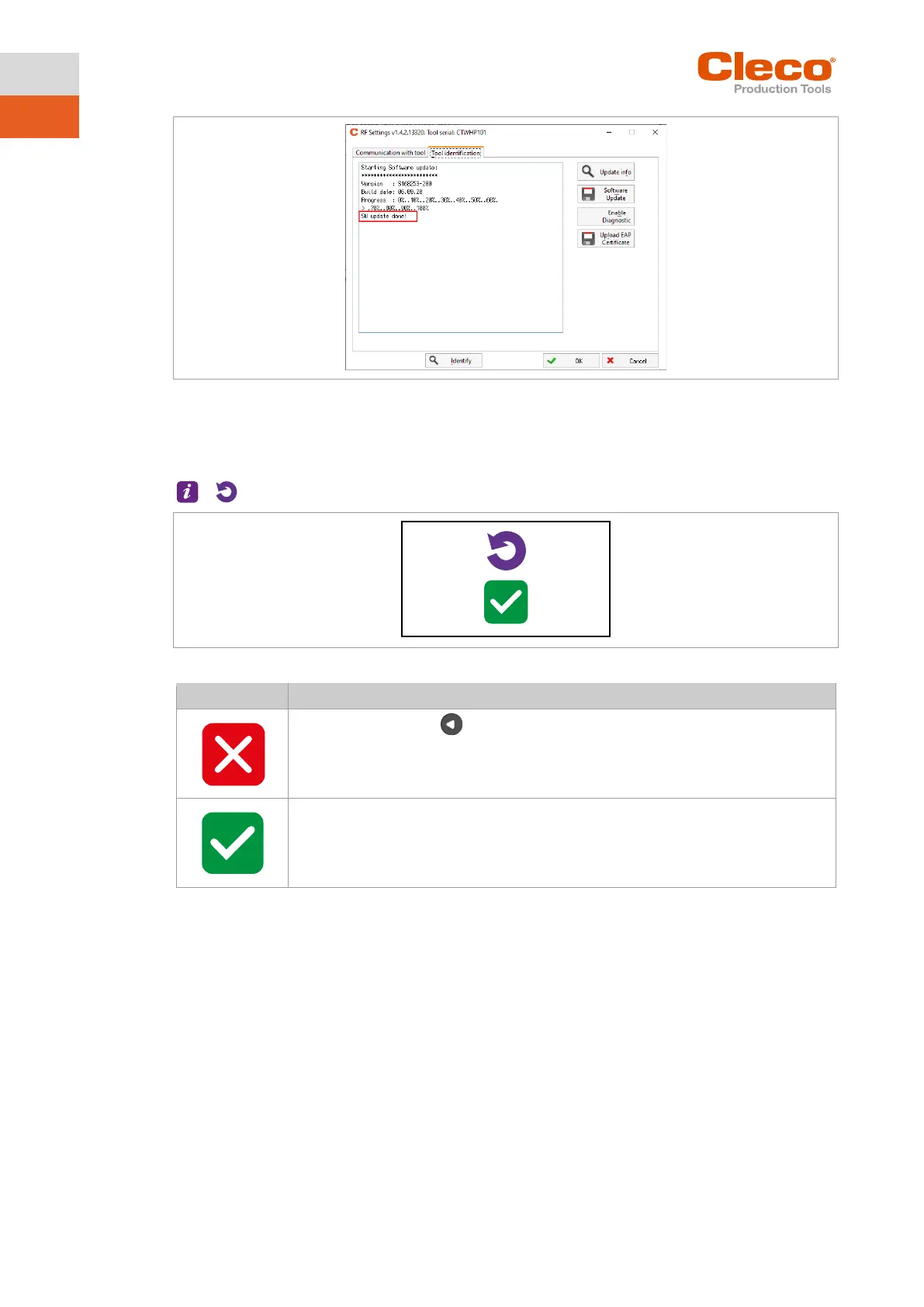
Fig. 5-40: Update process
The software update is finished when the tool restarts.
5.12.3 Resetting to factory settings
>
Fig. 5-41: Submenu – Resetting to factory settings
► Press and hold the button to cancel the process.
T
he tightening results and the torque graphs are not deleted.
► Press to reset the tool to factory settings.
All the settings of the tool and the archive are deleted.
The Resetting to factory settings menu is exited.



 To Next Page