P2544PM | 2022-12 | REV H
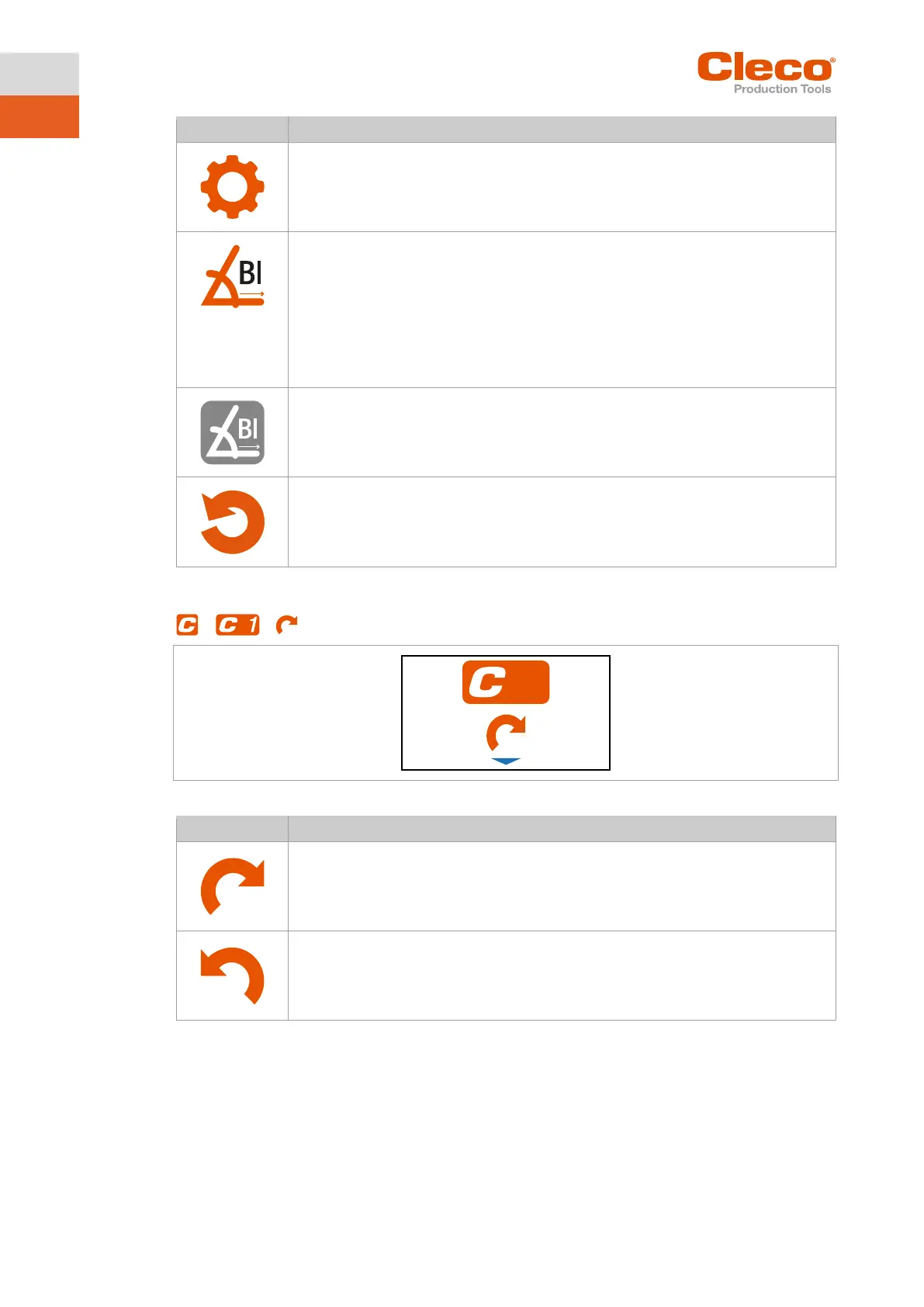
Block Angle Detection activated.
If block angle detection is enabled, a block angle of 180° is added to torque/angle
shutoff. This block angle is used at the start of rundown, to detect if screw is already
tighten or thread/screw damaged or crooked screwed-in. The angle counting starts af-
ter the block angle.
So if within that first 180° the torque exceeds the shutoff-torque (torque shutoff) or
maximum torque (angle shutoff), the rundown is aborted and the "BLOC" error is show.
Block Angle Detection disabled.
5.7.2 Selecting the direction of rotation
> >
Fig. 5-7: Submenu – Selecting the direction of rotation
Direction of rotation, right-hand thread.
Direction of rotation, left-hand thread.



 To Next Page