P2544PM | 2022-12 | REV H
2 Product Description
The cordless tool can be used in two modes of operation:
• In the FastApps mode, the tool works independently without a controller. The Linking groups
(FastApps) and settings are parameterized on the tool.
• In the mPro mode, a connection between the tool and the controller is necessary. The linking group
and settings are parameterized on the controller and sent to the tool.
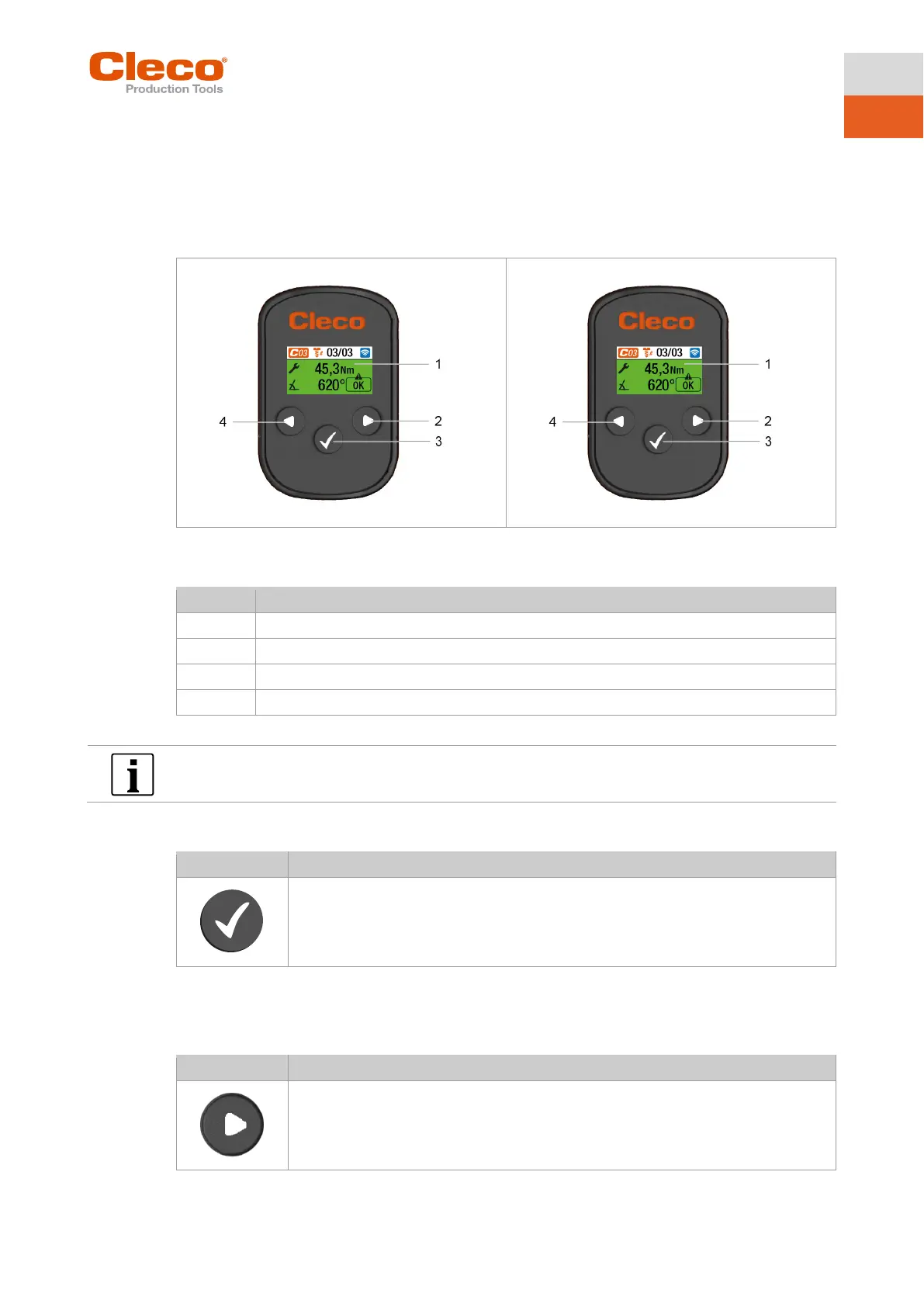
2-1: LCD and tool controls from CTBA
2-2: LCD and tool controls from CTBA
The following description shows the operating elements of the CTBA tools.
2.1 Confirmation button
•
• Confirm settings: The changes are saved.
• Activate parameter to change the value.
2.2 Navigation buttons
Use the navigation buttons to navigate to menu items and settings. Some buttons also have additional
functions.
• Press to move the selection box to the right.
• Press to increase a value.



 To Next Page