P2544PM | 2022-12 | REV H
FastApps menu is deactivated
If the maximum capacity of the tool is too high, the FastApps configuration is not possi-
ble. High torque tools can only be configured in mPro mode.
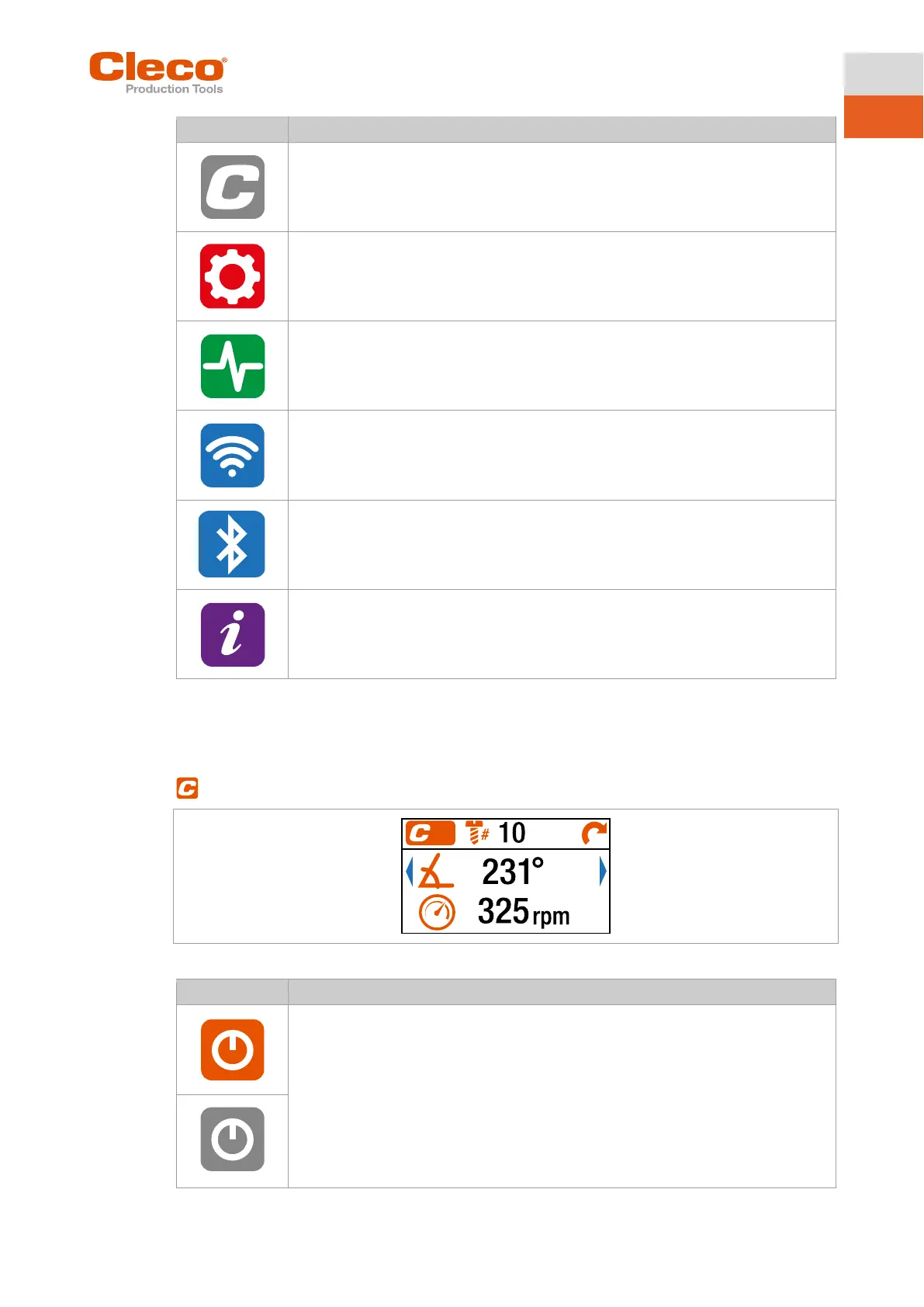
5.7 FastApps menu
The FastApps menu is used to parameterize FastApps. In the mPro mode, the FastApps menu has no
function.
Fig. 5-5: Menu – FastApps menu
FastApps mode is activated.
mPro mode is disabled.
FastApps mode is disabled.
mPro mode is active.
Only the parameters for the selected mode apply. If the mode is changed, the current
settings will not be carried over to the new mode.



 To Next Page