P2544PM | 2022-12 | REV H
5.8.6 Setting the PIN
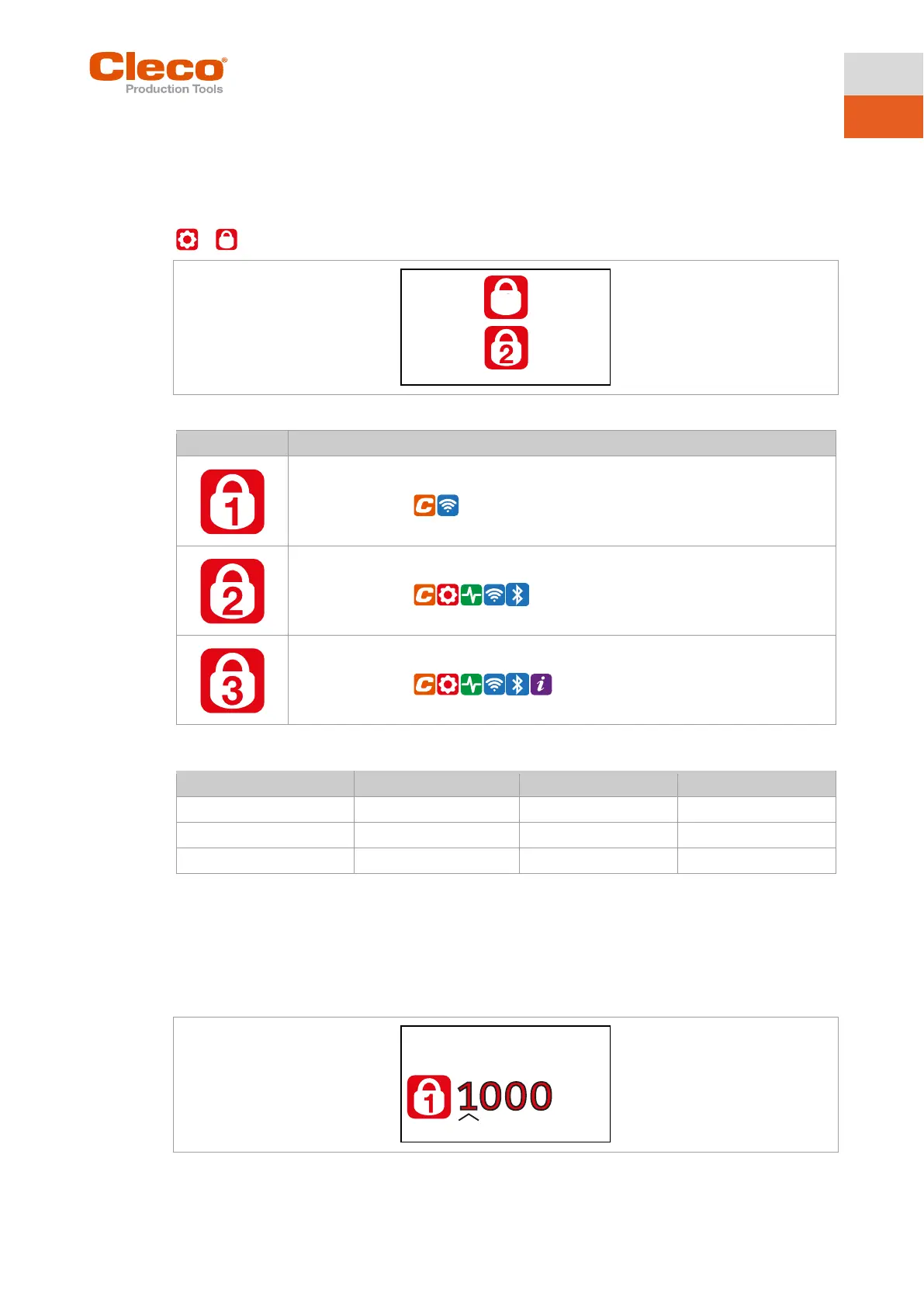
Up to three PINs for three access levels can be defined. With the access levels, different menus can be
available. If a PIN is defined, then the menus can be opened. However, changes can only be made after
entering the required PIN.
>
Fig. 5-17: Submenu – PIN menu
Access Level 1
Valid for the menu:
Valid for the menu:
Valid for the menu:
If only one PIN is defined, then it applies to all the access levels. PINs for higher access levels also apply
to the lower access levels.
Example:
The following PINs are defined:
If asked for PIN 2, both PIN 2 (2222) and PIN 3 (3333) can be entered to access a menu. However, PIN 1
(1111) is invalid.
Entering a PIN
Fig. 5-18: Submenu – Entering a PIN



 To Next Page