P2544PM | 2022-12 | REV H
4.2 Configuring RF settings
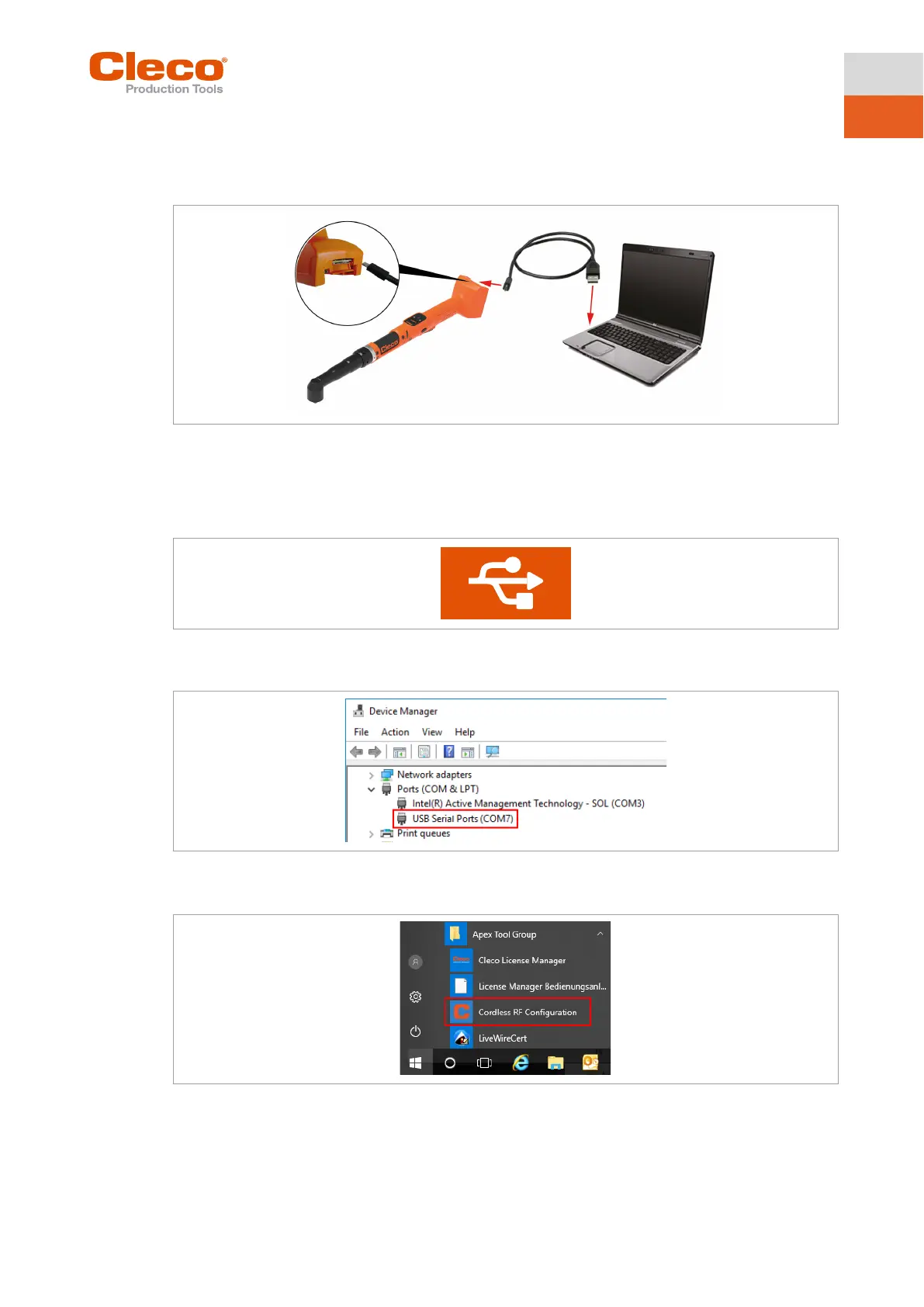
The tool RF settings can be configured with a laptop/PC. Perform the following steps only when WLAN
communication is to be established.
Fig. 4-2: LiveWire Utilities
Configuring tool RF settings
1. Connect the tool to the PC via a Micro B USB cable.
The tool switches on automatically.
The following screen is displayed on the tool:
Fig. 4-3: Display when the tool is connectd to a PC
2. Determine the serial interface (COM port) for the driver in the device manager for the PC.
Fig. 4-4: Device manager
3. Starting the Cordless RF Configuration under Apex Tool Group.
Fig. 4-5: Starting the Cordless RF Configuration program
4. For an IRDA Connection, select the serial interface (COM port) for the driver.
5. Select <Identify> to read out the specific data of the WLAN module.
Tool
Micro-B USB cable
Laptop/PC



 To Next Page