P2544PM | 2022-12 | REV H
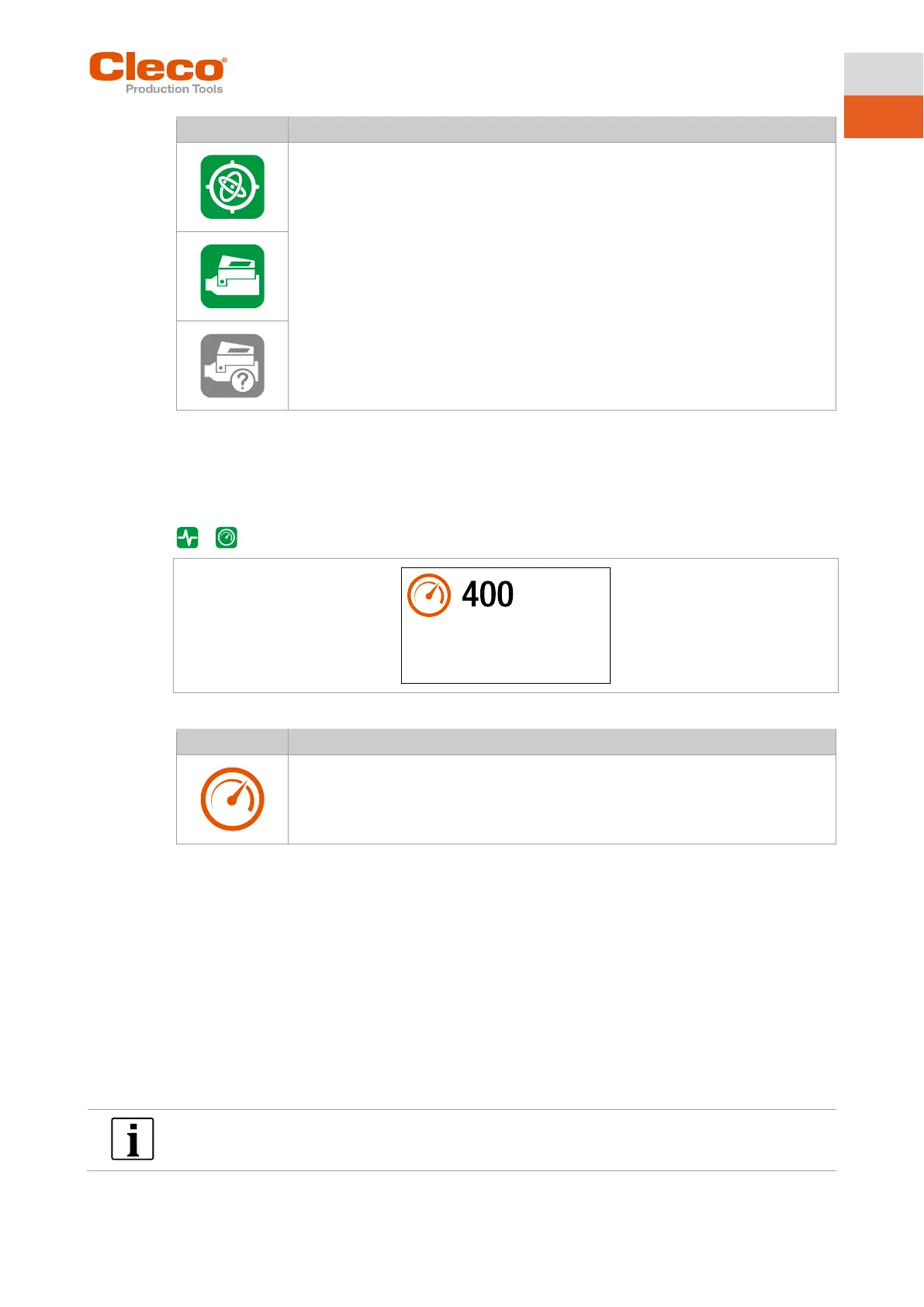
• Gyroscope
• Combi Accessory
• Accessory is not detected
► Perform software update with a newer software version. The latest software ver-
sion can be found at:
https://software.apextoolgroup.com/current-software-packages/celltek/
5.9.1 Speed test
This test function enables an evaluation of the speed.
The speed measurement is based on the angle information from the motor. If the start button is released,
the tool stops. As a safety function, the torque is monitored by the tool transducer. If it exceeds 15% of its
calibrated value, the speed measurement is terminated.
>
Fig. 5-23: Submenu – Speed test
► Keep the Start switch pressed.
The tool runs at maximum speed.
The current speed is displayed.
5.9.2 Angle test
This test function allows an evaluation of the angle measurement.
By using the Start button, the tool starts with 25% of the maximum speed. The speed is limited to a maxi-
mum of 60 rpm. After one revolution at the output (target angle 360°), the tool is stopped. During a fixed
dwell time of 200 ms, any possible angular pulses are still detected. The total result is shown as the Actual
Angle.
If the test run is not aborted by a monitoring criterion and the total result is greater than or equal to 360°,
then it is evaluated as OK and displayed. Monitoring criteria are the torque and a monitoring time.
If the torque exceeds 15% of the calibration value (even during the dwell time), or if the monitoring time
lasts four seconds, then the test run is aborted with an Tq> or TMAX evaluation. However, you must check
for yourself whether the output has rotated by the displayed value (e.g., make a mark).
Make sure that the output shaft has rotated by the indicated number of revolutions (e.g., by marking its po-
sition). If the rotation made by the output shaft does not match the displayed value, either an incorrect an-
gle factor has been set or the angle sensor is defective.



 To Next Page